Undervolt Your GPU? How To
Your graphics card runs hot and loud, and you do not want to lose a single frame. Undervolting the GPU trims its voltage while keeping clock speeds — less heat, less noise, same performance. It is the single best free tweak for a loud card, and safer than it sounds.
TL;DR / Quick Fix
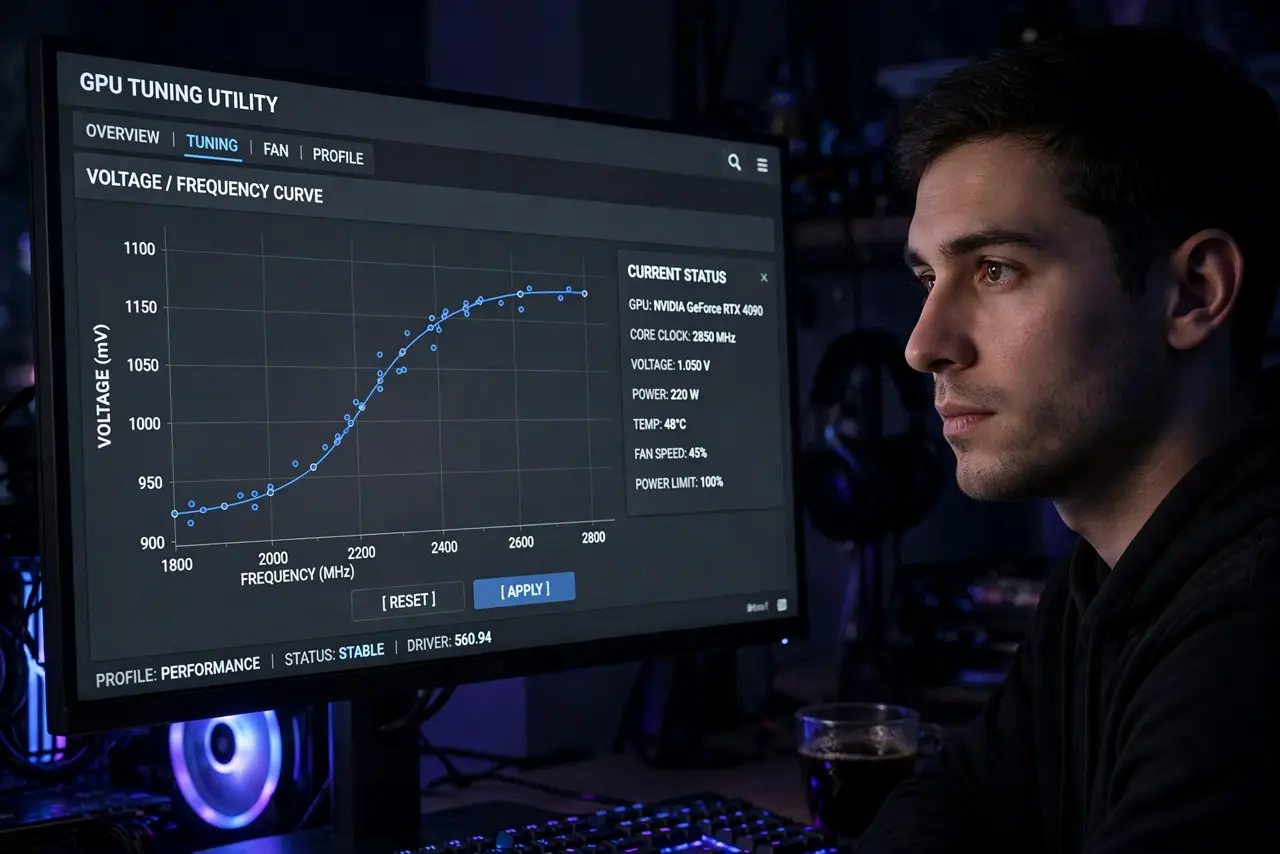
Quick fix: open your GPU tuning utility, lower voltage in small steps at your target clock speed, and stress-test each step. Most cards run stable well below stock voltage — cooler and quieter with identical fps. Crashes mean too far; just revert one step.
Follow these steps
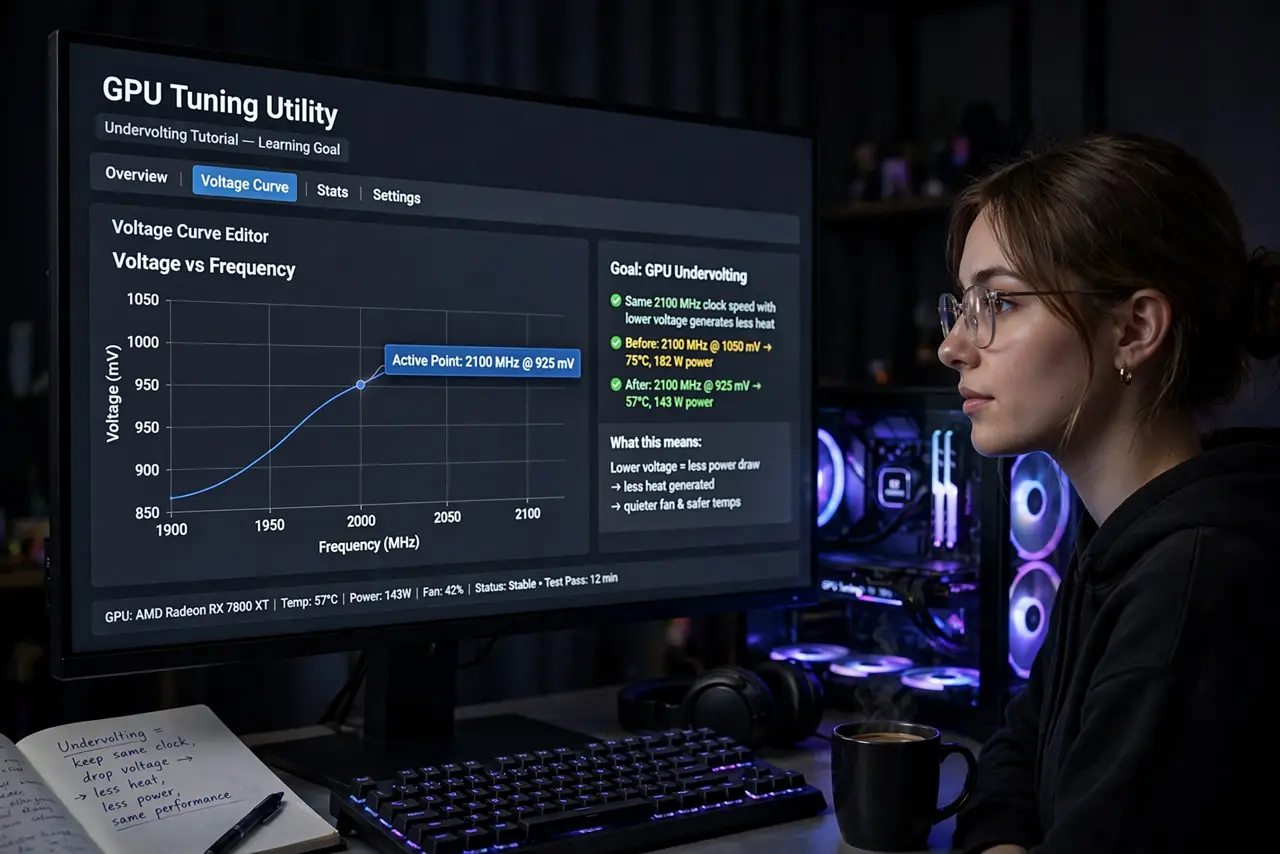
- Learn the goal. Same clock speed, less voltage. The card does identical work while generating less heat — the tuning curve gets an easier job of it.
- Use the maker's tuning utility. The GPU maker's own software exposes the voltage curve safely. Third-party tools work too, but start with official.
- Lower in small steps. Drop voltage a little at a time at fixed clock speed. Small steps reveal the stable limit; big jumps just crash.
- Stress-test each step. Run a demanding game or benchmark for a while per step. Quick tests lie — instability often needs sustained load to appear.
- Watch temperatures, not just stability. The reward is lower temps and quieter fans at the same fps. Record before/after to prove the gain.
- Save the profile. Save the stable undervolt as a profile. Driver updates sometimes reset tuning — reapply in seconds.
What NOT to do
- Do not undervolt and overclock simultaneously at first. Change one variable at a time or you will never know what crashed.
- Do not skip stress testing. A desktop-stable undervolt that crashes mid-game is worse than stock.
- Do not expect every card to undervolt equally. Silicon varies — your card's limit is its own, not the forum poster's.
- Do not fear the crash. An undervolt crash is a driver reset, not damage — lower voltage cannot harm the card.
Frequently asked questions
Does undervolting reduce performance?
Not when done right — clock speed stays fixed while voltage drops. Performance only falls if you also lower clocks.
Is GPU undervolting safe?
Yes. Less voltage cannot damage silicon; the worst case is a crash that reverts on reboot. See the CPU version for the same principle.
How much cooler will it run?
Varies by card, but meaningful drops are common — enough to quiet fans noticeably while keeping every frame.