Try Grayscale for Focus
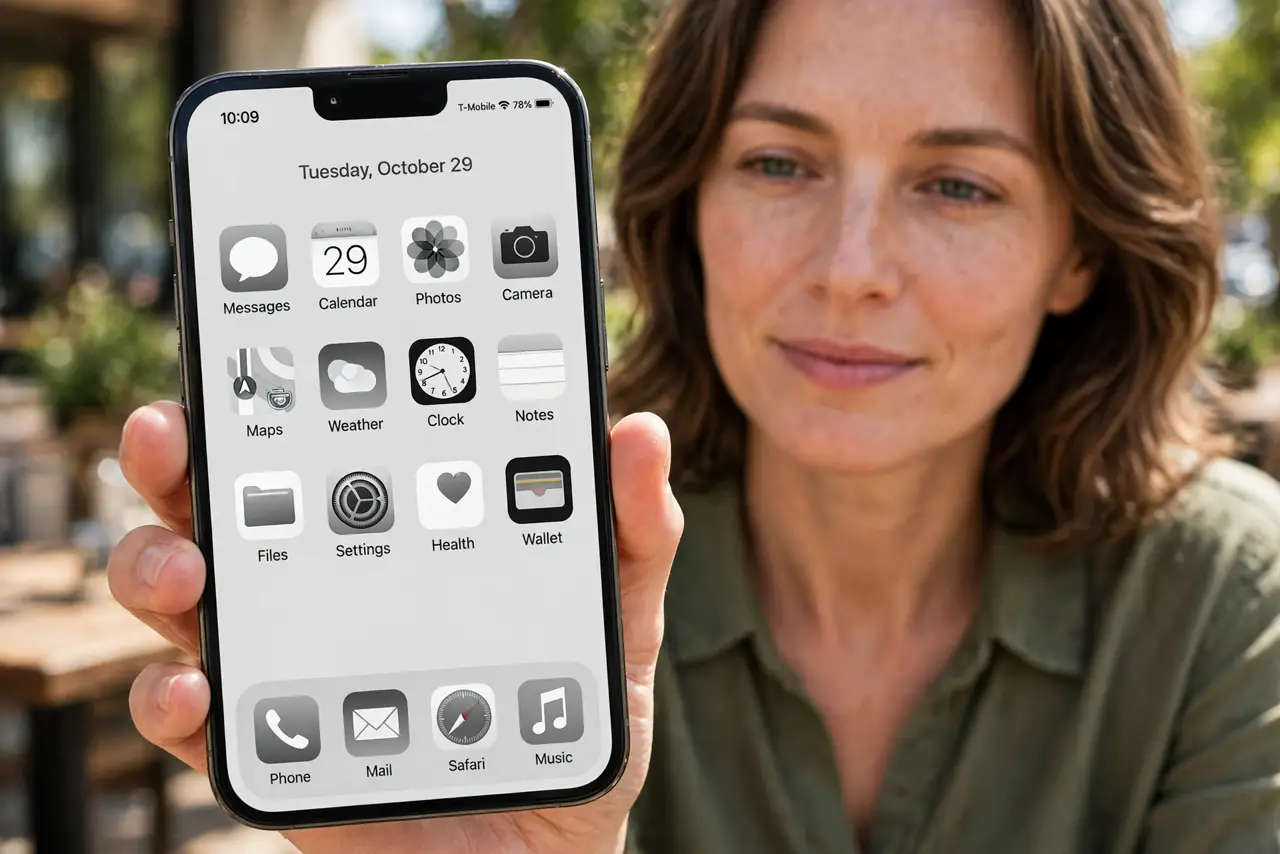
Your phone is engineered to be irresistible — and color is one of its secret weapons. Red badges, rainbow app icons, vivid photos: every hue is tuned to grab your eye. Flip the screen to grayscale and the magic evaporates — the phone becomes a boring tool again. It is the simplest focus hack that actually works.
TL;DR / Quick Fix
Quick fix: turn your phone grayscale to drain the color-driven dopamine from apps — social feeds get boring fast in black and white. On iPhone use Accessibility color filters; on Android use Bedtime mode or Digital Wellbeing. Keep it on for a week and watch your screen time drop.
Follow these steps
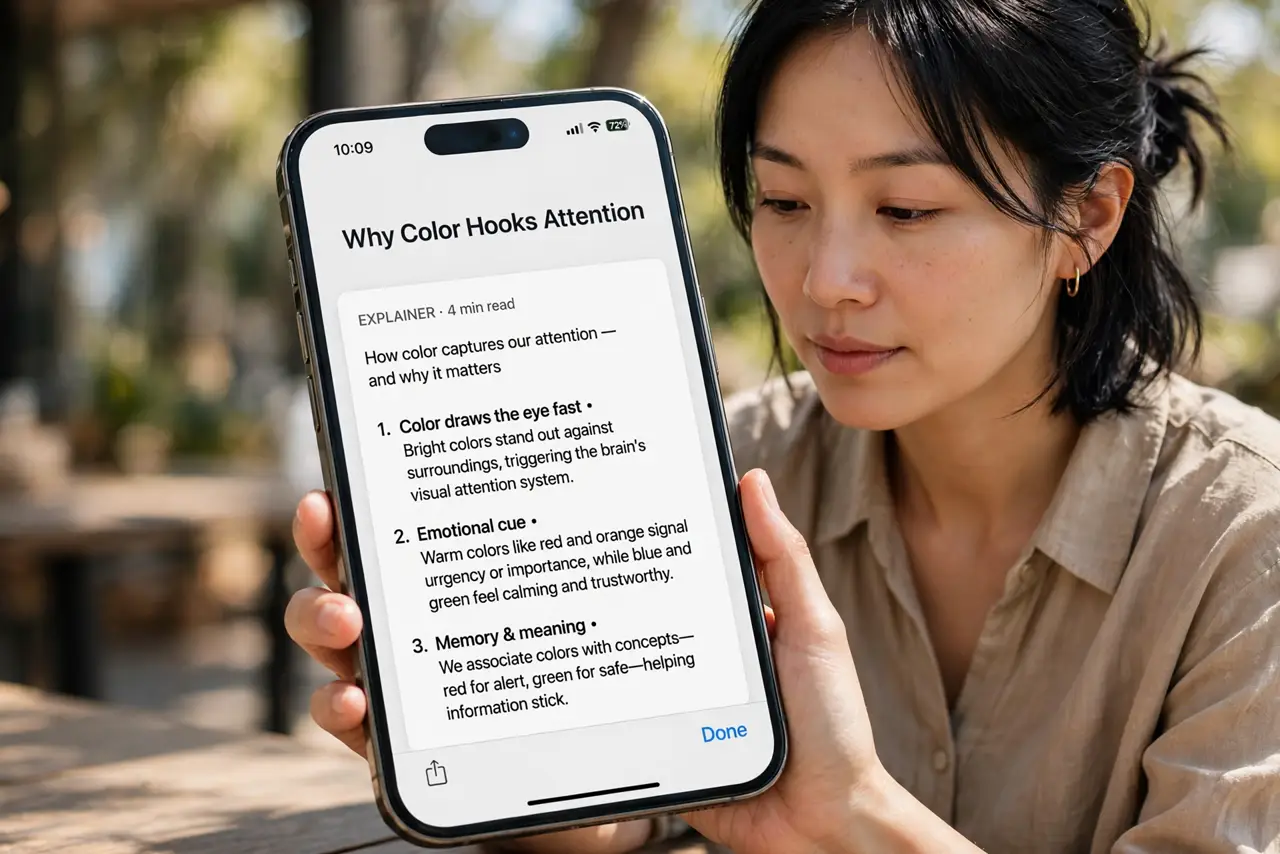
- Understand why color hooks you. App designers use color deliberately — red for urgency, bright gradients for delight. Grayscale removes the emotional layer, leaving information without the candy coating. You still see everything; nothing sparkles.
- Turn it on — iPhone. Go to Settings > Accessibility > Display & Text Size > Color Filters, turn it on, and choose Grayscale. Add it to the Accessibility Shortcut (triple-click side button) so you can toggle it without digging through settings.
- Turn it on — Android. Open Settings > Digital Wellbeing > Bedtime mode and enable Grayscale, or find Color correction / Grayscale under Accessibility. Many Androids also let you schedule it — grayscale after 10pm is a superb wind-down cue.
- Set the fast toggle. The trick only sticks if toggling is instant. Put the grayscale switch on your Accessibility Shortcut, Quick Settings tile, or triple-tap — one gesture between color and calm.
- Commit to one full week. The first two days feel broken; by day four the phone feels like a tool. A week is the honest trial — combine it with a notification detox for the full effect.
- Use color intentionally, not by default. After the trial, many people keep grayscale as default and flip color on only for photos or maps. Color becomes a chosen treat rather than the constant background.
What NOT to do
- Do not expect grayscale to fix compulsion alone. It removes the visual hook, not the habit — pair it with notification limits for the real change.
- Do not toggle it off 'just to check' constantly. Every peek retrains the craving; commit to the week or do not bother starting.
- Do not use it as a punishment. Framing grayscale as deprivation breeds resentment — frame it as choosing what your attention is for.
- Do not forget photos and maps still need color. Toggle back for the camera roll or navigation, then return — intentional use, not permanent exile.
Frequently asked questions
Does grayscale really reduce screen time?
For most people, noticeably — studies and countless self-experiments agree the phone gets less appealing. It is not magic, but it is the highest-leverage one-setting change.
Will it mess up my photos?
No — it only changes the display, not the files. Photos stay full color; you just view them in gray until you toggle back.
Can I schedule it automatically?
Yes on both platforms — Bedtime schedules on Android, and Shortcuts automations on iPhone can flip the filter on a schedule. Automation beats willpower.