Habit Tracker Reminder at Wrong Time? Fix It
A reminder that fires at 3 a.m., or during a meeting, gets ignored or muted, and then the habit gets missed too. The fix is matching the reminder to your actual routine, not to the app's default time.
TL;DR / Quick Fix
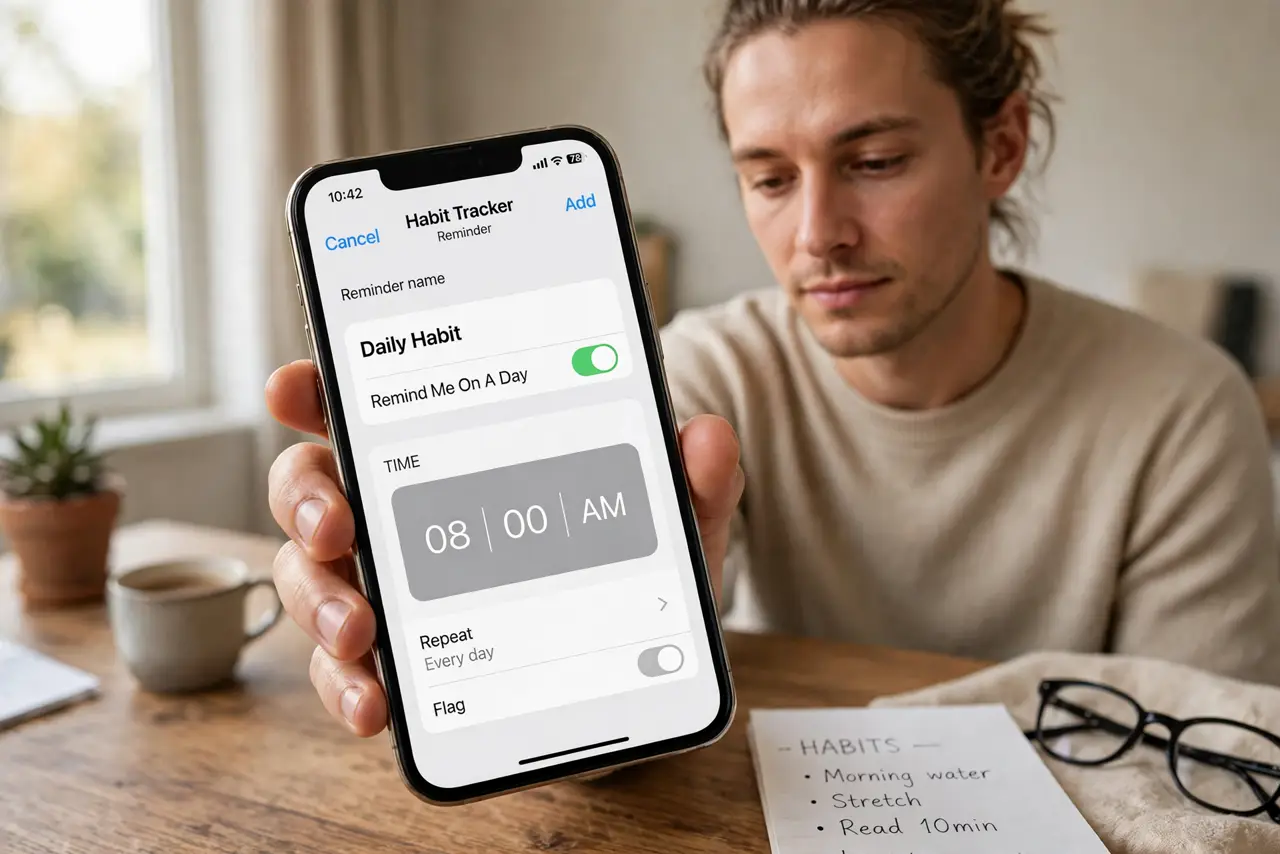
Quick fix: Open the reminder setting for that habit. Set the time to a moment in your real routine. Check the timezone and daylight saving shift. Check quiet hours and notification permissions. Test the new time the same day. Fix the streak habit alongside the reminder.
Follow these steps
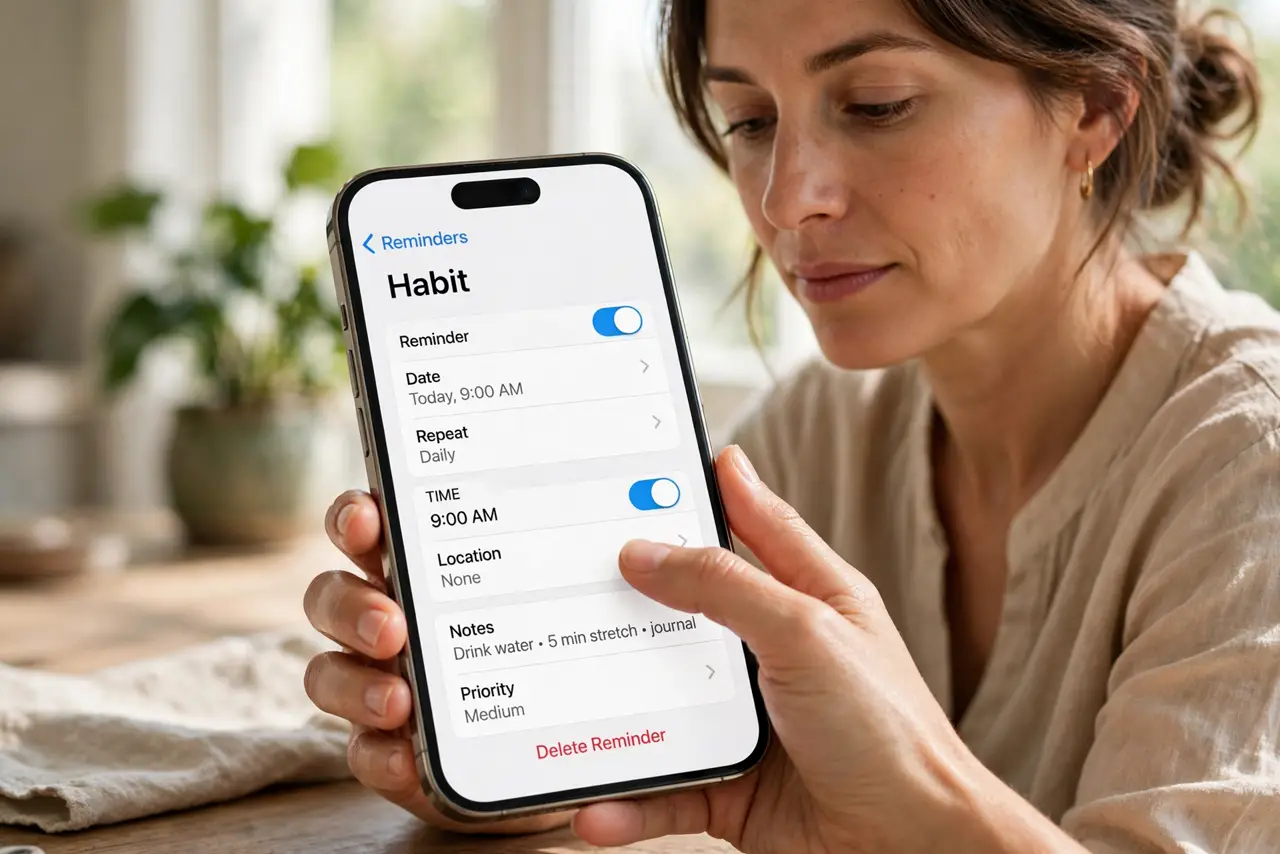
- Open the reminder setting for that habit. Find the reminder inside the specific habit, not just the app's general settings. Per-habit times override general defaults, and defaults are often the problem.
- Set the time to a moment in your real routine. Attach the reminder to something you already do, such as after breakfast or before bed. A reminder tied to a routine gets acted on.
- Check the timezone and daylight saving shift. A reminder that suddenly moves by an hour usually follows a timezone or daylight saving change. Reset it once after such a change.
- Check quiet hours and notification permissions. Confirm the app can notify you and that quiet hours do not swallow the reminder. A silenced reminder is the same as no reminder.
- Test the new time the same day. Set a test reminder a few minutes ahead and confirm it arrives. Testing proves the chain works before you rely on it tomorrow.
- Fix the streak habit alongside the reminder. A reminder at the right time, logged well before midnight, protects both the habit and the streak that motivates you.
What NOT to do
- Do not set all reminders for the same default time. A pile of simultaneous reminders gets dismissed as a group.
- Do not mute the app because one reminder annoyed you. Fix that reminder's time instead.
- Do not rely on a reminder during a time you are always busy. A reminder you cannot act on trains you to ignore it.
- Do not forget daylight saving changes. An hour's drift is enough to push a reminder into the wrong part of your day.
Frequently asked questions
Why did my reminder move by an hour?
Usually a timezone or daylight saving change shifted it. Reset the time once after the change.
What is the best reminder time?
A moment tied to an existing routine, when you can actually do the habit, not just notice the reminder.
Why do I never see the reminder?
Check notification permissions and quiet hours. Either can silently swallow it.