Handheld Gaming PC Basics
Handheld gaming PCs went from a niche curiosity to a real category — several makers now sell portable machines that play full PC games. But they differ wildly in operating system, battery life, weight, and price, and the wrong pick becomes an expensive drawer decoration. This guide breaks the choice into three questions so you buy the handheld you will actually carry and play.
TL;DR / Quick Fix
Quick fix: choosing a handheld gaming PC comes down to where you will play, what you will play, and your budget. The Steam Deck is the value pick for Steam libraries; Windows handhelds run everything else. Check battery life and weight before price.
Follow these steps
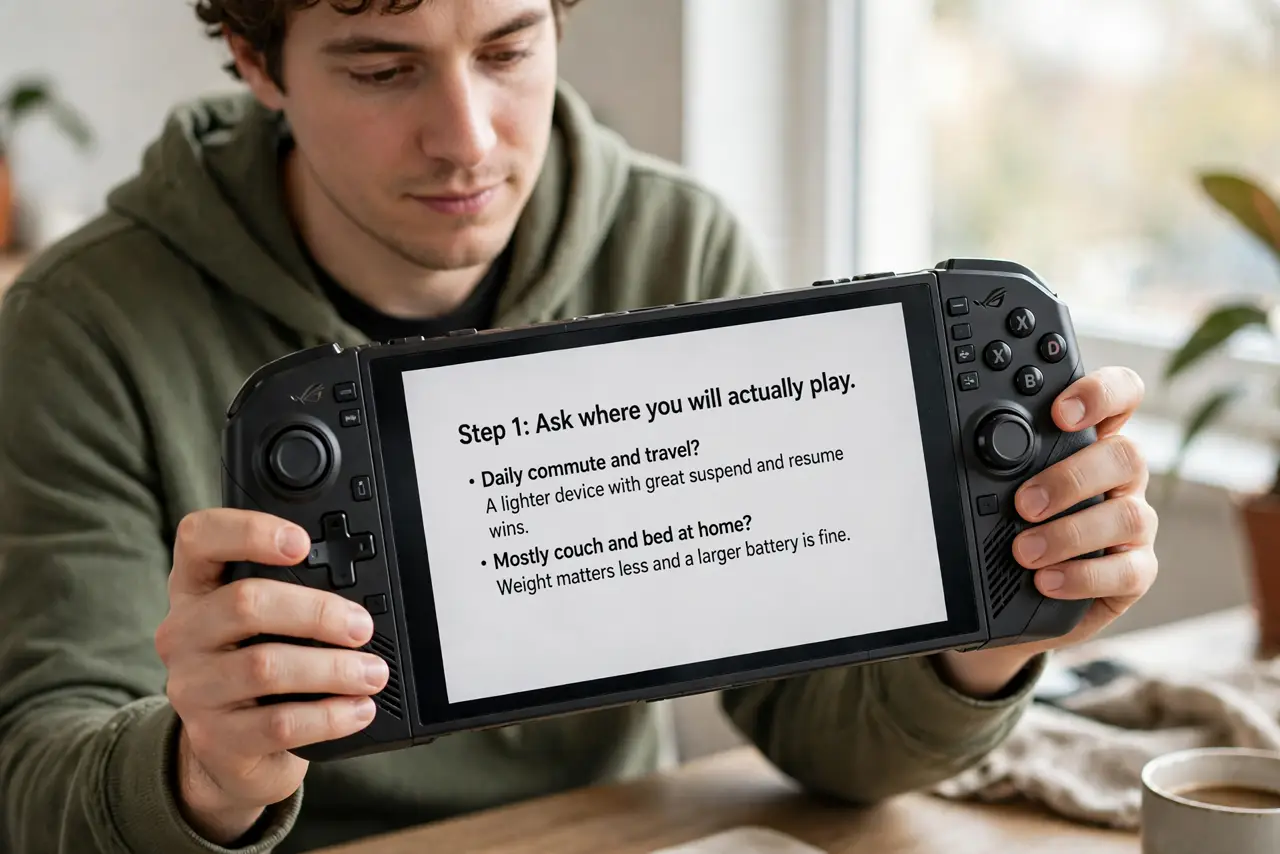
- Ask where you will actually play. Daily commute and travel? A lighter device with great suspend and resume wins. Mostly couch and bed at home? Weight matters less and a bigger screen matters more. Be honest — a handheld that stays home competes with your PC, not your phone.
- Ask what you will play. If your library lives on Steam, a Steam Deck runs it natively and cheaply. If you need other launchers, Game Pass, or anti-cheat-heavy multiplayer titles, a Windows handheld avoids compatibility headaches entirely.
- Set the budget with storage in mind. Base models look cheap until you add storage — modern games are enormous. Price the device plus a large microSD card or the bigger storage tier, since the true cost includes room for your library.
- Check battery life for your games. Demanding 3D games drain any handheld in a couple of hours; indie and older titles stretch much further. Read battery tests for the specific games you play, not the maker's best-case claims.
- Hold the weight question seriously. A 600-plus-gram device sounds fine in a review and feels heavy after an hour of play. If you have small hands or wrist issues, lighter wins — comfort decides whether it gets used.
- Consider the retro angle too. If your real interest is older games rather than new releases, a cheaper retro handheld plays classics brilliantly for a fraction of the price — do not buy a PC powerhouse for pixel art.
What NOT to do
- Do not buy for specs alone. The fastest chip with two-hour battery life and an uncomfortable grip loses to the balanced device every time.
- Do not ignore the operating system. A Linux-based handheld and a Windows handheld feel completely different to manage — pick the one you will tolerate updating.
- Do not forget game size. A 64 GB base model holds barely two modern games; storage is part of the purchase, not an accessory.
- Do not expect desktop performance. These are portable machines with portable thermals and batteries — they play PC games, not at PC settings.
Frequently asked questions
Is the Steam Deck still the best value?
For Steam-library players, yes — nothing matches its price-to-experience ratio. Windows handhelds cost more but run everything, so the 'best' depends on your library, not a ranking.
Can handheld PCs replace a gaming laptop?
For travel and couch play, often yes. For long sessions at a desk, a laptop's bigger screen, keyboard, and cooling still win — different tools for different places.
Do I need fast internet for one?
For downloading games, yes — they are huge. For playing, no more than any PC. Download overnight before trips.