Hard Drive Clicks on Startup? Act Fast, Safely
Clicking from a hard drive on startup is a warning that the drive may be failing. The drive may still work for a short while, but every extra start can be the one that stops it. Back up first, use the drive as little as possible, and plan a replacement. This is different from a clicking external drive, where the cable and power are the first checks.
TL;DR / Quick Fix
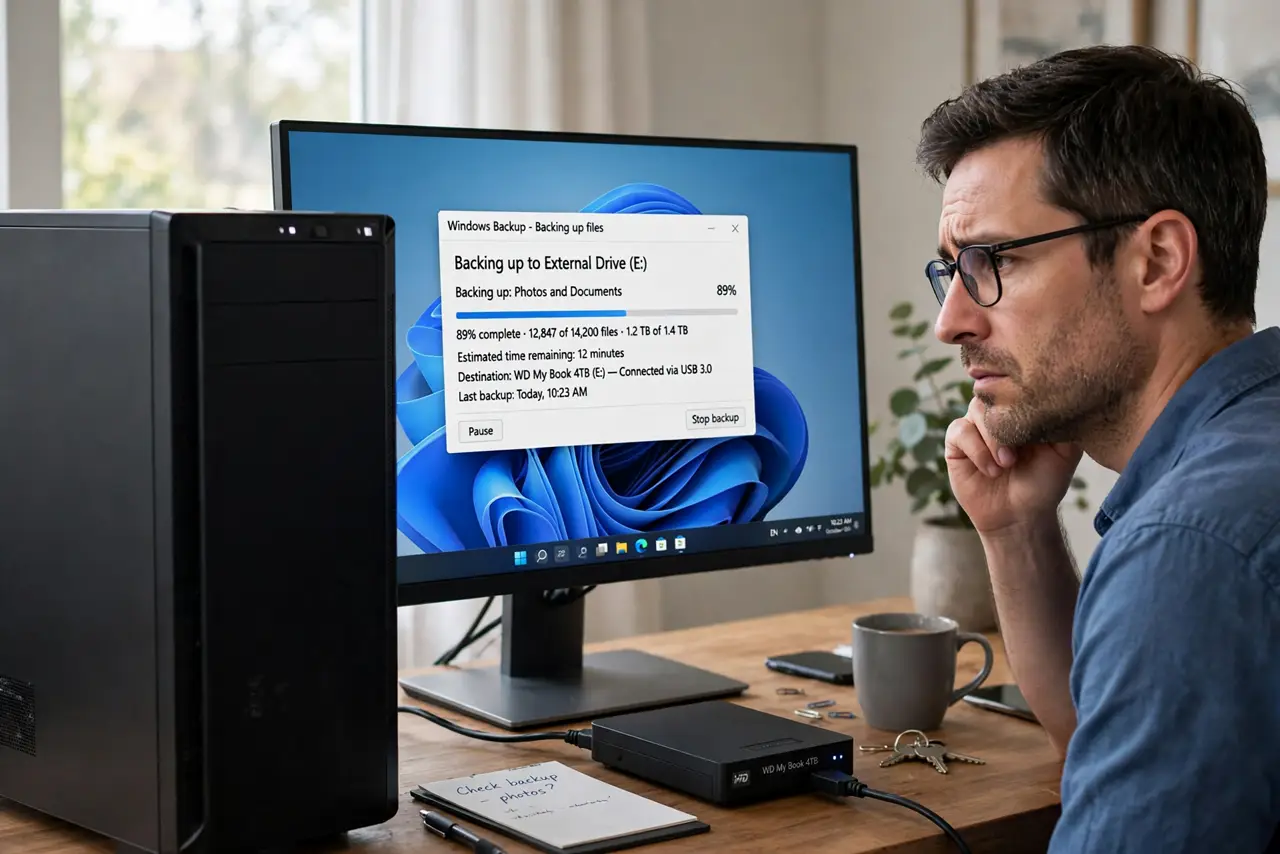
Quick fix: Stop and listen: confirm the clicks come from the drive. Back up your most important files first. Then work through the remaining steps in order, checking one change at a time, and stop for a technician if you see damage, swelling, or a burning smell.
Follow these steps
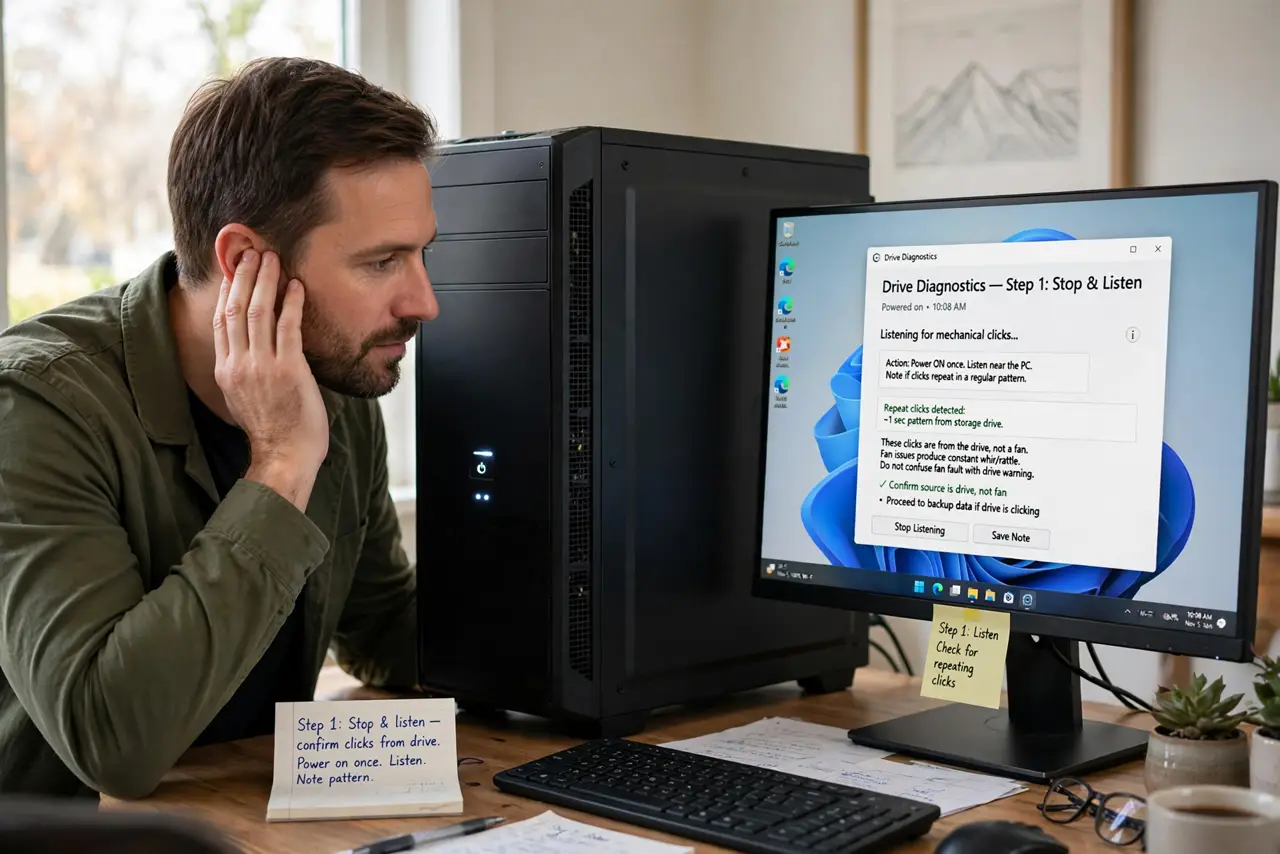
- Stop and listen: confirm the clicks come from the drive. Power on once, listen near the PC, and note whether the clicks repeat in a pattern. Clicks from a drive differ from fan rattles, so do not confuse a fan fault with a drive warning.
- Back up your most important files first. Copy documents, photos, and work files to another drive or cloud storage before anything else. Start with files you cannot recreate, not with large media you can download again.
- Avoid restarting the drive repeatedly. Do not reboot over and over to test it. Each start stresses a failing drive, so keep it running only while you copy files, then shut it down.
- Copy in small batches, most important first. Copy folder by folder, checking each batch copied fully before moving on. If copying stalls on one folder, skip it and copy the rest, then return to the stalled folder once.
- Check the drive connections once, gently. Unplug the PC, check that the drive data and power cables are firmly seated, and try once more. A loose cable can cause odd noises, but if clicks continue, the drive itself is suspect.
- Replace the drive and stop using the clicking one. Install a new drive, restore your backup to it, and retire the clicking drive. Do not keep it as a backup, because a drive that clicks is not a safe place for the only copy of anything.
What NOT to do
- Do not open a hard drive to look inside. Opening a drive outside a clean room destroys it, and there is nothing user-serviceable inside.
- Do not keep using a clicking drive for daily work. Daily use wears a failing drive faster, and the failure can arrive without a second warning.
- Do not run repeated disk repair scans on a clicking drive. Intensive scans stress the drive and can push a failing drive over the edge before you finish backing up.
- Do not freeze a clicking drive or tap it hard. Those old tricks risk more damage and do not fix a failing drive mechanism.
Frequently asked questions
Does clicking always mean the drive is failing?
Not always: a loose cable can cause odd sounds. But repeated rhythmic clicks on startup are a classic failure warning, so back up first and investigate second.
Can I still use the drive if it stops clicking?
Only as a short-term copy source, not as storage you trust. A drive that clicked once has shown a fault, so replace it and keep the backup as your main copy.
Should I try data recovery software?
Only after you have copied what you can by hand. Recovery scans stress the drive, so a manual backup of the most important files comes first.