External Hard Drive Clicks? Protect Your Files
Clicking from an external hard drive often means it is not getting enough power, but it can also mean the drive itself is failing. The two causes need different fixes, so check power and cable first, copy your files while you can, and retire the drive if clicks continue on a good connection. A clicking drive inside a PC needs the internal drive clicking steps instead.
TL;DR / Quick Fix
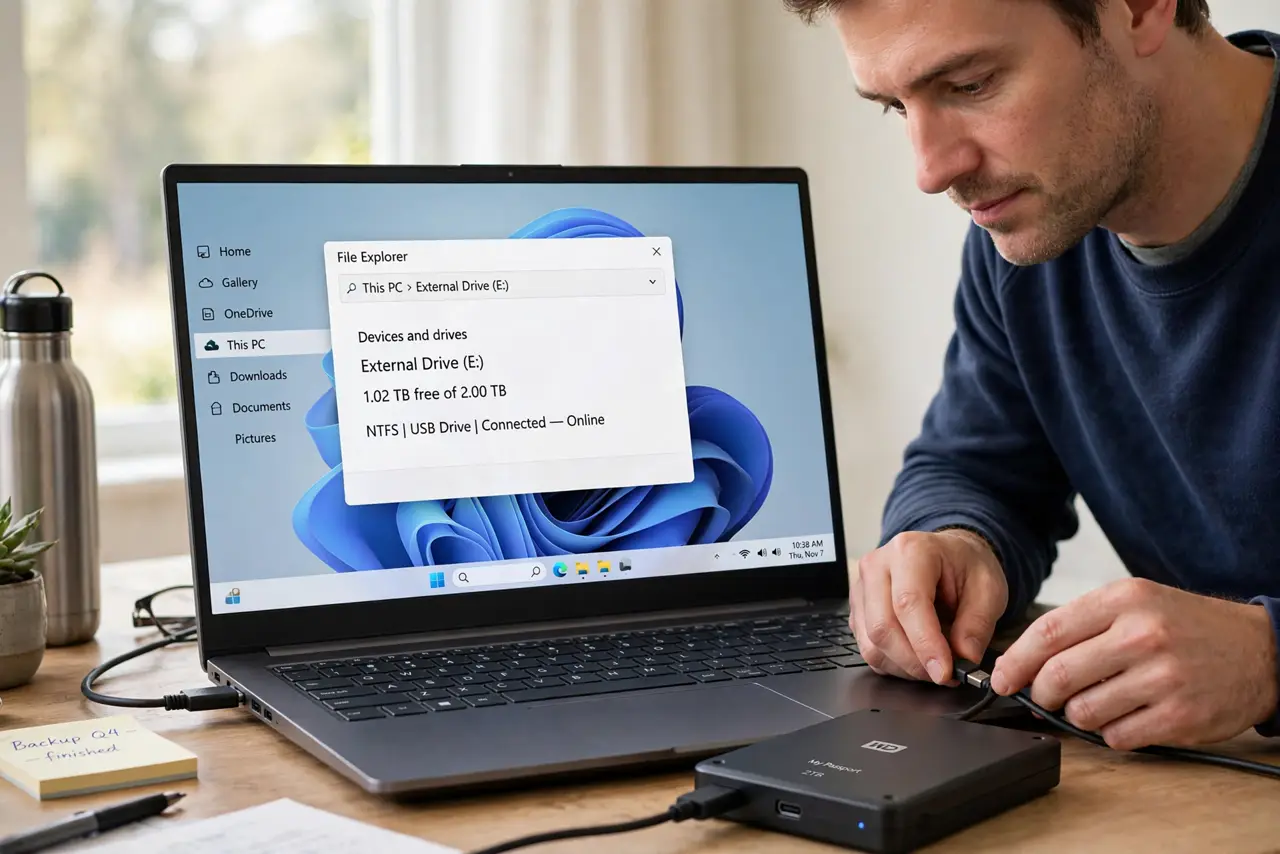
Quick fix: Put the drive on a flat, stable surface. Try a different USB port and cable. Then work through the remaining steps in order, checking one change at a time, and stop for a technician if you see damage, swelling, or a burning smell.
Follow these steps
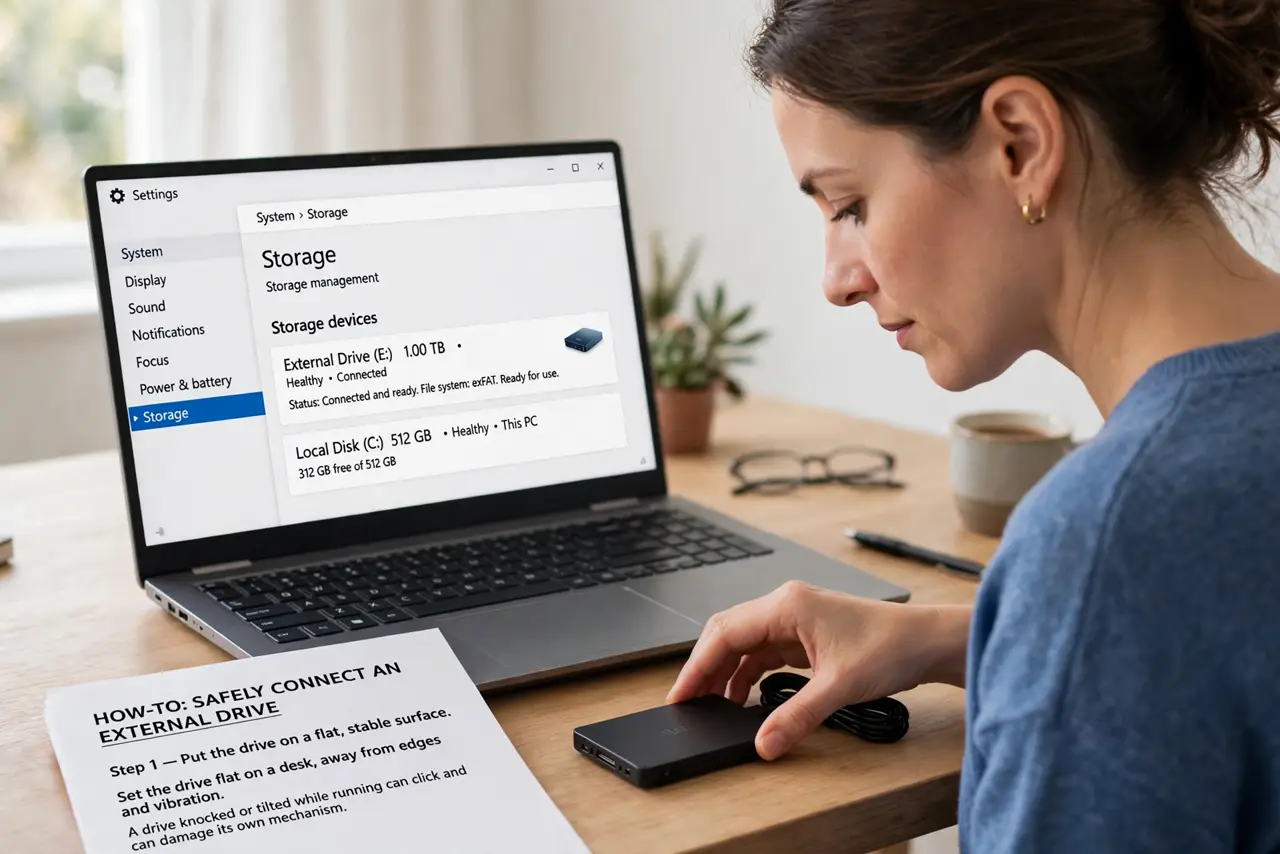
- Put the drive on a flat, stable surface. Set the drive flat on a desk, away from edges and vibration. A drive knocked or tilted while running can click and can damage its own mechanism.
- Try a different USB port and cable. Use a port directly on the computer, not a hub, and try a spare cable if you have one. Weak power through a hub or a worn cable is a common cause of external drive clicks.
- Use the drive power supply if it has one. If the drive came with its own power adapter, plug it in and use it. Large external drives often need more power than a single USB port can give.
- Copy your most important files first. If the drive appears, copy documents and photos you cannot recreate before anything else, in small batches, checking each batch copied fully.
- Listen after the power fix. If clicks stop on a direct port with its own power, the cause was power. If clicks continue on a good connection, the drive itself is failing, so finish copying and stop using it.
- Retire a drive that keeps clicking. Replace the drive, restore your files to the new one, and do not keep the clicking drive as a backup. A drive that clicks is not a safe home for the only copy of anything.
What NOT to do
- Do not run an external drive through a cheap unpowered hub. Hubs split power between devices, and a starved drive clicks and can corrupt files.
- Do not move or bump an external drive while it is running. A running hard drive is sensitive to knocks, and one bump can damage the mechanism.
- Do not keep restarting a clicking external drive to test it. Each start stresses a failing drive, so copy files first and test second.
- Do not open an external drive enclosure to look inside. Opening the drive itself destroys it, and there is nothing user-serviceable in there.
Frequently asked questions
Why does my external drive click only on one port?
That port may deliver less power, especially on a hub or a front-panel port. A direct rear port or the drive own power supply often fixes it.
Is clicking always a failing drive?
No. Power starvation clicks too, which is why the cable, port, and power checks come before you judge the drive itself.
Can I use the drive again if clicks stop?
If clicks stopped with proper power and files copy cleanly, it may be fine, but keep a second backup. If clicks ever return, retire it.