Buying a Used GPU? Checklist
Graphics cards are the best used deal in PC hardware — and the riskiest, thanks to ex-mining cards worked to death. A careful buyer gets last generation's flagship for mid-range money; a careless one gets an expensive paperweight. This checklist separates the two outcomes before money changes hands.
TL;DR / Quick Fix
Quick fix: buy used GPUs in person where you can see it run a stress test and check temperatures. Ask about mining history, check the fans and ports physically, and pay with a protected method. Avoid cards with replaced fans, missing screws, or sellers who refuse testing.
Follow these steps
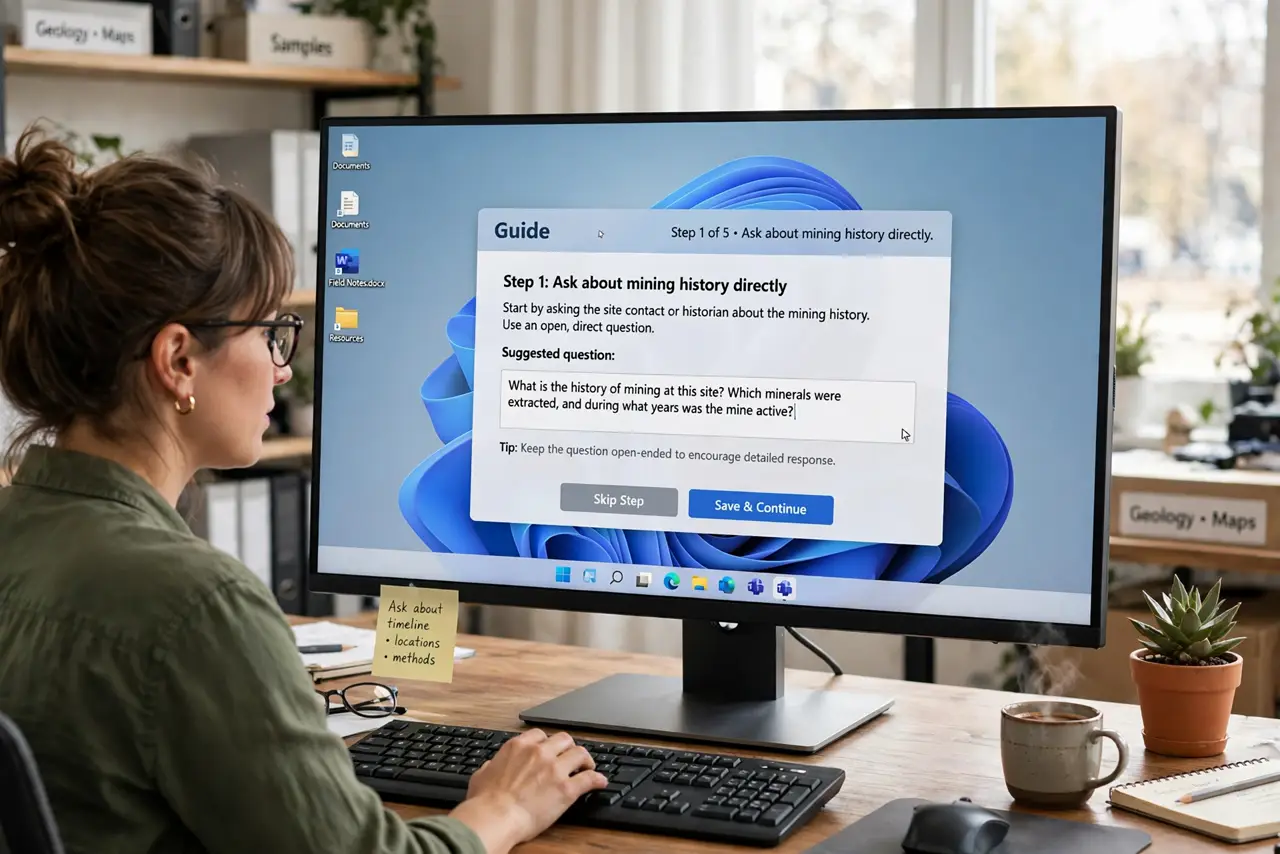
- Ask about mining history directly. Mining cards ran at full load for years. Honest sellers disclose it; evasive answers are an answer. A mined card is not automatically dead, but it deserves a steep discount and extra scrutiny.
- See it run before paying. In person, watch it run a benchmark or game for ten minutes. Check temperatures — sustained overheating under load reveals dying thermal paste or damaged cooling.
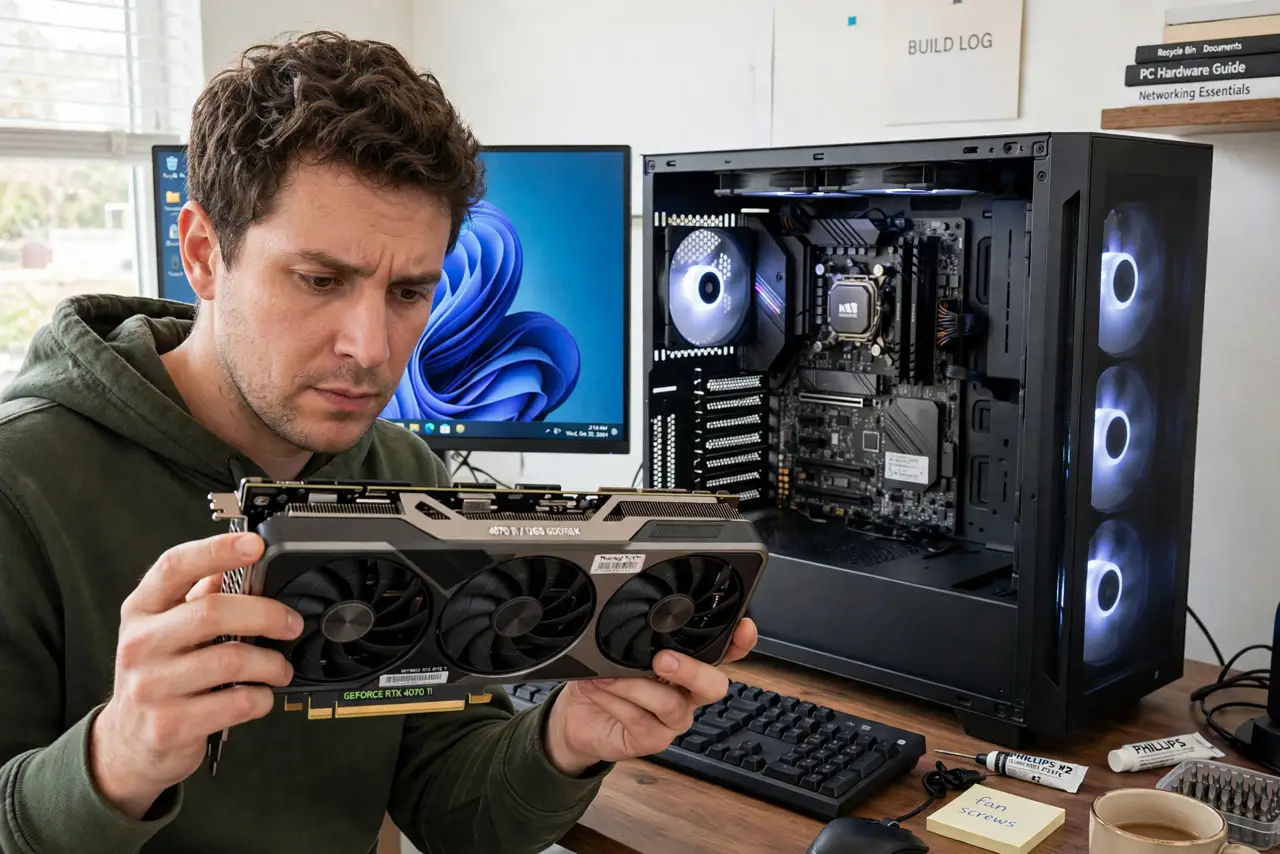
- Inspect the physical card. Spin the fans by hand (they should glide, not grind), check all display ports, and look for missing screws or mismatched screws that signal amateur repairs.
- Check the model against its specs. Verify the exact model in software — scammers flash fake BIOSes to make weak cards report as strong ones. GPU-Z or system info reveals the true chip.
- Test all outputs. Plug into each DisplayPort and HDMI port. Dead ports are common on abused cards and invisible until you test — sellers never volunteer this.
- Pay with protection. Use a method with buyer protection for shipped cards, or cash in person after testing. Wire transfers and gift cards for a used GPU are a donation, not a purchase.
What NOT to do
- Do not buy a used GPU you cannot test. 'Untested' in a listing means 'broken' until proven otherwise.
- Do not ignore the power requirements. A card needing two 8-pin connectors and 300W will not run on your old 450W PSU — check your power supply first.
- Do not trust too-good-to-be-true prices. A flagship at half the market rate is either broken, fake, or stolen — the market is efficient about GPUs.
- Do not skip the driver cleanup. Install with a clean driver install to avoid inheriting the previous owner's driver mess.
Frequently asked questions
Are ex-mining cards always bad?
No — many miners undervolted cards and kept them cool, which is gentler than gaming heat cycles. But you cannot verify that, so discount for the risk and test thoroughly.
What is a fair used price?
Roughly 50–70 percent of the current new equivalent's price, adjusted for age and condition. Check recently sold listings, not asking prices.
Should I worry about the warranty?
Most GPU warranties do not transfer. Factor that in — the discount versus new should reflect the missing warranty.