2-in-1 Laptop Worth It?
The laptop that folds into a tablet promises the best of both worlds — and delivers a compromise of both. 2-in-1s are genuinely great for specific people (note-takers, presenters, couch readers) and genuinely pointless for everyone else. The hinge adds cost, weight, and failure points, so the question is whether you will actually flip it.
TL;DR / Quick Fix
Quick fix: buy a 2-in-1 only if you will regularly use tablet mode — handwritten notes, reading, presentations, or drawing. If you will use it as a laptop 95 percent of the time, a standard laptop gives you better specs for less money. Honest usage beats the fantasy of flexibility.
Follow these steps
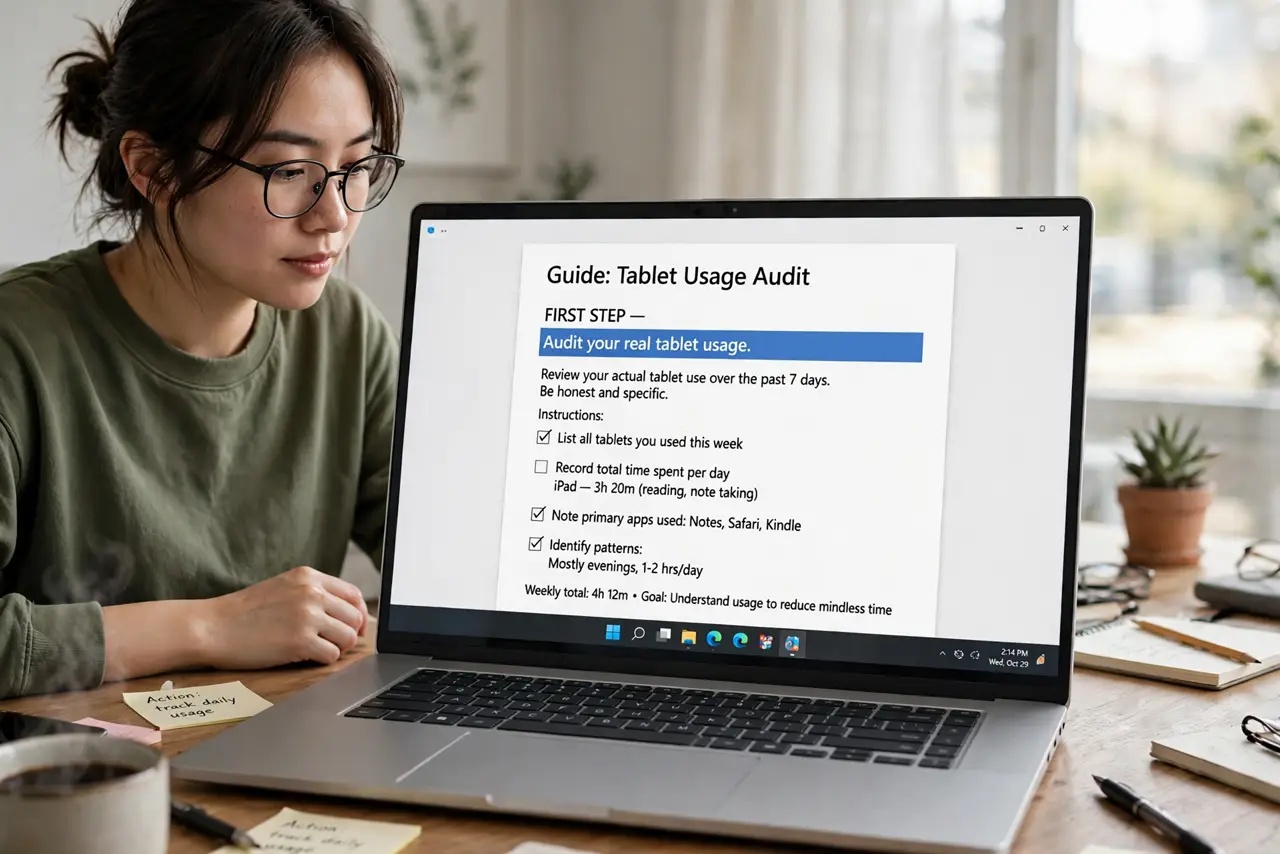
- Audit your real tablet usage. Do you take handwritten notes? Read documents in bed? Present standing up? If none of these are weekly habits, the 360-degree hinge is decoration.
- Compare what the hinge costs. At the same price, a 2-in-1 gives you a weaker processor or less RAM than a standard laptop — the hinge, touchscreen, and pen digitizer eat the budget.
- Test the pen experience. If note-taking is the reason, try the pen in a store. Pen quality varies enormously — a laggy, imprecise pen kills the entire justification.
- Check the hinge durability. The hinge is the hardest-working part and the most common failure point. Business-class convertibles have better hinges; cheap ones develop wobble within a year.
- Consider the tablet compromise. A folded 2-in-1 is a thick, heavy tablet with a keyboard on its back — worse than a real tablet at tablet things. It wins only as a laptop that occasionally tablets.
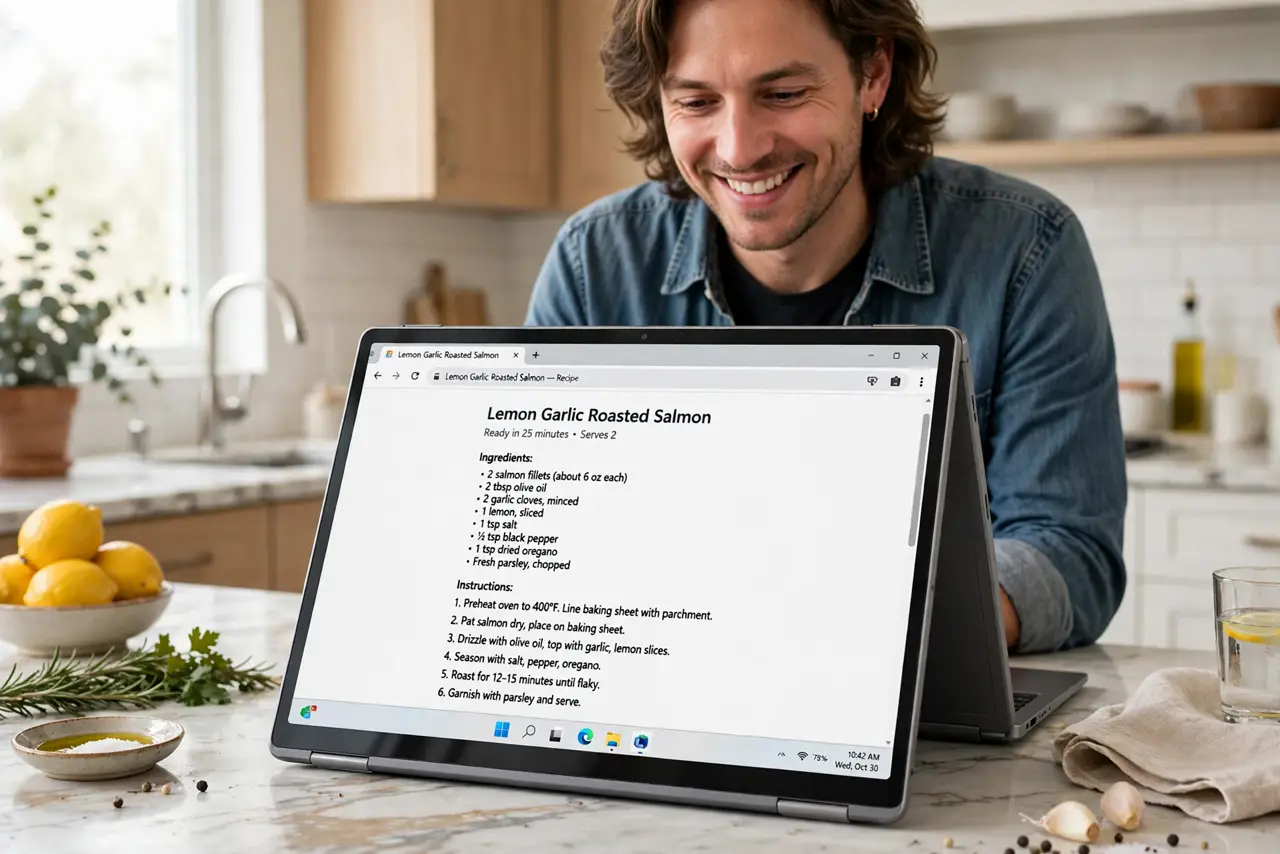
- Weigh tent and stand modes. For recipes, video calls, and presentations, tent mode is genuinely useful — the unsung hero of the format. If that use case is real for you, it counts.
What NOT to do
- Do not pay the 2-in-1 premium 'just in case.' Unused flexibility is the most expensive kind — buy the laptop you will actually use.
- Do not expect iPad-class tablet experience. The app ecosystem and pen feel on Windows convertibles lag dedicated tablets — judge it as a laptop first.
- Do not ignore the weight. Convertibles run heavier than equivalent laptops, and you feel every gram when carrying it daily.
- Do not forget the screen glare. Touchscreens are glossy by necessity — if you work near windows, the reflections are a daily annoyance.
Frequently asked questions
Are 2-in-1s good for students?
For note-taking students who write by hand — yes, excellent. For typing-only students — no, a standard laptop is cheaper and lighter.
Detachable vs 360-degree hinge?
Detachables are better tablets; 360-hinge models are better laptops. Pick based on which side of the compromise you live on.
Do they break more often?
The hinge adds a failure point, yes. Quality varies by model — this is one category where reviews and warranty matter more than specs.