OLED vs IPS Laptop Screens?
OLED laptops look stunning in the store — perfect blacks, electric colors — and then the questions start: burn-in, battery life, price. IPS is the mature, safe, affordable workhorse. The right choice depends on what you stare at all day, because these panels have genuinely different strengths, not just different prices.
TL;DR / Quick Fix
Quick fix: choose OLED if you watch movies, edit photos, or crave the best image quality — the contrast is unmatched. Choose IPS for long office days with static windows, maximum battery life, or a lower price. Burn-in is minor for varied use, real for static taskbars.
Follow these steps
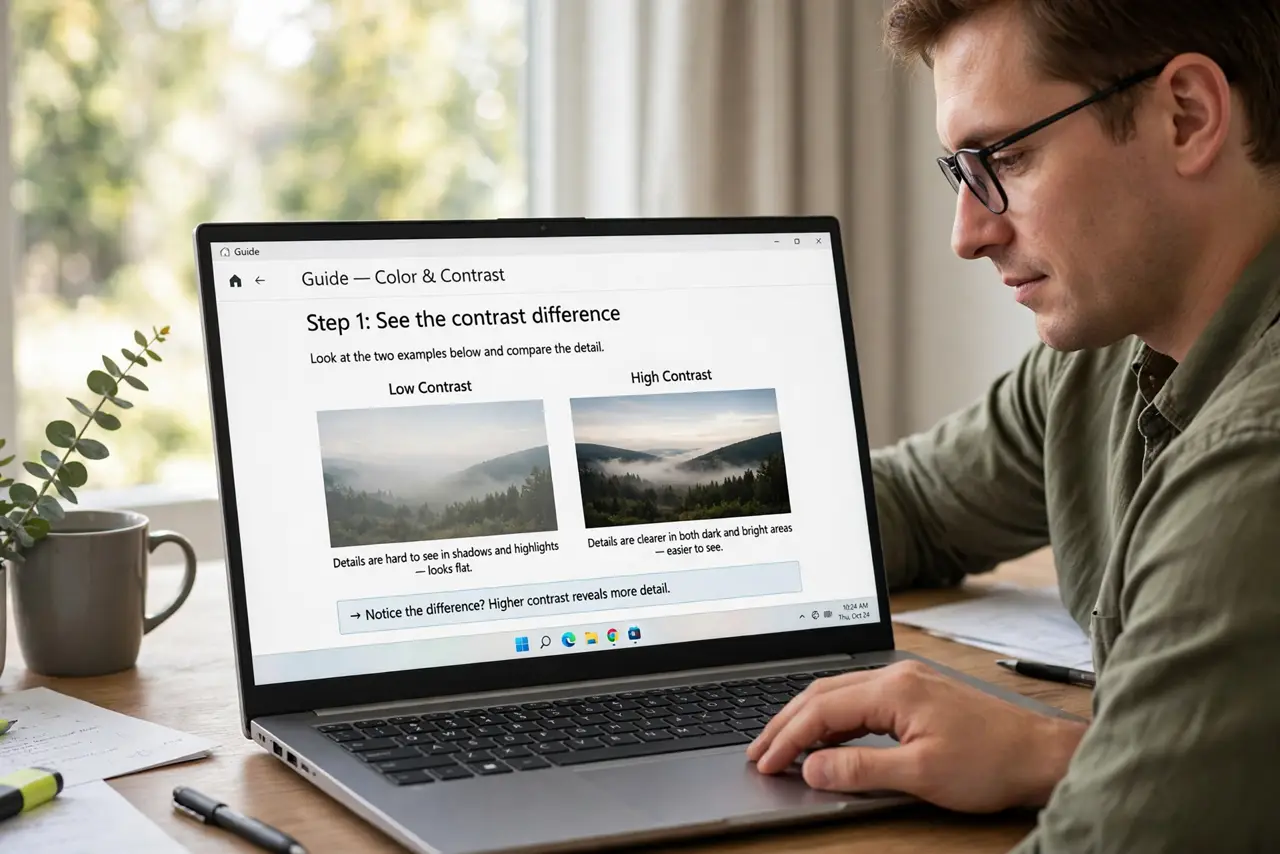
- See the contrast difference. OLED pixels emit their own light — black is truly black. IPS uses a backlight, so blacks are dark gray. Side by side in a dark room, the difference is dramatic.
- Assess your burn-in risk honestly. Static elements — taskbars, menu bars, spreadsheets — can eventually ghost on OLED. Varied content (movies, browsing, mixed work) is low risk; eight hours of the same spreadsheet daily is higher.
- Weigh battery life. OLED sips power on dark content and drinks it on bright white screens. IPS is steadier. For all-day bright office work, IPS usually lasts longer per charge.
- Consider the price gap. OLED commands a real premium. For many buyers, an excellent IPS panel plus the savings put toward RAM or storage is the smarter total package.
- Check brightness for your environment. High-end IPS panels often get brighter than laptop OLEDs — if you work outdoors or in sunlit rooms, peak brightness matters more than perfect blacks.
- Mind text sharpness. Some laptop OLEDs use subpixel layouts that render text slightly fringy. If you read all day, look at text closely in person before committing.
What NOT to do
- Do not buy OLED for a static-dashboard job without understanding burn-in. The most beautiful panel is the wrong tool for unchanging content.
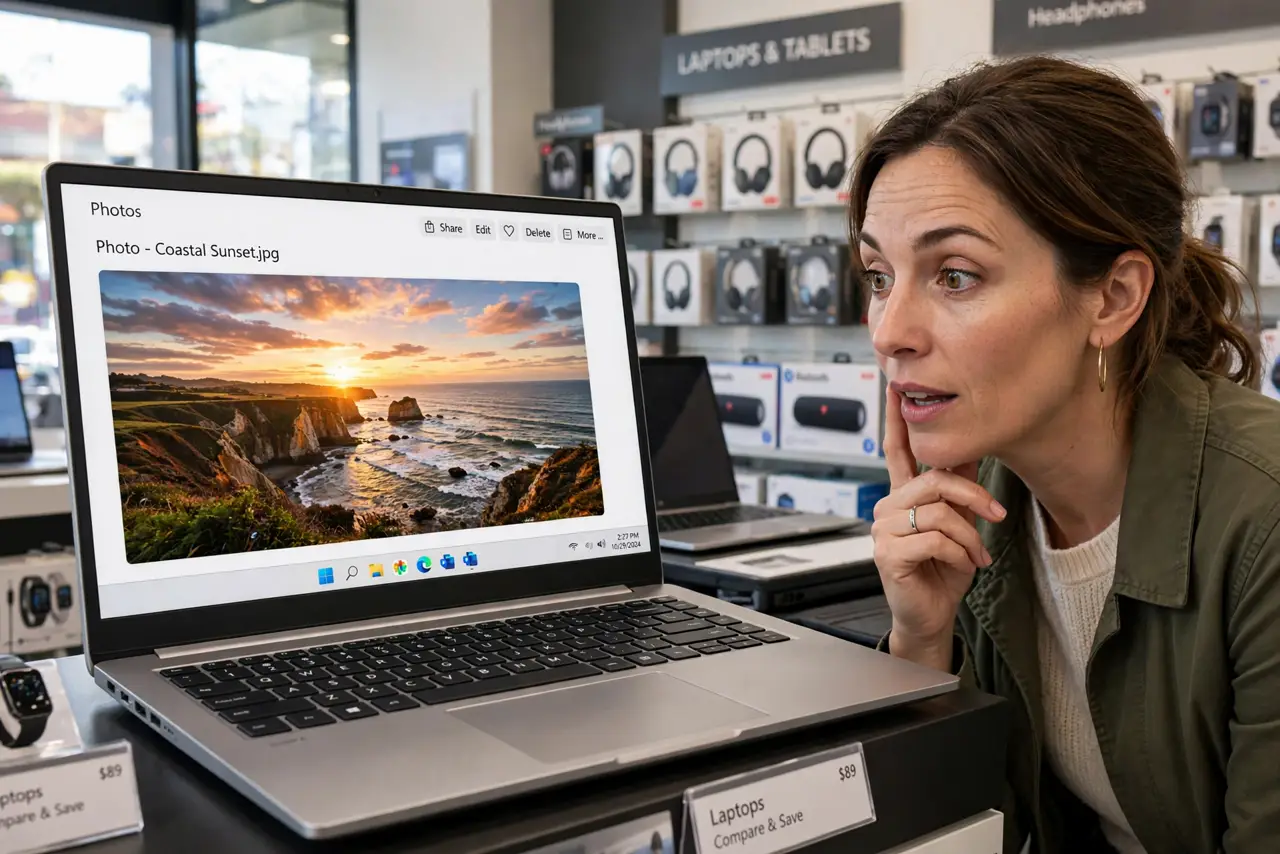
- Do not judge by store demo reels. Looping nature footage flatters every panel — evaluate with your actual work: documents, code, spreadsheets.
- Do not assume OLED means better everything. Color accuracy, brightness, and refresh rate vary by model — the panel type is one spec among many.
- Do not pay the premium for casual use. Email and browsing look fine on a good IPS; OLED's glory needs content worthy of it.
Frequently asked questions
Is burn-in still a real problem?
Less than it was — pixel shifting and panel care features help. But it is physics, not a bug: static bright elements over thousands of hours can leave a mark. Varied use is effectively safe.
Which is better for photo editing?
OLED, usually — the contrast and color volume are superb. Just verify the specific model's color accuracy; not all OLEDs are calibrated equally.
Does OLED help battery life?
Only with dark mode and dark content. On bright white documents all day, it can use more than IPS — match the panel to your content.