AppleCare? Basics
AppleCare is Apple's own extended warranty and support plan — extra years of coverage plus accidental-damage repairs at reduced prices. It is the gold standard of device protection plans, but it is not automatically worth it for everyone. Here is what it covers, what it costs, and how to decide.
TL;DR / Quick Fix
Quick fix: AppleCare+ extends your Apple device's warranty and adds accidental-damage coverage with a service fee per incident. It is worth considering for expensive, fragile devices like iPhones and MacBooks you carry daily. You can buy it within 60 days of purchase — decide before the window closes.
Follow these steps
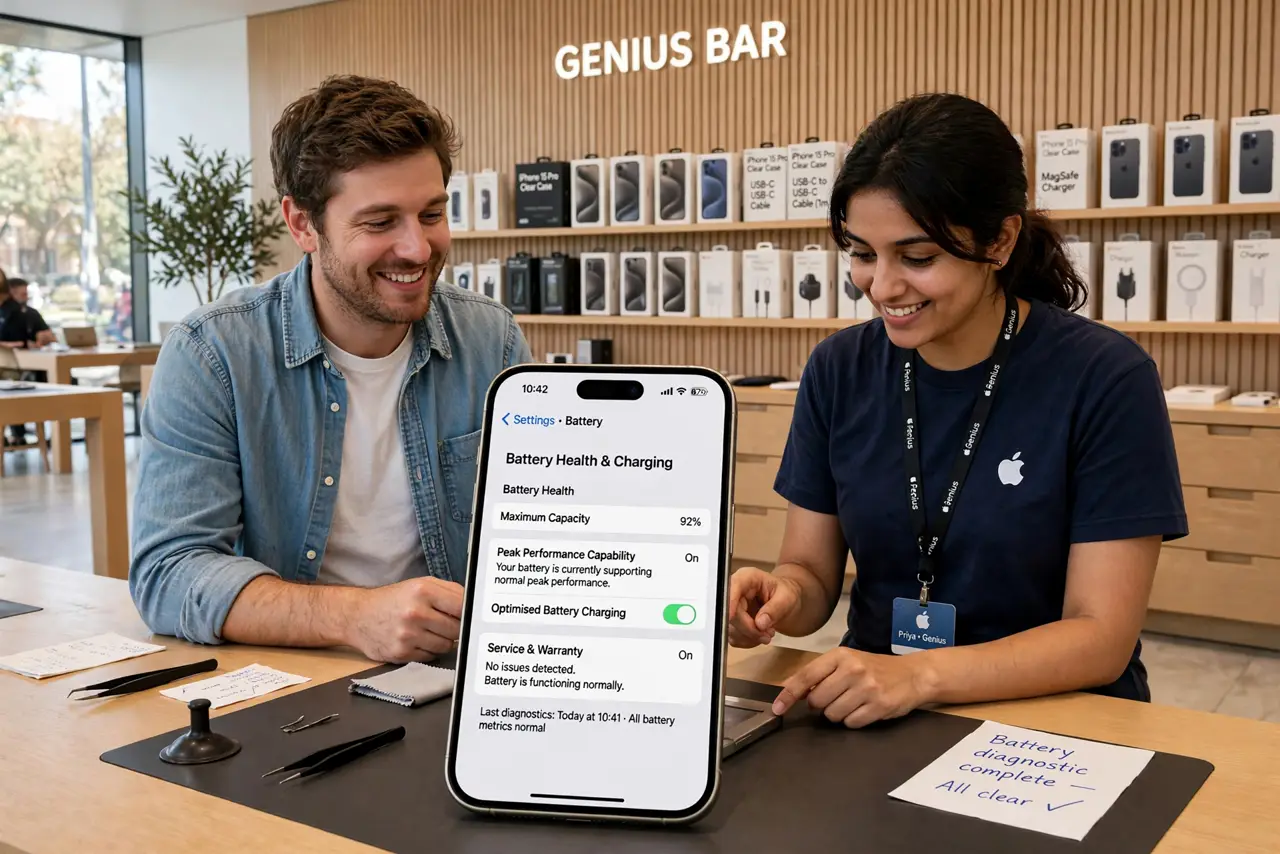
- Learn what AppleCare+ covers. Extended hardware warranty plus up to two accidental-damage incidents per year at a reduced service fee — screen cracks and spills included. Battery service is covered if capacity drops significantly.
- Know the purchase window. You have 60 days from device purchase to add AppleCare+ (longer in some regions). Miss the window and the option vanishes — set a reminder if you are undecided.
- Compare the math honestly. Add the plan cost plus likely service fees, and weigh against the device's repair prices — a cracked iPhone screen repair versus the plan. Daily-carry devices justify it more than desk-bound ones.
- Understand the service quality. Genuine parts, real Apple technicians, and express replacement options — this is why AppleCare beats third-party plans. The extended warranty guide explains the general math.
- Check what is NOT covered. Loss and theft need the separate Theft and Loss tier — standard AppleCare+ does not replace a stolen phone. Cosmetic damage and unauthorized modifications are excluded too.
- Decide per device, not per brand. A MacBook Pro you travel with: strong yes. An Apple TV that sits on a shelf: almost certainly no. Match the plan to the risk, device by device.

What NOT to do
- Do not miss the 60-day window. After it closes there is no late enrollment — decide early.
- Do not assume loss is covered. Standard AppleCare+ covers damage and defects, not theft — that needs the higher tier.
- Do not buy it for shelf-sitting devices. Apple TVs and HomePods rarely need repairs — save the money.
- Do not confuse it with carrier insurance. Carrier plans differ in price, deductibles, and repair quality — compare before choosing.
Frequently asked questions
Is AppleCare+ worth it for iPhone?
For most people who carry their phone everywhere, yes — one screen repair often exceeds the plan cost, and the peace of mind is real.
Can I cancel AppleCare+?
Yes — monthly plans cancel anytime, and annual plans refund pro-rated. Easy cancellation is one of its honest advantages.
Does AppleCare+ cover the battery?
Yes, if the battery holds significantly less than its original capacity during the coverage period — free battery service.