Backlight Bleed? What It Is
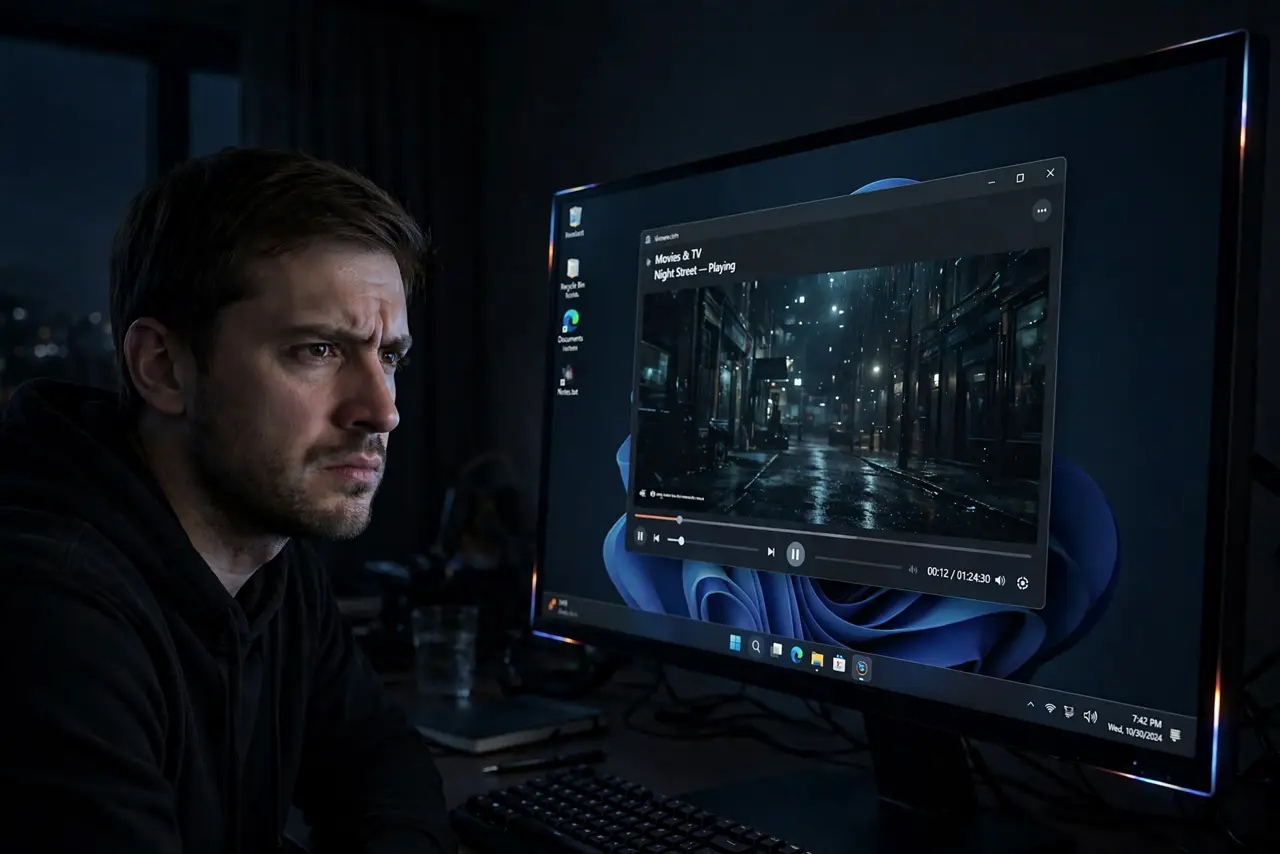
Movie night, dark scene, and the corners of your screen glow like flashlights — that is backlight bleed, light from the panel's backlight escaping where it should be blocked. Some is normal on every LCD; a lot ruins dark content. Telling normal from defective decides whether you live with it or return the screen.
TL;DR / Quick Fix
Quick fix: backlight bleed — light leaking around the edges on dark scenes — is normal in small amounts on LCD panels. Lower brightness, view straight on, and give a new monitor days to settle. Heavy bleed on a new screen justifies a return; mild bleed is the panel lottery.
Follow these steps
- Understand what causes it. LCD panels block a backlight to make black. Pressure from the frame or uneven panel layers lets light leak through at edges and corners. It is a manufacturing variance, not damage you caused.
- Test it properly. View a pure black fullscreen image in a dark room at normal brightness. Phone photos exaggerate bleed — judge with your eyes, since cameras amplify it dramatically.
- Lower brightness first. Bleed scales with backlight power. Dropping brightness to room-appropriate levels often shrinks mild bleed to invisibility — many 'defects' are just torch-mode settings.
- Give a new panel a few days. Some bleed eases as the panel and frame settle with temperature cycles. Do not judge — or return — on hour one; reassess after a week of normal use.
- Distinguish bleed from IPS glow. IPS panels show a glow that shifts as you move your head; true bleed stays fixed in the corners. Glow is inherent to IPS; bleed varies panel to panel.
- Return heavy bleed early. If corners look like flashlights in normal content (not just test images), that unit lost the panel lottery. Swap it within the return window — the next one may be much better.
What NOT to do
- Do not judge bleed from a phone photo. Cameras exaggerate it wildly — what looks catastrophic in a photo is often mild in person.
- Do not massage or squeeze the bezel to fix it. Pressure tricks from forums risk cracking the panel for temporary gains.
- Do not confuse IPS glow with bleed. Glow moves with your viewing angle and is normal; fixed corner flashlights are bleed.
- Do not accept severe bleed on a premium screen. The panel lottery applies, but expensive monitors should be held to a higher bar — exchange it.
Frequently asked questions
Is backlight bleed covered by warranty?
Mild bleed is considered normal variance and usually is not. Severe bleed that shows in normal content often qualifies — document it well.
Does backlight bleed get worse over time?
Generally no — it is usually stable or slightly improves as the panel settles. Worsening bleed suggests a frame or mounting issue.
Do OLED screens have backlight bleed?
No — OLED pixels make their own light with no backlight, so bleed is impossible. That is one of OLED's signature advantages.