IPS vs VA vs TN Panels?
Every monitor listing throws around IPS, VA, and TN like you already know the difference. These are the three main LCD panel types, and each trades off color, contrast, and speed differently. Picking the wrong one is why a 'great deal' monitor can look washed out from your couch or smear in fast games. Here is the plain-English breakdown.
TL;DR / Quick Fix
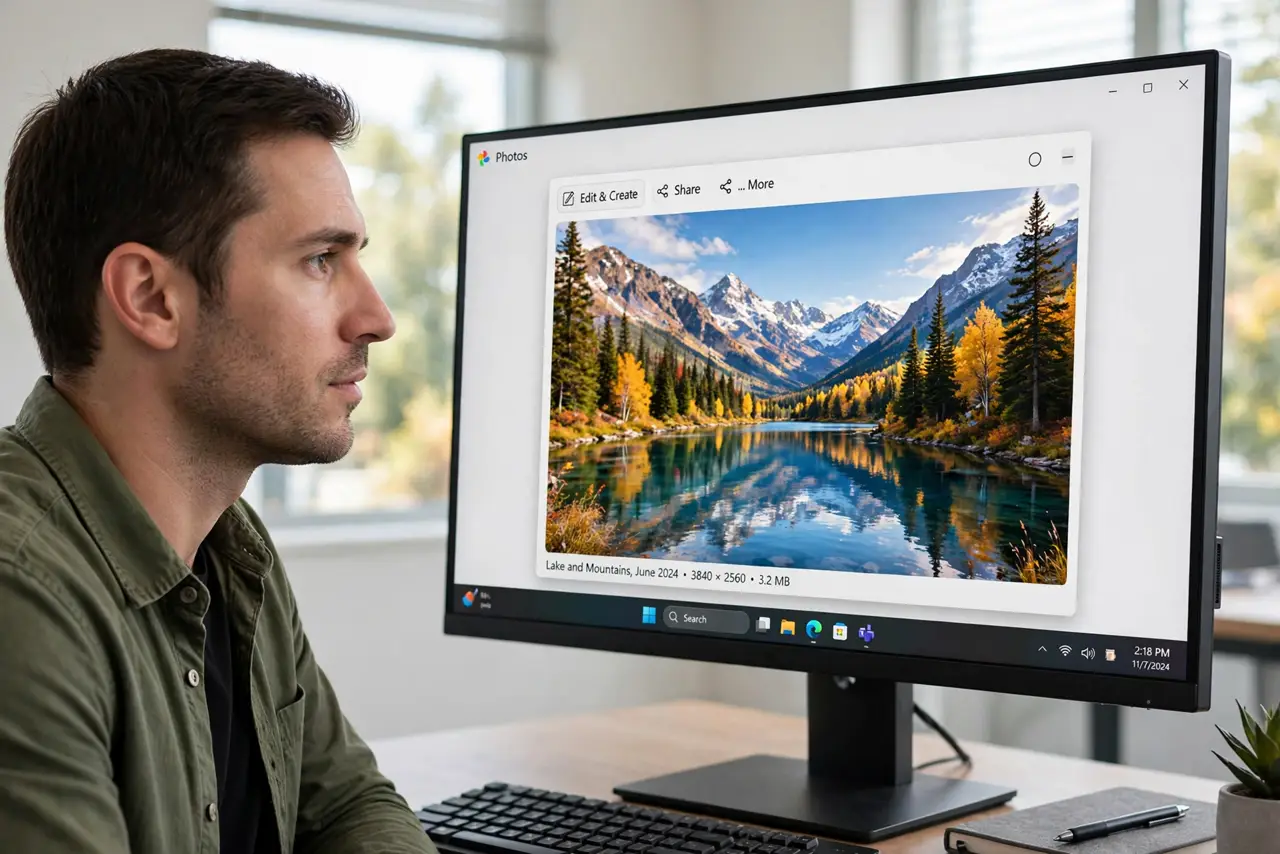
Quick fix: IPS panels have the best colors and viewing angles — the safe pick for most people. VA panels give deeper blacks and better contrast, great for movies. TN panels are the fastest and cheapest but look washed out from the side. For mixed everyday use, choose IPS.
Follow these steps
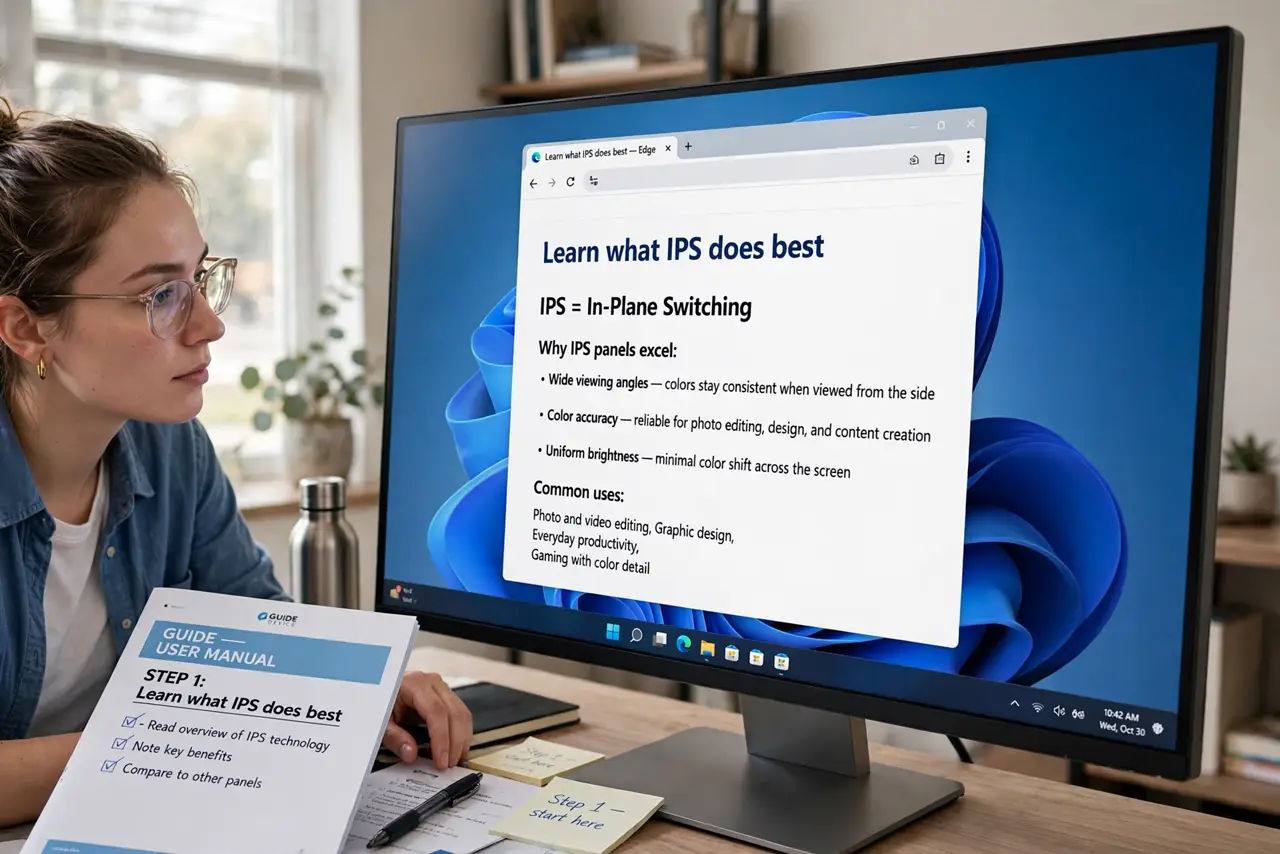
- Learn what IPS does best. IPS (in-plane switching) keeps colors accurate even viewed from the side, with wide viewing angles and solid response times. It is the default recommendation for office work, design, and general use.
- Learn what VA does best. VA (vertical alignment) panels produce much deeper blacks and higher contrast than IPS — dark scenes look dramatically better. The tradeoff: slower response times and color shift at angles.
- Learn what TN does best. TN (twisted nematic) is the oldest type: the cheapest and the fastest, with the lowest input lag. The cost is narrow viewing angles — tilt your head and the image washes out.
- Match the panel to your main use. Mixed everyday use and creative work: IPS. Movies in a dark room: VA. Competitive esports on a budget where every millisecond counts: TN.
- Do not obsess over response-time numbers alone. Maker specs are best-case measurements. A good IPS at a real-world few milliseconds beats a TN with smearing you can actually see — read reviews, not just spec sheets.
- Remember backlight type matters too. Panel type sets color behavior, but Mini-LED backlights or good local dimming change contrast dramatically on any LCD. Panel and backlight are separate choices.
What NOT to do
- Do not buy TN for shared or family viewing. Anyone not dead-center gets a washed-out picture.
- Do not buy VA for fast competitive gaming without checking reviews. Some VA panels smear dark motion visibly.
- Do not assume IPS means perfect blacks. IPS glow in dark rooms is real — VA or OLED wins for movie nights.
- Do not pick by panel acronym alone. A good VA beats a cheap IPS; implementation quality matters as much as the technology.
Frequently asked questions
Which panel is best for photo editing?
IPS, for its color accuracy and wide viewing angles. Pair it with a wide color gamut and a basic calibration for serious work.
Is IPS good for gaming?
Yes for most gamers — modern IPS is fast enough. Only top-tier competitive players chasing maximum refresh rates still reach for TN.
What about OLED monitors?
OLED beats all three LCD types on contrast and response, but costs much more and carries burn-in risk with static desktop elements.