Curved vs Flat Monitor?
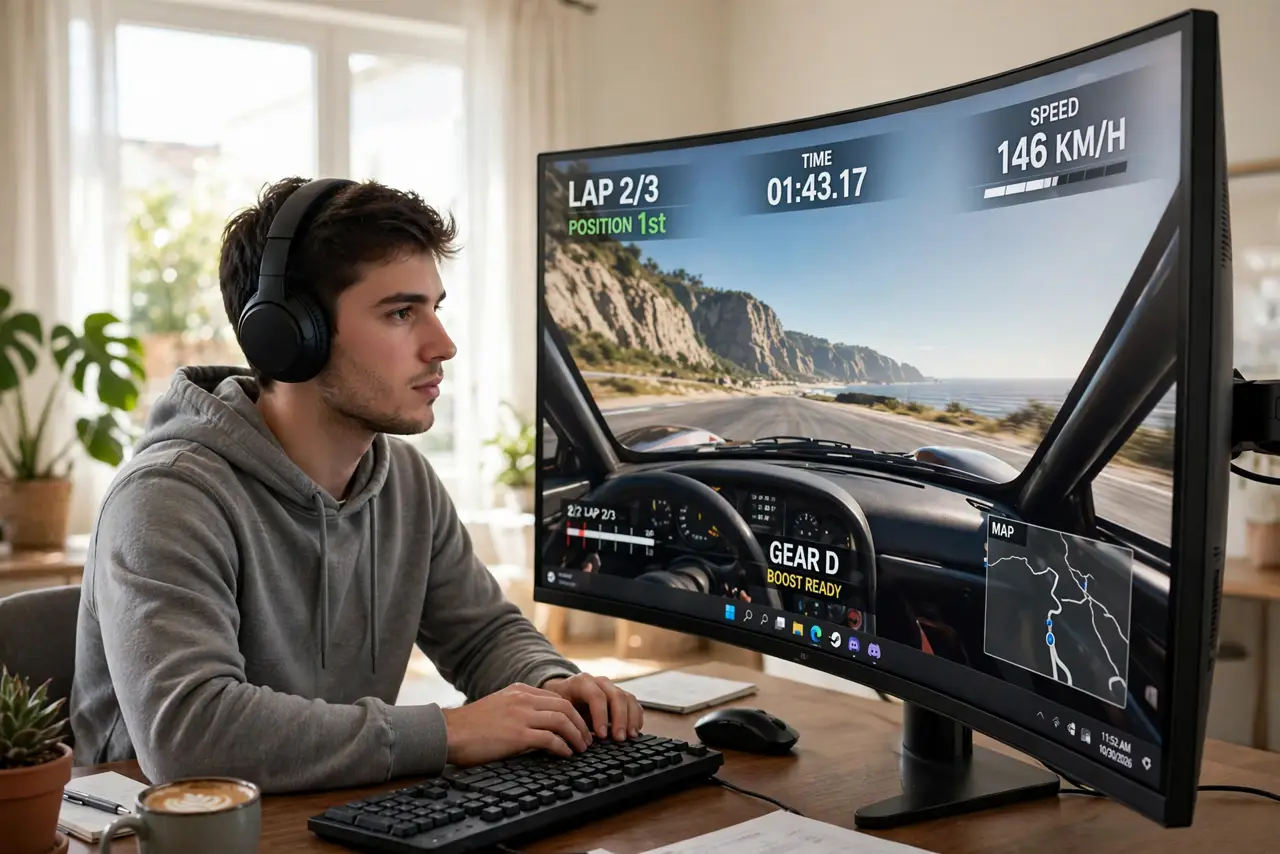
A curved monitor looks futuristic on the shelf, and the marketing promises total immersion. But the curve is a geometry trick — it only pays off at certain sizes and distances. On a small screen it is decoration; on a big ultrawide it genuinely changes the feel. Here is when the curve earns its price and when it does not.
TL;DR / Quick Fix
Quick fix: curved monitors suit ultrawide and large screens, wrapping the edges into your peripheral vision for immersive gaming and multitasking. Flat screens are better for shared viewing, precise design work, and wall mounting. For a standard 27-inch, the curve adds little — save your money.
Follow these steps
- Understand what the curve actually does. A curved screen keeps the edges at a more equal distance from your eyes than a flat one. That reduces distortion at the corners and wraps the image into your peripheral vision — but only if the screen is wide enough for the geometry to matter.
- Match curve to size. On 34-inch ultrawides and 32-inch screens, the curve is noticeable and pleasant. On a 24 or 27-inch 16:9 screen, the effect is subtle enough that most people stop noticing within a day.
- Know when flat wins. Design and photo work need straight lines to look straight — curves distort rulers and grids. Shared viewing is better flat too, since off-center seats see a curved screen unevenly.
- Consider your seating position. Curves reward one centered viewer. If you often watch with someone beside you, or lean back in a chair far from the desk, the sweet spot narrows and flat serves you better.
- Check mounting compatibility. Curved monitors mount fine on most arms, but they sit deeper and look odd flush on walls. If a clean wall-mounted setup is the goal, flat is simpler.
- Do not pay extra for a gentle curve on a small screen. A slight 1800R or 1500R curve on a 27-inch panel is mostly marketing. Spend the difference on a better panel type instead — that you will see every day.
What NOT to do
- Do not buy curved for precision design work. Straight lines bow on curves, which fights CAD, photo editing, and spreadsheets.
- Do not expect immersion from a small curved screen. The effect needs width — a curved 24-inch is a flat 24-inch with a surcharge.
- Do not sit off-center and judge the curve. Curves have one sweet spot; evaluate from your real chair, centered.
- Do not assume curved means better specs. The curve is independent of panel quality — compare the actual panel, not the shape.
Frequently asked questions
Does a curved monitor help with eye strain?
Slightly, for some people — the uniform viewing distance can feel more natural on wide screens. It is a comfort bonus, not a medical fix; breaks and lighting matter more.
Are curved monitors bad for office work?
Not bad, just unnecessary at typical sizes. A 34-inch curved ultrawide is genuinely nice for spreadsheets; a 27-inch curved adds little over flat.
Can I wall-mount a curved monitor?
Yes, with a standard VESA arm. It will stick out further than a flat panel and look less flush — fine for arms, awkward for flat wall mounts.