Data Recovery? The Basics
The drive clicks, the photos are gone, and panic is setting in. Data recovery is the art of getting files back from dead or damaged storage — and your odds depend almost entirely on what you do in the first ten minutes. This guide covers the basics that maximize them.
TL;DR / Quick Fix
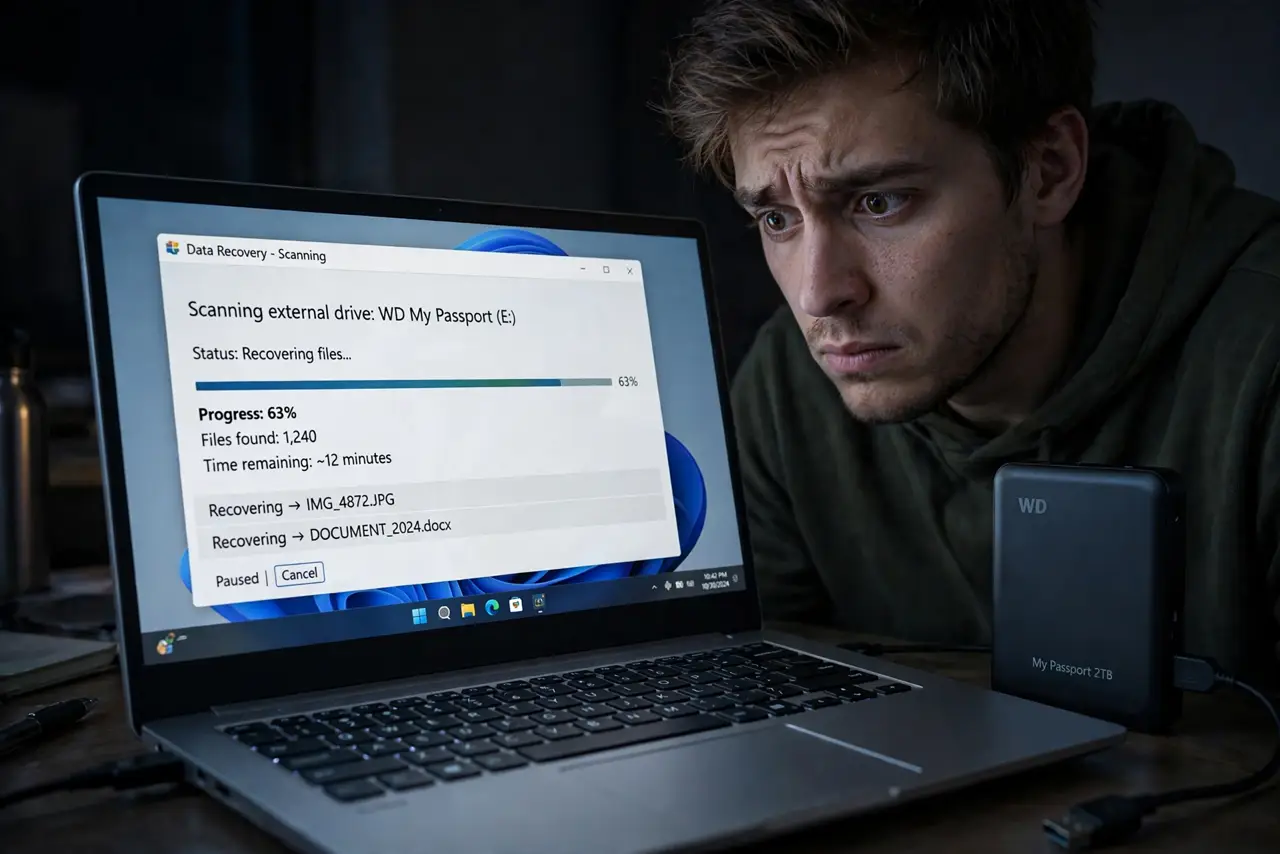
Quick fix: stop using the drive immediately — every write risks overwriting lost files. Do not install recovery software onto the same drive. Try recovery software from a different drive first; if the drive clicks or is not detected, call a professional lab. Backups beat recovery every time.
Follow these steps
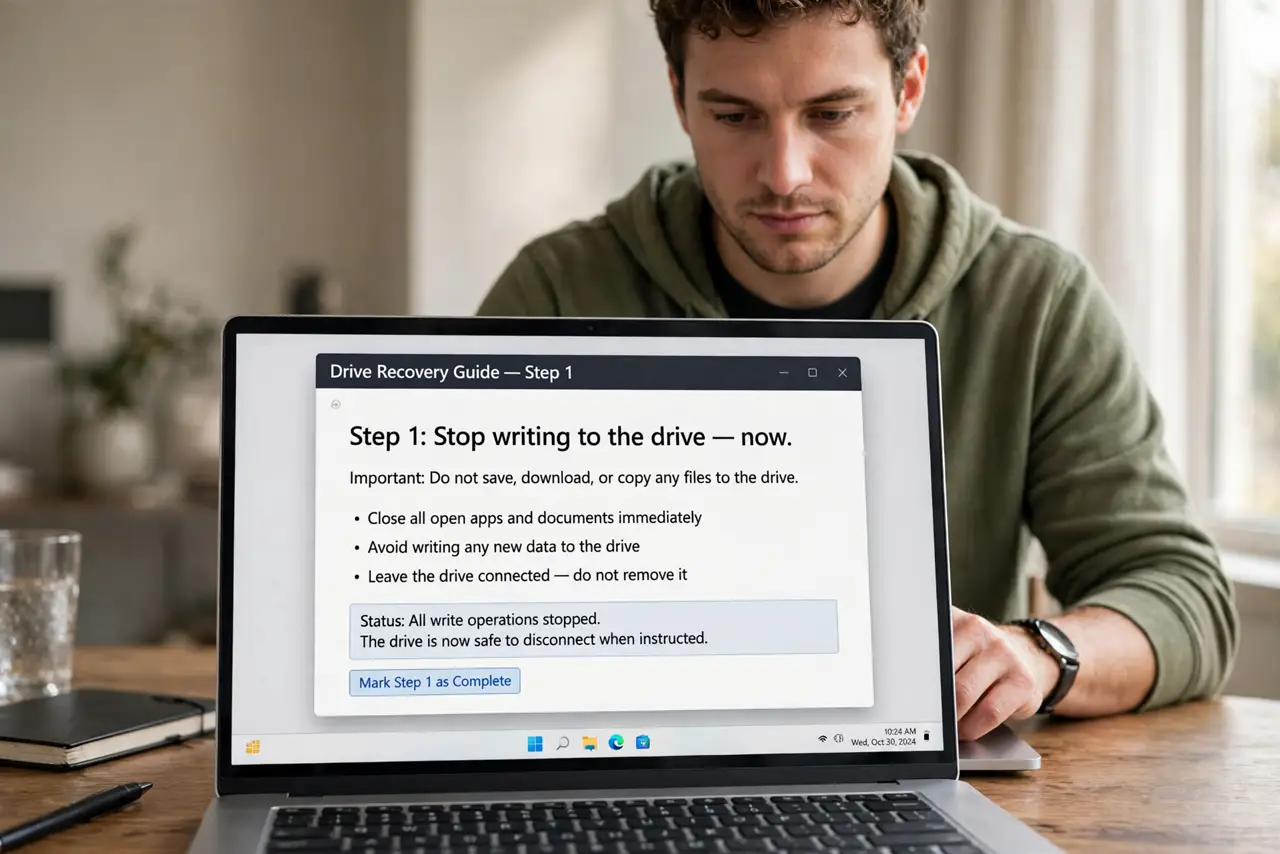
- Stop writing to the drive — now. Deleted files linger until overwritten. Every new file, update, or install shrinks the recovery window. Power down if you are unsure.
- Do not install recovery tools on the same drive. Install them on a different drive or boot from USB. Installing onto the patient overwrites the files you want back.
- Try software recovery first. Reputable recovery tools scan for deleted or damaged file structures. Run the scan from another drive and recover files to yet another drive.
- Listen for the click of death. Rhythmic clicking means mechanical failure — software cannot help. Power it off; every spin risks more damage.
- Call a lab for physical damage. Clean-room recovery is expensive but real. Get a quote before committing — and see SMART warnings to catch the next one early.
- Set up backups afterward. Recovery is the expensive lesson; backups are the cheap habit. See RAID is not backup for what actually counts.
What NOT to do
- Do not freeze the drive. The internet's freezer trick is folklore — condensation kills more drives than it revives.
- Do not open the drive casing. One speck of dust on exposed platters destroys data permanently.
- Do not keep retrying a clicking drive. Each attempt can turn a recoverable failure into a hopeless one.
- Do not pay for recovery software before trying reputable free options. Many paid tools do exactly what the good free ones do.
Frequently asked questions
Can deleted files really come back?
Often yes, if nothing overwrote them. That is why stopping usage immediately matters more than which tool you pick.
How much does professional recovery cost?
Hundreds to thousands depending on damage. Get a firm quote — reputable labs diagnose before charging.
Does this work for SSDs?
Harder — TRIM actively erases deleted blocks on SSDs, shrinking the recovery window to nearly zero. Backups matter even more for SSDs.