TRIM Keeps SSDs Fast? Explained
SSDs slow down as they fill — everyone has heard it, few know why. The culprit is how flash memory erases, and the fix is a quiet background command called TRIM that tells the drive which data is really gone. It usually runs itself, but 'usually' deserves a check. Here is what TRIM does and how to confirm it is on.
TL;DR / Quick Fix
Quick fix: TRIM lets your operating system tell the SSD which deleted blocks are truly free, so writes stay fast instead of bogging down. It is on by default in modern Windows — verify it once and forget it. Never defragment an SSD; that wears it out for zero benefit.
Follow these steps
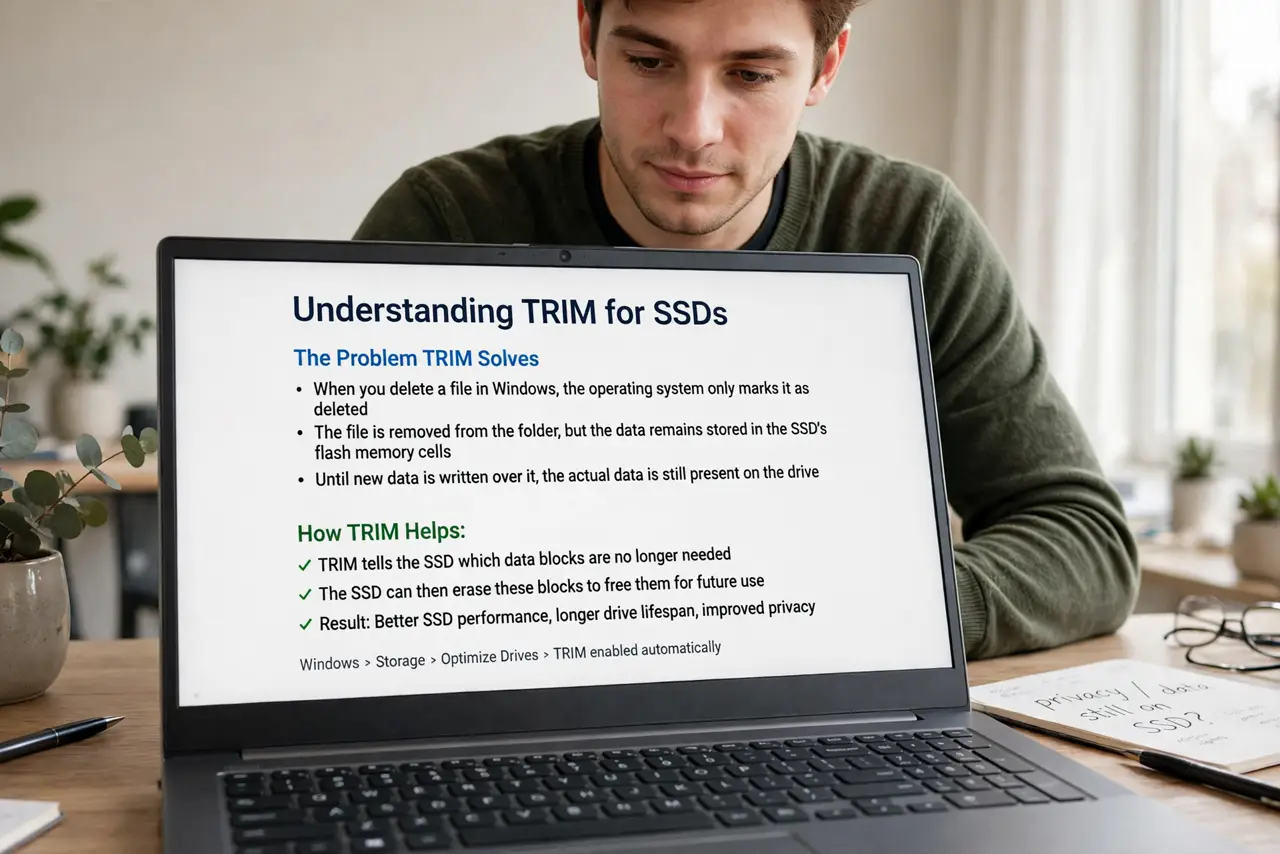
- Understand the problem TRIM solves. Deleting a file only marks it gone — the flash cells still hold data. Without TRIM, the SSD discovers this mid-write and must erase before writing, which stalls everything.
- Know it runs automatically. Modern Windows and macOS issue TRIM on a schedule without asking. You do not run it manually like the old defrag days.
- Verify it is enabled in Windows. Open a terminal as administrator and query the filesystem behavior for DeleteNotify — a zero means TRIM is on. If it reports otherwise, something disabled it.
- Check it on external SSDs too. TRIM over USB depends on the enclosure's chipset. If an external SSD slows oddly, the enclosure — not the drive — is the usual suspect.
- Never defragment an SSD. Defrag shuffles data to help spinning disks; on flash it just burns write cycles for no speed gain. Windows knows this and optimizes SSDs instead.
- Keep some free space as well. TRIM works best with breathing room. A drive stuffed nearly full still slows — TRIM plus free space is the full recipe.
What NOT to do
- Do not run third-party 'SSD optimizers' that promise to force TRIM constantly. The OS schedule is correct; aggressive tools add wear.
- Do not defrag an SSD, ever. It is the single most common well-meaning way to age a drive early.
- Do not disable TRIM chasing a benchmark. Any gain is imaginary; the long-term slowdown is real.
- Do not panic if TRIM shows off on a RAID array. Many RAID setups genuinely do not pass TRIM — that is a RAID limitation, not a bug.
Frequently asked questions
How do I know TRIM is working?
The DeleteNotify check shows whether the OS sends the command. Real-world proof is simpler: the drive holds its write speed as it fills over months.
Does TRIM wear out the SSD?
No — it reduces wear. By marking blocks free ahead of time, the drive erases efficiently instead of doing frantic extra work mid-write.
Do I need TRIM on a brand-new SSD?
It is already on by default. This guide exists so you can verify once, not so you fiddle monthly.