Desk Setups? Basics
A good desk setup is not about aesthetics -- it is about the eight hours a day your body spends there. Monitor height, chair support, keyboard position, and lighting decide whether you end the day fine or aching. You do not need expensive gear; you need the right geometry, which mostly comes from positioning what you already own.
TL;DR / Quick Fix
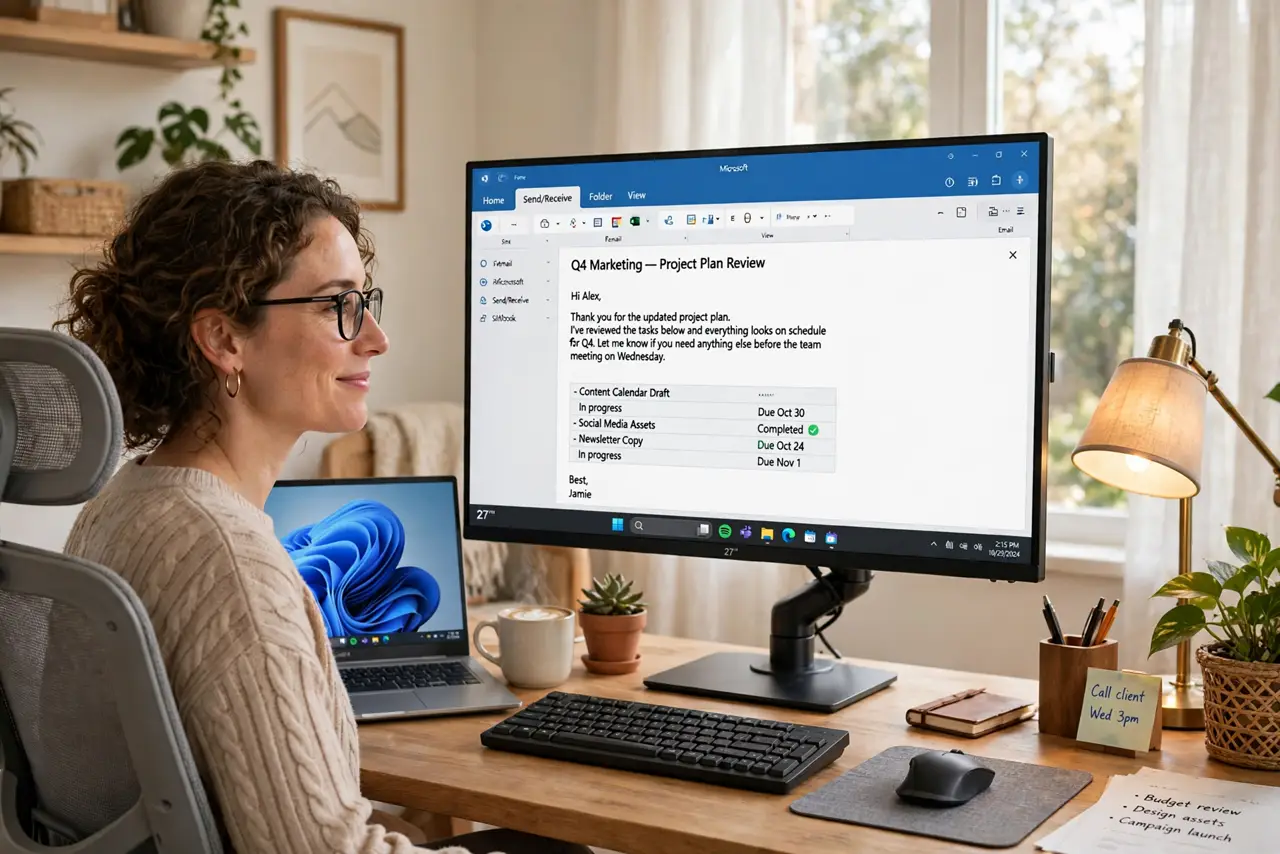
Quick fix: set the monitor top at eye level about an arm's length away, keep elbows near 90 degrees with wrists straight, and light the desk without screen glare. A laptop on a stand plus an external keyboard fixes the worst ergonomics cheaply. Adjust the chair so feet rest flat.
Follow these steps
- Set monitor height first. Top of the screen at or just below eye level, about an arm's length away. Looking slightly down is natural; craning up or hunching down all day is not -- books or a stand fix a low monitor instantly.
- Fix the laptop problem. A laptop alone forces a choice: good neck or good wrists, never both. A stand raising the screen plus an external keyboard and mouse solves it -- the cheapest real ergonomic upgrade there is.
- Position keyboard and mouse. Elbows near 90 degrees, wrists straight and floating -- not bent up or planted on the desk edge. The keyboard sits close enough that shoulders stay relaxed, not reaching.
- Sort the chair basics. Feet flat on the floor, knees near 90 degrees, lower back supported. A decent chair adjusted right beats an expensive chair adjusted wrong -- spend ten minutes on the levers.
- Light the desk, not the screen. A desk lamp aimed at the work surface plus ambient room light beats a single overhead bulb. Kill glare: no window directly behind or in front of the screen.
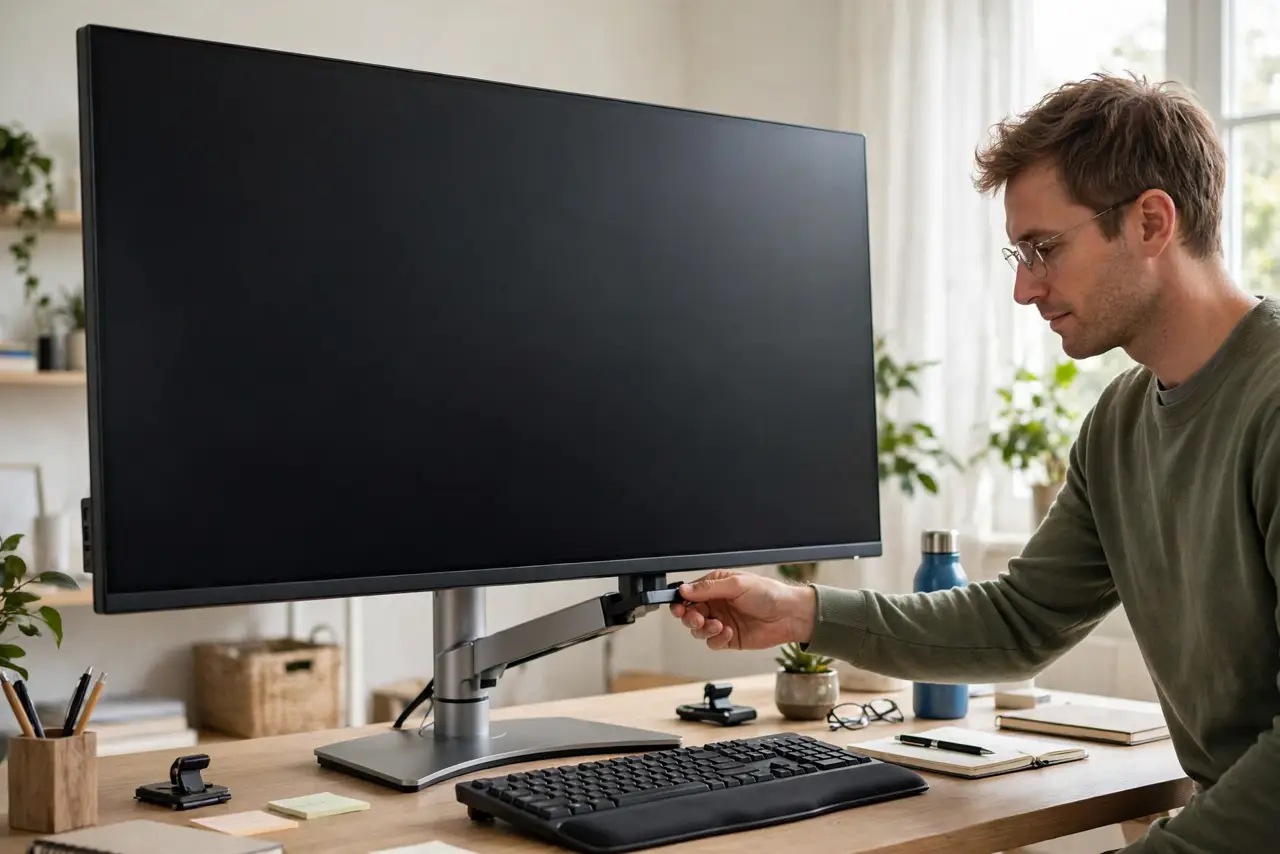
- Add the small comfort wins. A footrest if feet dangle, a monitor arm to reclaim desk depth, cable management so the space feels calm. Ergonomics is geometry first, gadgets second.
What NOT to do
- Do not buy gear before fixing geometry. A $500 chair at the wrong height loses to a $100 chair adjusted properly.
- Do not crane your neck down at a laptop all day. That hunch compounds -- a stand plus external keyboard is the fix, not willpower.
- Do not work with glare on the screen. Eye strain from squinting through reflections is preventable with lamp and blind placement.
- Do not sit frozen for eight hours. Even a perfect setup needs movement -- stand, stretch, and walk on a timer.
Frequently asked questions
What is the single best cheap upgrade?
A laptop stand plus external keyboard and mouse -- it fixes neck, wrists, and screen height in one move for modest money.
How high should my monitor be?
Top of the screen at eye level, an arm's length away. Slightly below eye level is fine; above it is not.
Do I need a standing desk?
Nice to have, not essential. Alternating sitting and standing helps, but a well-set sitting desk plus movement breaks covers most needs.