Don't Mix PSU Cables? Why
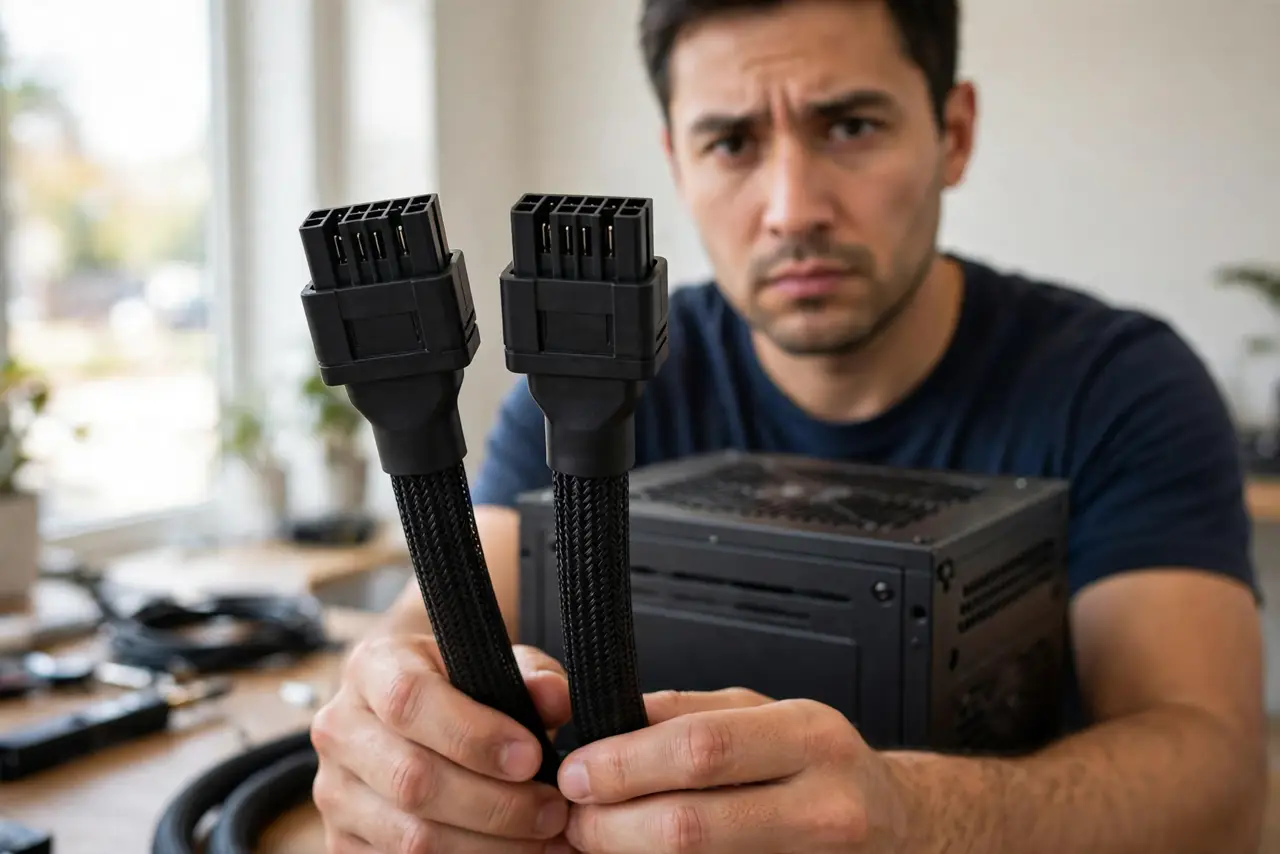
You lost a SATA power cable, and a spare from an old power supply fits the plug perfectly. Do not use it. Modular PSU cables look identical across brands but wire the pins differently on the PSU side — and the wrong cable sends 12 volts where 5 volts belong, killing drives instantly.
TL;DR / Quick Fix
Quick fix: never use modular PSU cables from a different unit — even the same brand. The PSU-side pinout is not standardized, so a fitting plug can feed wrong voltages and destroy drives. Only use cables from your PSU's box. Lost one? Order the exact replacement for your model.
Follow these steps
- Understand why identical plugs lie. The device-side connectors are standardized; the PSU-side wiring is not. Same shape, different voltages on the pins — the trap is invisible.
- Keep each PSU's cables bagged together. When you unbox a PSU, bag its cables and label the bag with the model. Future-you will not remember which cable came from where.
- Check the model before ordering spares. Replacement cables must match your exact PSU model — not just the brand. Makers publish compatibility lists; use them.
- Treat 'it fits' as meaningless. Fitting proves the plastic matches. It says nothing about the wiring inside — the dangerous assumption in one sentence.
- Label cables during a rebuild. If multiple PSUs have lived in your house, tag every cable before unplugging anything. Ten seconds of labeling prevents a fried SSD.
- When in doubt, buy the maker's kit. Official cable kits for your model cost more than mystery cables and infinitely less than a dead system.
What NOT to do
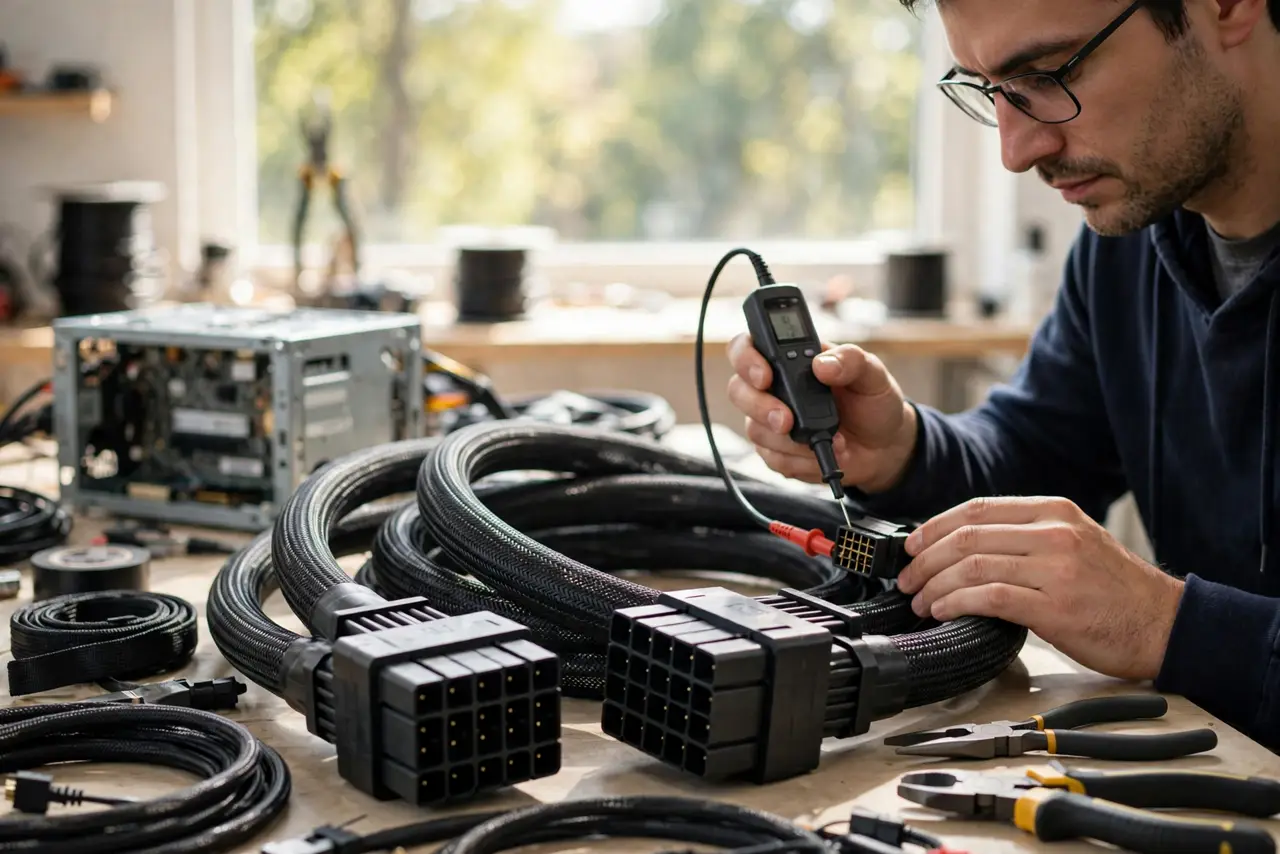
- Do not borrow a cable from a friend's PSU 'just to test.' Testing is exactly when the damage happens.
- Do not trust same-brand cables blindly. Pinouts change between models and even revisions within a brand.
- Do not assume the 24-pin motherboard cable is safe to swap. It is keyed the same and wired differently — same trap.
- Do not keep mystery cables in a junk drawer. An unlabeled PSU cable is a loaded trap for future-you.
Frequently asked questions
Why isn't the PSU side standardized?
Makers never agreed on one. Each designs its own modular board layout, so the pin mapping differs — permanently.
What actually breaks with the wrong cable?
Usually storage drives first — wrong voltage on the SATA power pins kills SSDs and hard drives quickly. Motherboards and GPUs can follow.
Are extension cables safe?
Yes — extensions plug into the standardized device side, after the PSU cable. They do not touch the non-standard PSU-side wiring.