First PC Build? The Checklist
Building your first PC feels like defusing a bomb with a manual written in riddles — but thousands of first-timers do it every week, and the parts only fit one way. This checklist covers the order of operations and the gotchas that trip up beginners, so your first boot is a celebration, not a mystery.
TL;DR / Quick Fix
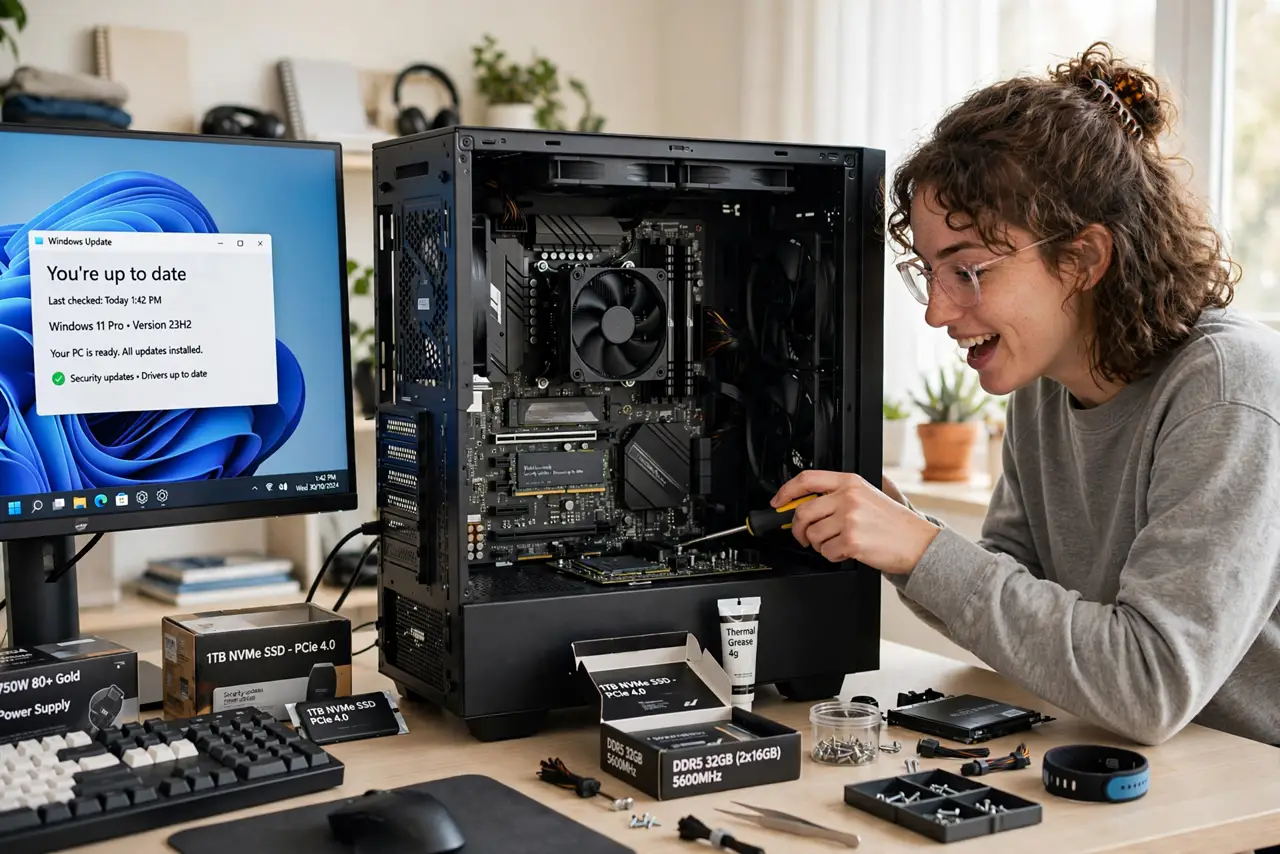
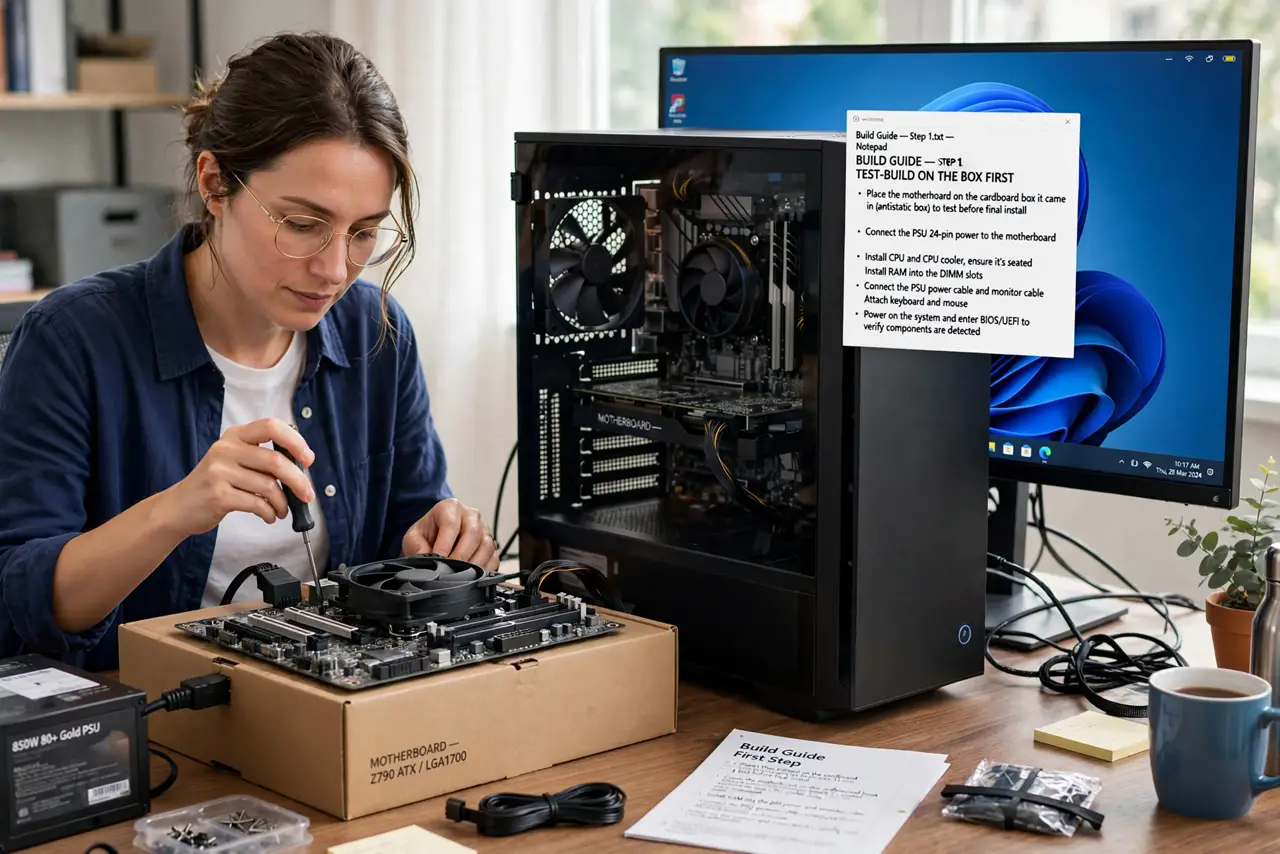
Quick fix: build outside the case first — CPU, cooler, RAM, and GPU on the motherboard box — and test-boot before mounting. Install standoffs, connect both power cables to the motherboard, and seat RAM until it clicks. Patience beats speed; double-check every connection before first power.
Follow these steps
- Test-build on the box first. Assemble CPU, cooler, one RAM stick, and GPU on the motherboard box, then short the power pins to boot. Catching a dead part now saves hours of unmounting later.
- Install standoffs in the case. Those little brass spacers keep the motherboard off the metal case. A missing standoff in the wrong spot can short the board — count them against the board's holes.
- Seat the CPU with zero force. It drops into the socket under its own weight. If it resists, the alignment is wrong — see how much thermal paste before the cooler goes on.
- Click the RAM fully in. Push until both clips snap shut on their own. Half-seated RAM is the number-one 'new build won't boot' cause — see which RAM slots.
- Connect BOTH motherboard power cables. The big 24-pin plus the smaller CPU power plug near the top. Forgetting the CPU plug is the classic first-timer mistake — fans spin, nothing else happens.
- If no display, work the checklist. Blank screen on first boot is normal-ish — see new build no display before panicking.
What NOT to do
- Do not build on carpet in socks while shuffling around. Basic static caution is enough — you do not need a hazmat suit, but do not invite trouble.
- Do not force any connector. PC connectors are keyed; force means wrong orientation or wrong plug.
- Do not forget the I/O shield. Install it before the motherboard — retrofitting it later means removing everything.
- Do not cable-manage before the first successful boot. Get it working first; make it pretty after — see cable management then.
Frequently asked questions
How long does a first build take?
Three to five hours for most beginners, including the test boot. Rushing causes the mistakes that cost more time.
What tools do I need?
One Phillips screwdriver, basically. A magnetic tip helps. Everything else is fingers and patience.
What if it does not boot?
Do not panic — work the no-display checklist methodically. Most first-boot failures are one unseated part or one forgotten cable.