Hot-Swap Keyboard? What It Means
You like your keyboard but wish the keys felt different — and the idea of a soldering iron terrifies you. Hot-swap keyboards let you pull switches straight out of their sockets and press new ones in, no tools, no heat. It turns switch-swapping from a repair job into a five-minute experiment.
TL;DR / Quick Fix
Quick fix: a hot-swap keyboard lets you change switch types by pulling them out and pushing new ones in — no soldering. Great for experimenting or replacing a dead switch. Sockets can loosen after many swaps, and not every switch fits every board. Check pin compatibility before buying.
Follow these steps
- Confirm the board is actually hot-swap. The product page must say hot-swap or hot-swappable. A regular mechanical board looks identical but has soldered switches you cannot pull.
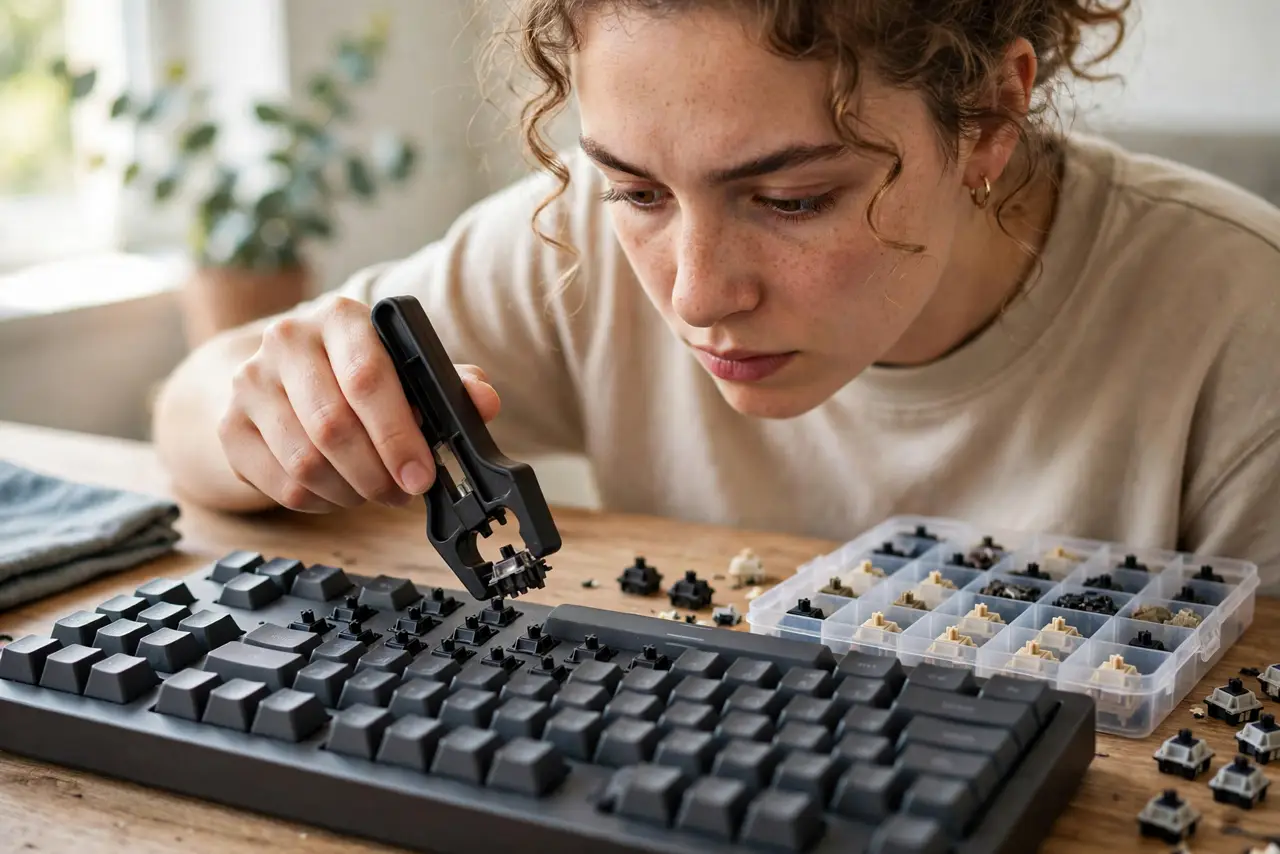
- Get a switch puller. The cheap plastic or wire tool that ships with most hot-swap boards. Fingernails work in a pinch; pliers do not — they crack switch housings.
- Pull straight up, gently. Grip the switch top and bottom and lift vertically. Wiggling side to side bends the socket pins.
- Check pin count before buying switches. Switches come in 3-pin and 5-pin versions. A 3-pin socket takes only 3-pin switches; a 5-pin socket takes both. Mismatched pins are the classic beginner mistake.
- Push new switches straight down. Align the pins with the socket and press firmly until seated. Bent pins are fixable with tweezers — straighten, then try again.
- Test every key after swapping. Open a key tester page and press each key. One dead key usually means one bent pin, not a dead board.
What NOT to do
- Do not yank switches sideways. Sockets tolerate vertical pulls; lateral force bends pins and loosens sockets.
- Do not force a switch that resists. Stop, check pin alignment, straighten any bent pin, then seat it.
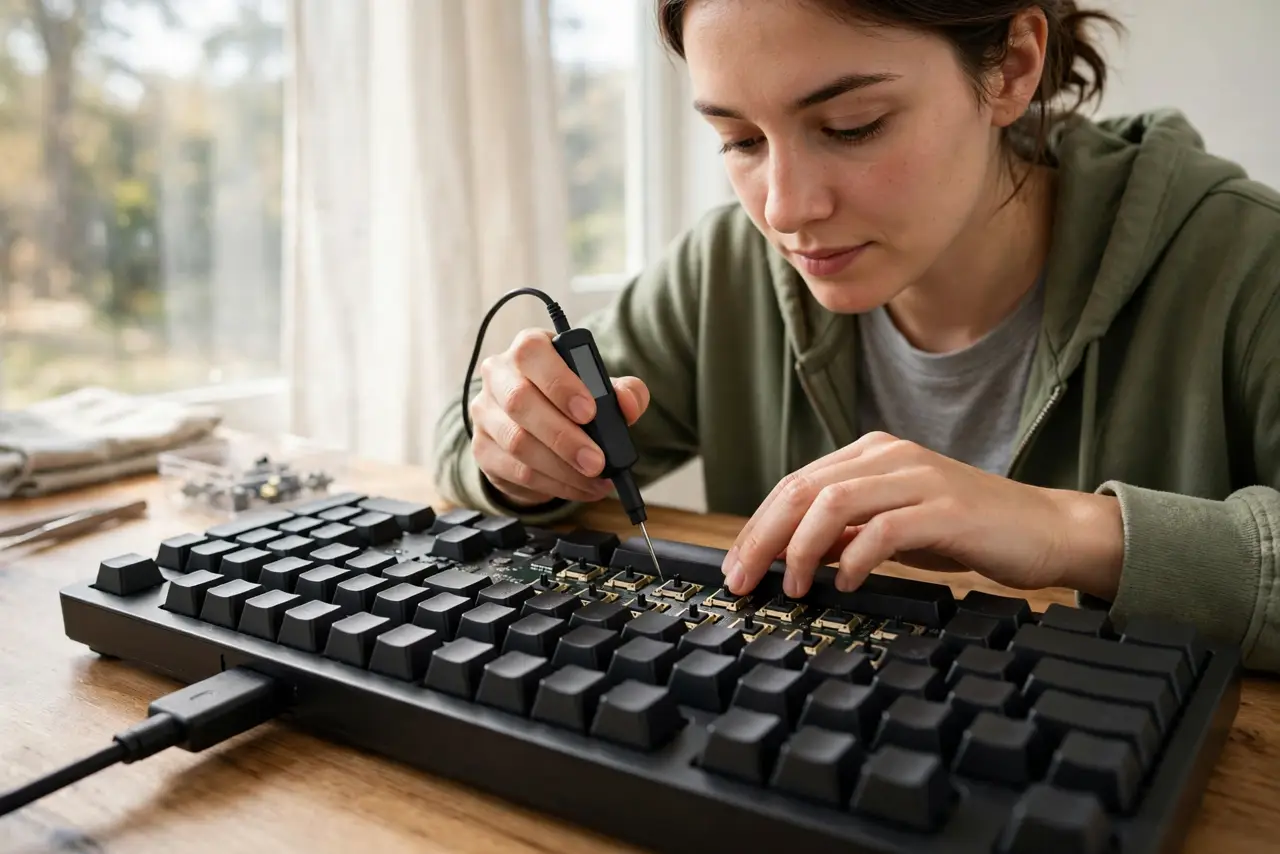
- Do not swap switches with the board plugged in. Unplugging takes five seconds and removes the small short-circuit risk.
- Do not buy bulk switches without checking the pin version. A bag of 5-pin switches is useless on a 3-pin-only board.
Frequently asked questions
Can hot-swap fix a dead key?
Yes — that is its best trick. Pull the dead switch, push in a new one, and the key works again. No repair shop needed.
Do hot-swap sockets wear out?
After dozens of swaps a socket can loosen, but for normal experimenting — a few changes a year — they last the board's lifetime.
Are hot-swap boards more expensive?
Slightly. The sockets add cost, but the ability to change your mind about switch types is worth it for most buyers.