Keyboard Switches? Explained
Shopping for a mechanical keyboard means facing a wall of switch names — linear, tactile, clicky, red, blue, brown — and every one feels different under your fingers. A switch is simply the mechanism under each key, and its type decides the feel and the noise. Here is the plain version of what the colors and words mean.
TL;DR / Quick Fix
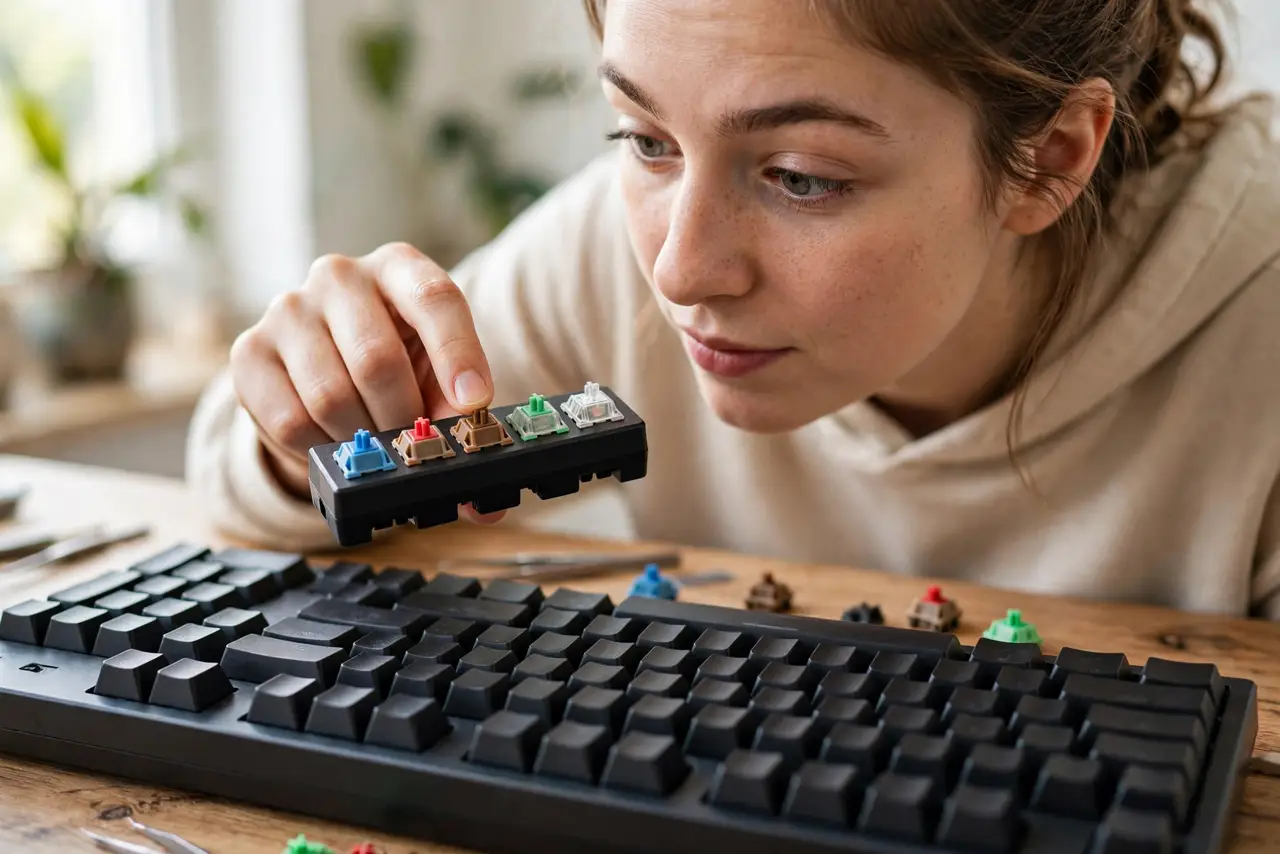
Quick fix: linear switches press smoothly and quietly; tactile switches give a small bump; clicky switches bump and click loudly. Gamers usually pick linear, typists pick tactile or clicky. If you share a room, avoid clicky. A cheap switch tester lets you feel them before buying.
Follow these steps
- Learn the three families. Linear: smooth all the way down. Tactile: a small bump you feel mid-press. Clicky: bump plus an audible click. Every switch on the market is a variation of one of these.
- Decode the colors loosely. Red usually means linear, brown tactile, blue clicky — but colors are maker conventions, not laws. Always check the description, not just the color.
- Match the switch to your main use. Fast games favor light linear switches; long writing sessions favor tactile feedback; clicky is for people who love the sound and type alone.
- Consider a hot-swap board if unsure. Hot-swap keyboards let you pull switches out and try others without soldering — the low-risk way to experiment.
- Mind the noise on calls. Clicky and even some tactile switches get picked up by microphones — see keyboard clicks on calls.
- Buy a switch tester first. A ten-dollar tester with a dozen switches tells you more than a hundred reviews. Feel beats reading.

What NOT to do
- Do not buy purely by color. 'Blue' from one maker can feel different from 'blue' from another.
- Do not lube switches as a beginner project. It is fiddly, eats your whole afternoon, and beginners usually make things worse.
- Do not assume heavier switches are 'better.' Heavy springs tire fingers; light ones cause typos. Match the weight to your fingers.
- Do not ignore the keycaps. Cheap thin keycaps can make great switches sound hollow and cheap.
Frequently asked questions
What is the quietest mechanical switch?
Silent linear switches, often with dampened stems. They feel smooth and stay office-friendly — pair them with a desk mat for even less noise.
Do switches wear out?
Rated for tens of millions of presses — years of heavy use. The keycaps and legends usually wear long before the switches do.
Can I mix switch types on one board?
On hot-swap boards, yes — many people put tactile switches on letter keys and linear on spacebar. Soldered boards, no.