Keycap Profiles? Basics
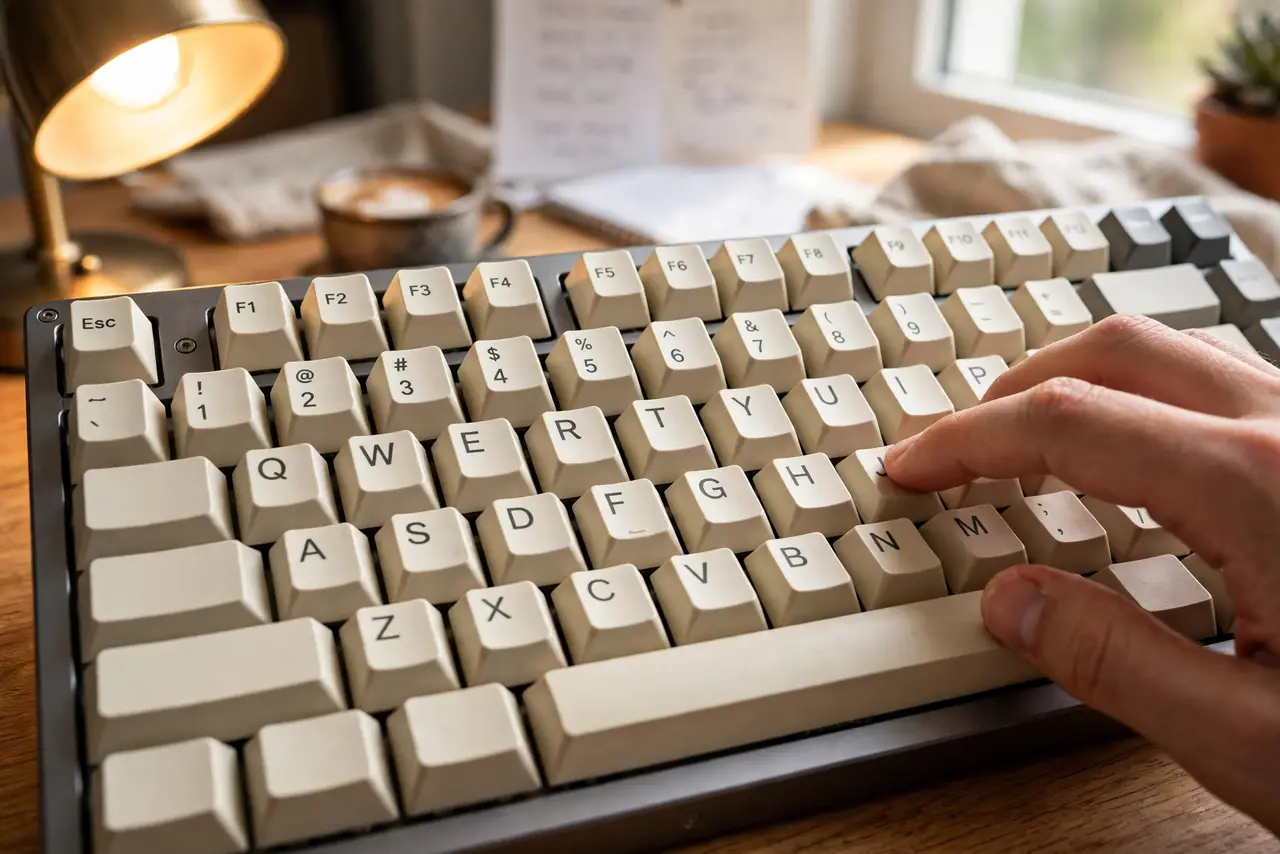
Keycap profile is the shape of your keys — how tall they are and how the rows sculpt to your fingers. OEM, Cherry, SA, XDA: the names describe different heights and curves, and they genuinely change how typing feels. Tall sculpted caps feel retro and thocky; short flat caps feel fast and modern. Here is what the names mean before you buy a set.
TL;DR / Quick Fix
Quick fix: keycap profile means the shape and height of your keycaps. Cherry and OEM are the safe medium-height defaults most people like. Tall SA caps look retro and sound deep but slow some typists down. Flat XDA suits minimalists. Try a set before committing.
Follow these steps
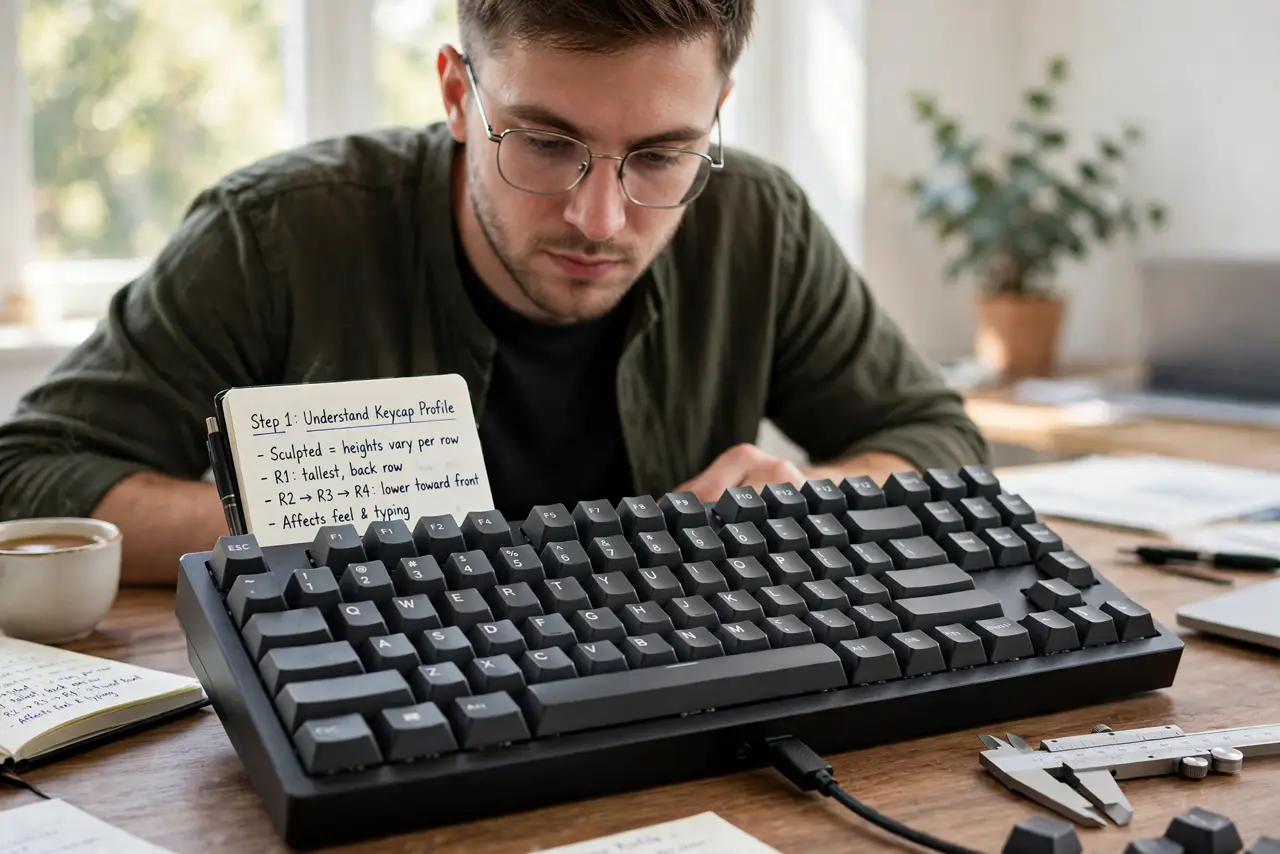
- Understand what profile means. Profile describes each keycap's height and the sculpt across rows — taller at the back, lower at the front, on sculpted sets. It is ergonomics you feel every keystroke, distinct from the switch underneath.
- Learn the common profiles. OEM: the standard tall-ish default on most boards. Cherry: slightly shorter than OEM, the enthusiast favorite. SA: tall, sculpted, retro — dramatic look and deep sound. XDA: short and uniform, flat across rows.
- Match profile to typing style. Touch typists often love sculpted profiles — the shape guides fingers home. Hunt-and-peck or fast gamers may prefer uniform low profiles with less finger travel. There is no universally best, only best for you.
- Consider the sound. Tall thick caps (SA, Cherry PBT) sound deeper and 'thockier'; thin caps sound higher and rattlier. Material matters as much as shape — thick PBT is the premium feel.
- Check compatibility. Most sets fit standard layouts; non-standard bottom rows on gaming boards break compatibility. Verify your board's layout against the set's kit list before ordering — and note legends wearing off is a material issue, not a profile one.
- Try before investing. A full quality set costs real money. Borrow a board, visit a meetup, or buy one cheap set first — ten minutes of typing tells you more than ten reviews.
What NOT to do
- Do not buy SA for speed typing blind. Tall sculpted caps slow some typists — try first if speed matters to you.
- Do not ignore the bottom row. Non-standard gaming layouts reject most aftermarket sets — check compatibility first.
- Do not confuse profile with material. Shape is profile; ABS vs PBT is material — both affect feel and sound.
- Do not expect miracles from caps alone. Keycaps refine a good board; they cannot fix bad switches.
Frequently asked questions
What is the most popular keycap profile?
Cherry — medium height, comfortable sculpt, huge aftermarket selection. OEM is the common stock default and perfectly fine.
Do keycaps really change the sound?
Yes, noticeably. Tall thick caps deepen the sound; thin caps make it higher and sharper. It is one of the most audible mods you can make.
ABS vs PBT — which is better?
PBT resists shine and feels textured; ABS is smoother and often has crisper legends. Most enthusiasts prefer PBT for daily drivers.