Is Your Laptop RAM Upgradeable?
Your laptop is gasping for memory and you are wondering if a cheap RAM stick could save it — or if the RAM is soldered in forever. The answer varies wildly by model: some laptops pop open with two slots, others seal everything shut. Here is how to check yours in five minutes.
TL;DR / Quick Fix
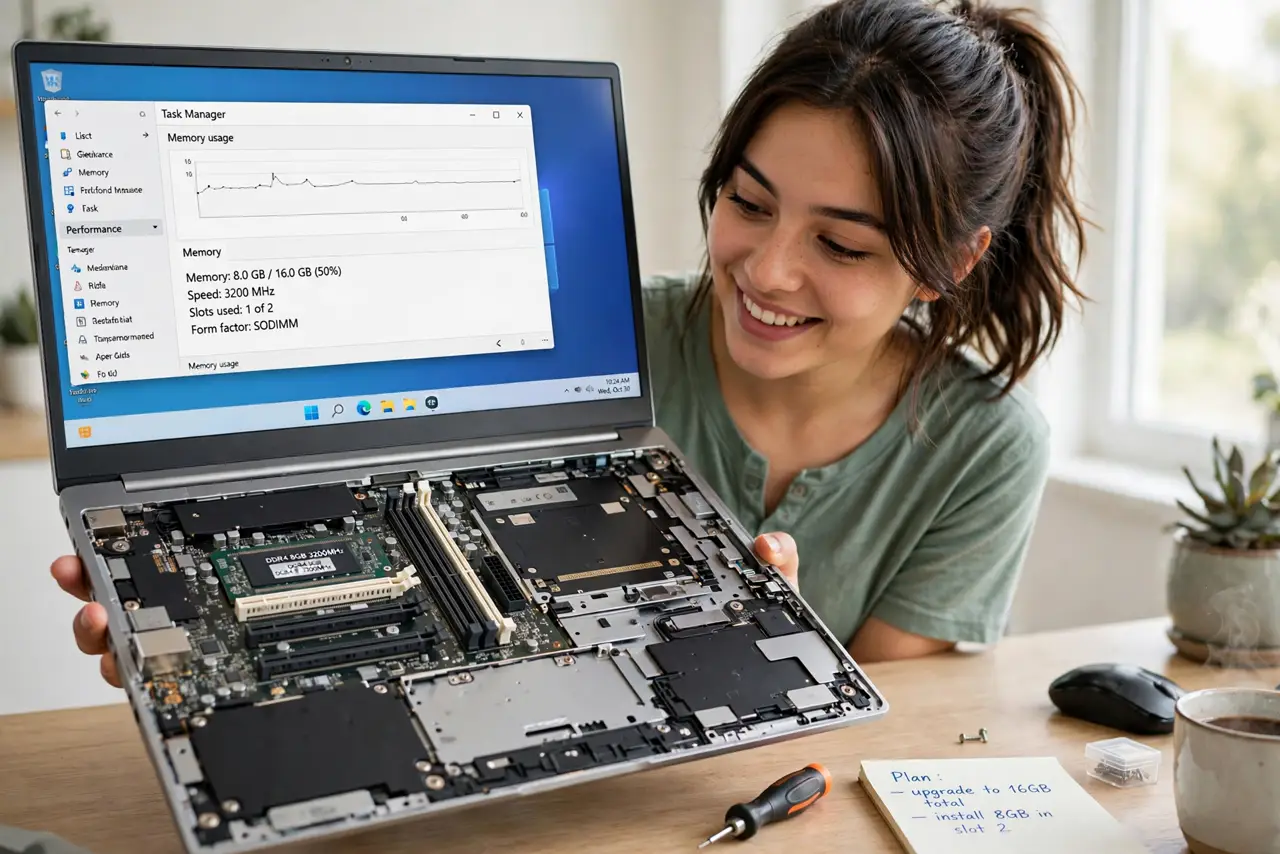
Quick fix: check your exact model's specs or manual — look for 'soldered' vs 'SODIMM slots' and the maximum supported memory. Many thin ultrabooks have soldered RAM; most thicker laptops have upgradeable slots. See the soldered RAM guide for what that means. Never force a panel open.
Follow these steps
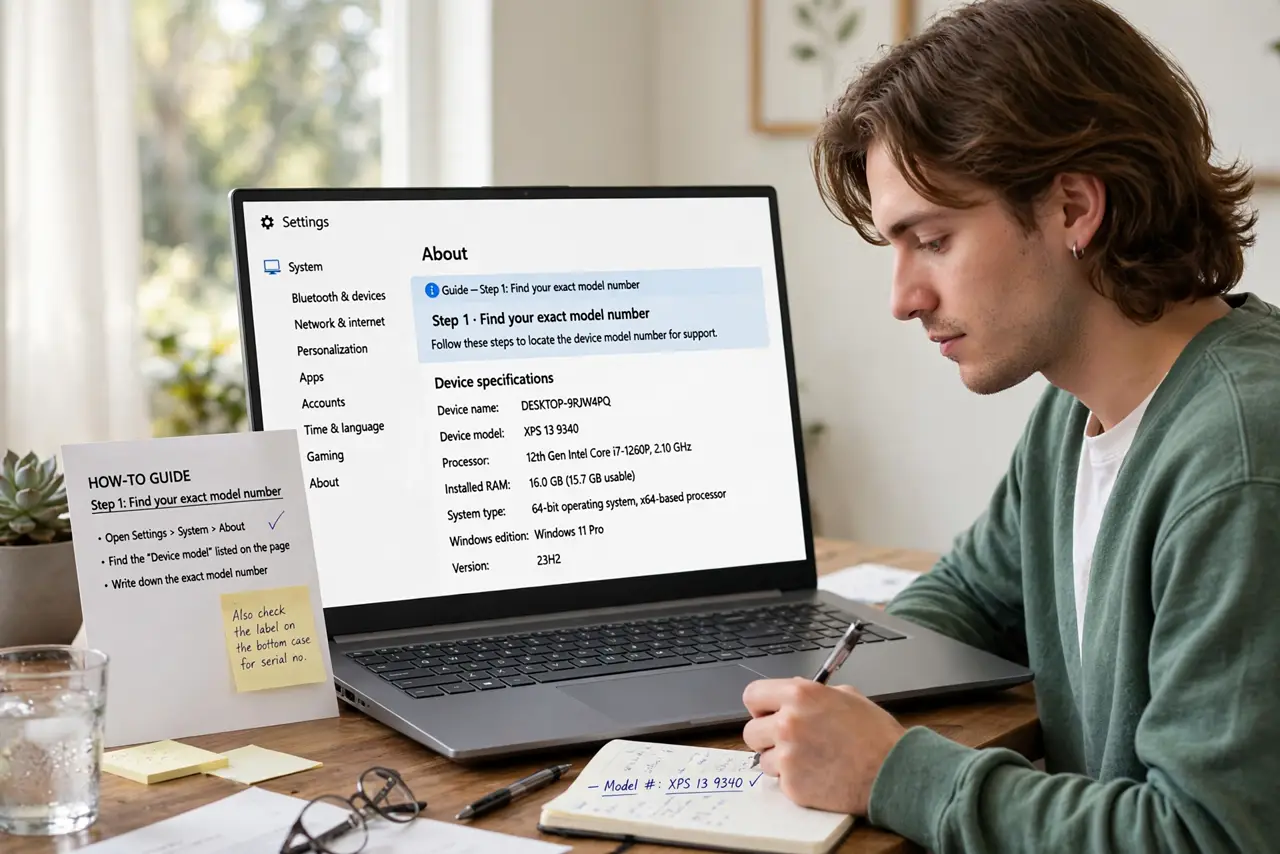
- Find your exact model number. The sticker on the bottom or System Information gives it. 'XPS 15' is not enough — the year and configuration change the answer.
- Search the specs for 'soldered' or 'SODIMM'. Soldered means permanent; SODIMM slots mean upgradeable. The maker's spec page states this plainly — see soldered RAM explained.
- Check the maximum capacity. Even upgradeable laptops cap out — often 32 or 64 GB. Do not buy a 64 GB kit for a 32 GB-max board.
- Count free vs occupied slots. Two slots with one free means adding a stick; both occupied means replacing both. Match the existing stick's speed for best results.
- Watch a teardown for your model. A five-minute video shows the panel clips and screw types. Every model hides a gotcha — the video reveals yours.
- If soldered, plan around it. Soldered RAM means the memory you bought is the memory you keep — which makes repair vs replace math favor replacement sooner.
What NOT to do
- Do not pry the bottom panel with a metal screwdriver. Plastic spudgers exist for a reason — metal scars cases and slips into boards.
- Do not buy RAM before confirming the type. DDR4 and DDR5 SODIMMs look similar and are not interchangeable.
- Do not assume 'upgradeable' means easy. Some laptops need the whole motherboard removed to reach the slots.
- Do not upgrade RAM to fix a slow laptop with a spinning hard drive. The SSD upgrade helps far more there.
Frequently asked questions
Can soldered RAM ever be upgraded?
Practically no — it needs specialist micro-soldering. For normal owners, soldered means permanent.
How much RAM do I actually need?
8 GB minimum for light use, 16 GB the sweet spot for most, 32 GB for heavy creative work or virtual machines.
Will more RAM speed up my laptop?
Only if you are running out. Check current usage first — unused RAM is just decoration.