Laptop vs Desktop? Decide
The eternal question, and the honest answer is that most people buy the wrong one for their life. Laptops sell freedom; desktops sell power per dollar and longevity. The right choice has less to do with specs than with where you actually compute — and how often that place changes.
TL;DR / Quick Fix
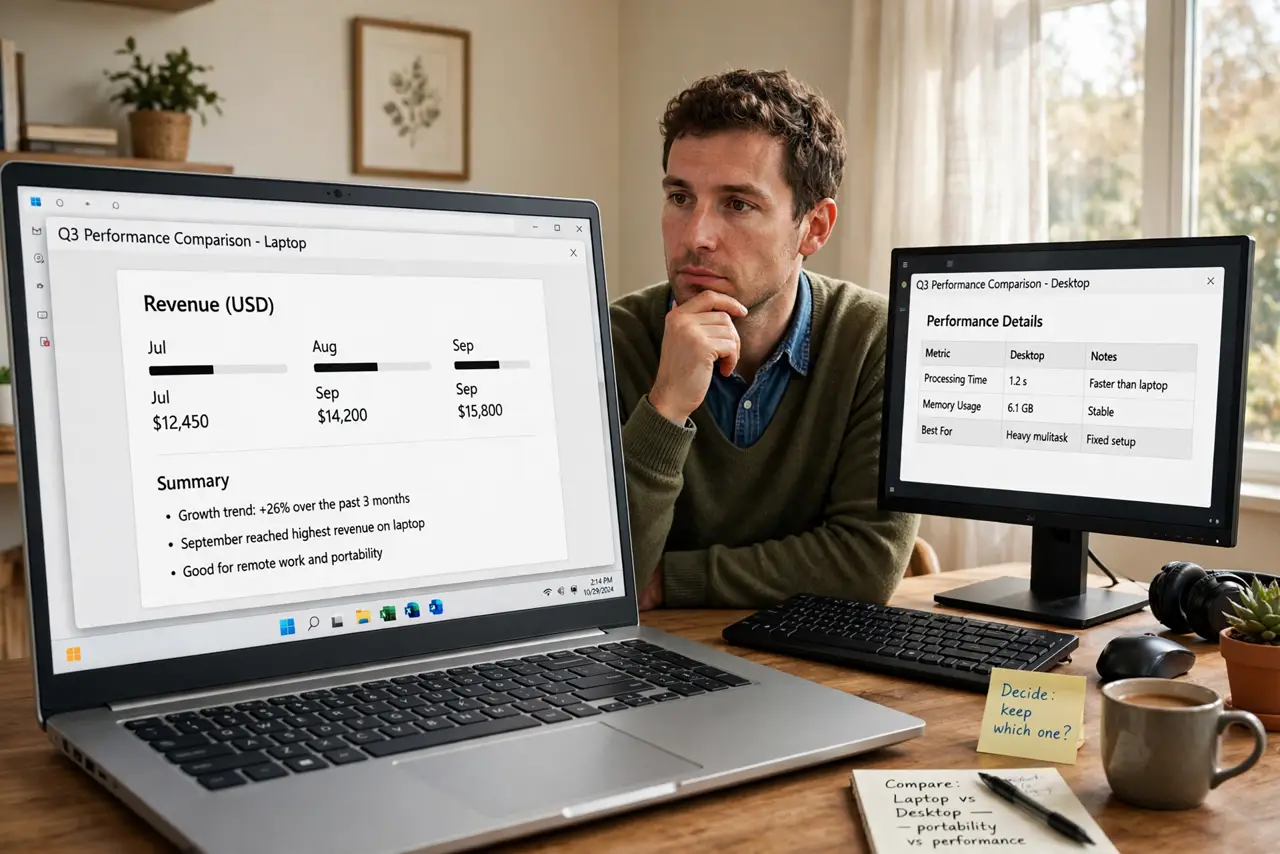
Quick fix: buy a laptop if you compute in more than one place regularly — the portability is worth the premium. Buy a desktop if you work at one desk: more power per dollar, easier upgrades, and a longer useful life. Most people overestimate how often they move.
Follow these steps
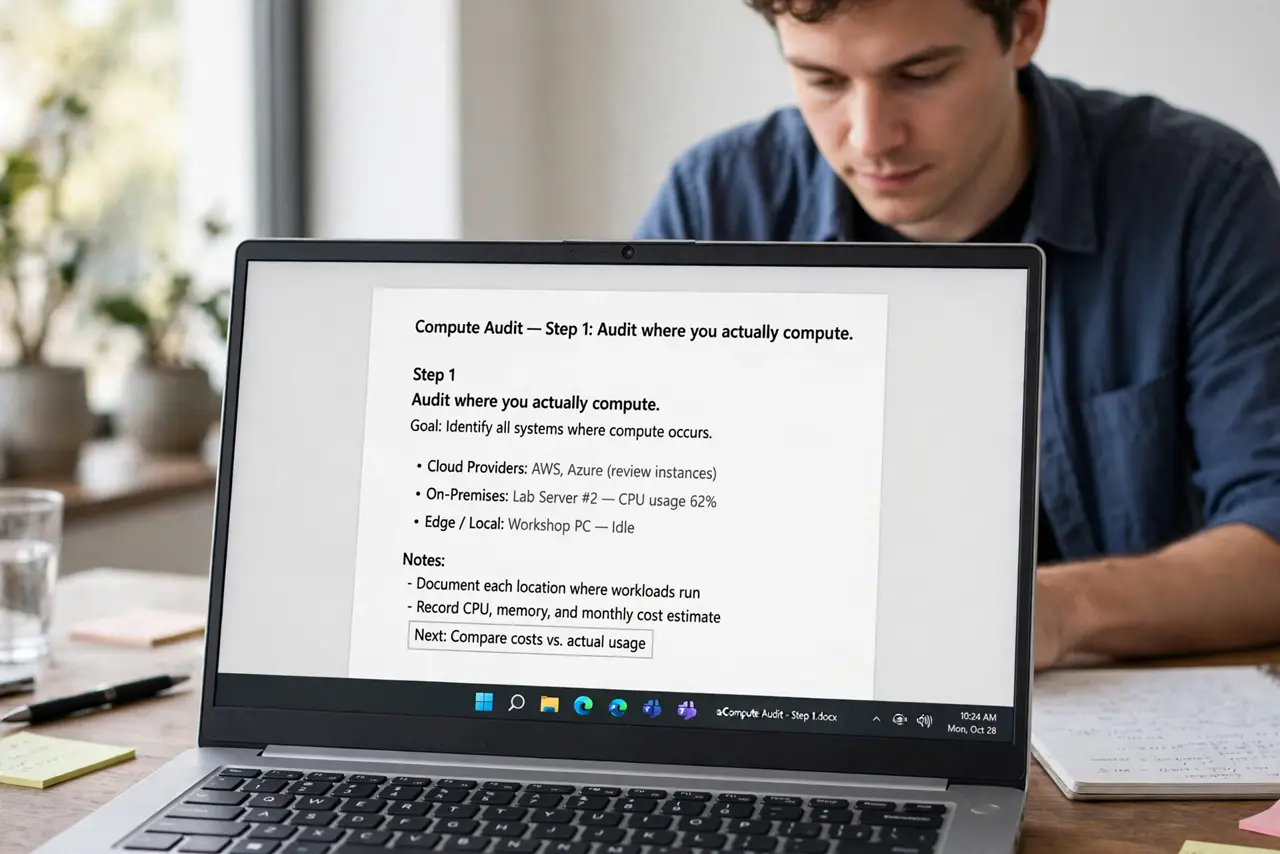
- Audit where you actually compute. Track a normal week: couch, office, cafe, desk? If 90 percent happens at one desk, you are paying the portability tax for nothing.
- Compare power per dollar. At the same price, a desktop gives you a faster processor, more RAM, and better cooling. Laptops pay a premium to shrink all of that — and thermal limits cap sustained performance.
- Weigh the upgrade path. Desktops accept new RAM, storage, and graphics cards for years. Most laptops accept nothing after purchase. A desktop bought today can evolve; a laptop is frozen in time.
- Consider the ergonomics. A desktop means a real monitor at eye level, a full keyboard, and a proper mouse — or add all three to a laptop with a docking station. Laptops alone are an ergonomic compromise.
- Factor in the failure modes. Spill coffee on a laptop keyboard and the whole machine is in the shop. Spill it on a desktop keyboard and you buy a new $30 keyboard.
- Be honest about travel. Frequent travelers need laptops, full stop. But 'I might take it on vacation' is not frequent travel — a cheap tablet covers the occasional trip.
What NOT to do
- Do not buy a gaming laptop as a desktop replacement without understanding thermals. Sustained loads throttle laptop chips — the spec sheet promises more than the cooling delivers.
- Do not buy a desktop if your life is genuinely mobile. The fastest desktop in the world is useless in a hotel room.
- Do not forget the hidden laptop costs. The laptop needs a bag, maybe a dock, maybe an external monitor — the sticker price is the beginning.
- Do not assume desktops are obsolete. For creators, developers, and gamers at a fixed desk, the desktop remains the rational, economical choice.
Frequently asked questions
Can a laptop really replace a desktop?
For office work, browsing, and light creative tasks — yes, easily. For sustained heavy workloads, the desktop's cooling and upgradability still win.
What about a laptop with a docking station?
The popular compromise: portable when you need it, desktop-ergonomic at home. It costs extra but solves the ergonomics complaint — see what a docking station does.
Which lasts longer?
Desktops, typically by years — they run cooler and accept part upgrades. A well-kept desktop can serve a decade; laptops average far less.