Mechanical vs Membrane Keyboards?
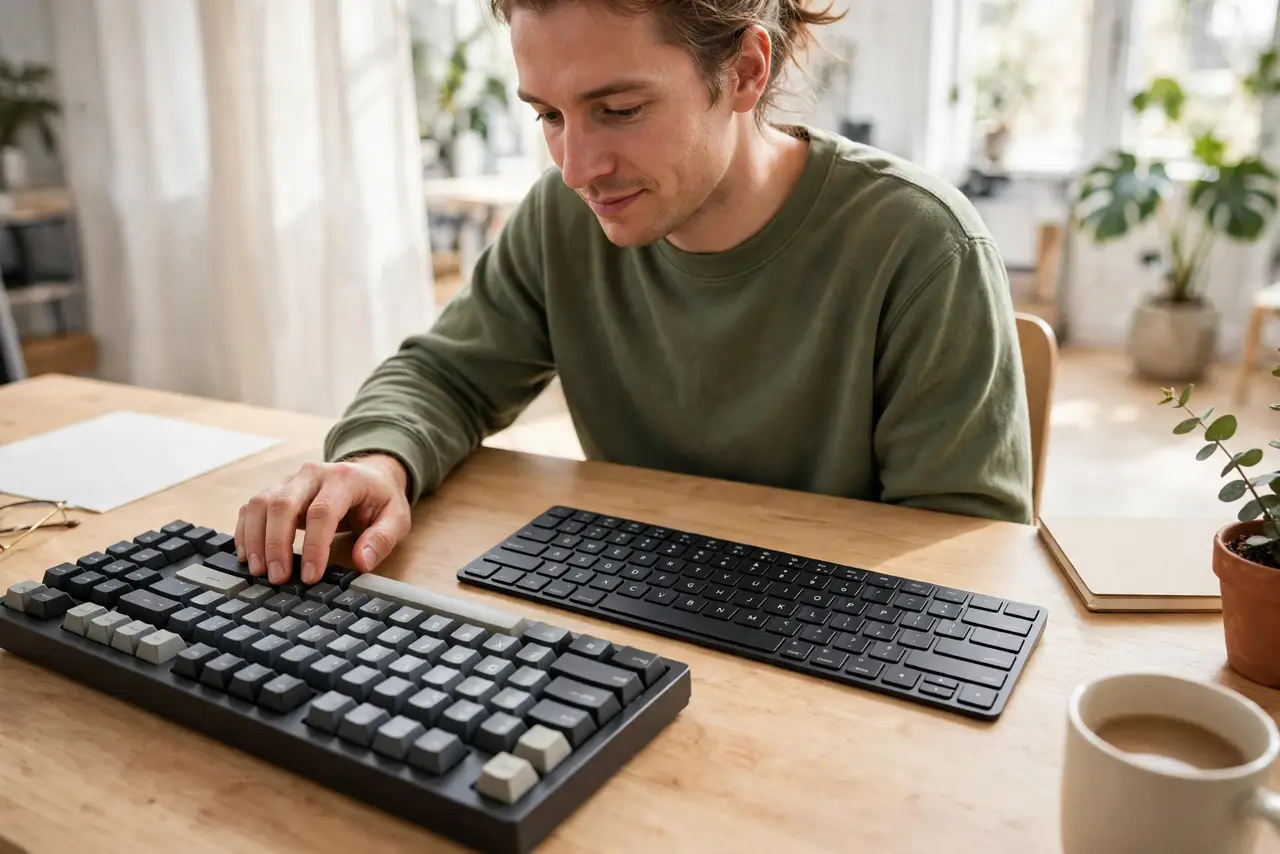
Your keyboard choice shapes every hour you type — the feel, the noise, the fatigue. Mechanical keyboards use a separate switch under every key; membrane keyboards use a single rubber sheet. Neither is 'better' for everyone, but they suit different people. This guide compares them plainly so you buy once.
TL;DR / Quick Fix
Quick fix: mechanical keyboards feel crisper, last longer, and are louder and pricier; membrane keyboards are quiet, slim, and cheap but feel mushy. For heavy typing, mechanical usually wins on comfort. Try both in a store — feel beats specs. Your pick should match your typing hours and noise tolerance.
Follow these steps
- Feel the difference first. Press a key: mechanical gives a distinct click or bump per key; membrane feels like pressing through a soft pad. That single difference drives most of the debate.
- Match the keyboard to your noise budget. Mechanical switches — especially clicky ones — are loud enough to annoy coworkers or wake a room. Membrane keyboards are whisper-quiet. See switch types for quiet mechanical options.
- Count your typing hours. Two hours a day of email? Membrane is fine. Eight hours of code or writing? The crisper feedback of mechanical usually means less finger fatigue.
- Weigh durability against price. A good mechanical board can outlast several membrane ones, but costs several times more. Cheap mechanical boards exist — they just rarely survive like the good ones.
- Check the features you actually need. Backlighting, media keys, and wireless exist in both camps. Do not pay the mechanical premium for features you could get on a membrane board.
- Learn the shortcuts once you choose. Either board types the same keys — see shortcuts worth learning to get fast on whatever you buy.
What NOT to do
- Do not buy a clicky mechanical keyboard for a shared office. Your coworkers will hold a grudge.
- Do not assume expensive means quiet. Price and noise are unrelated — check the switch type, not the price tag.
- Do not spill coffee 'testing durability.' Neither type survives liquids gracefully.
- Do not judge all mechanical boards by one cheap one. A bargain mechanical can feel worse than a decent membrane.
Frequently asked questions
Are mechanical keyboards faster for gaming?
Marginally, for some players. The bigger win is feel and consistency, not raw speed — skill beats switch type every time.
Why is my mechanical keyboard so loud on calls?
Clicky switches travel through the desk into the mic — see mic picks up keyboard clicks for fixes that do not require a new keyboard.
Can I make a membrane keyboard feel mechanical?
No. Keycaps and tweaks help slightly, but the rubber-dome mechanism is fundamentally different.