NAS vs External Drive?
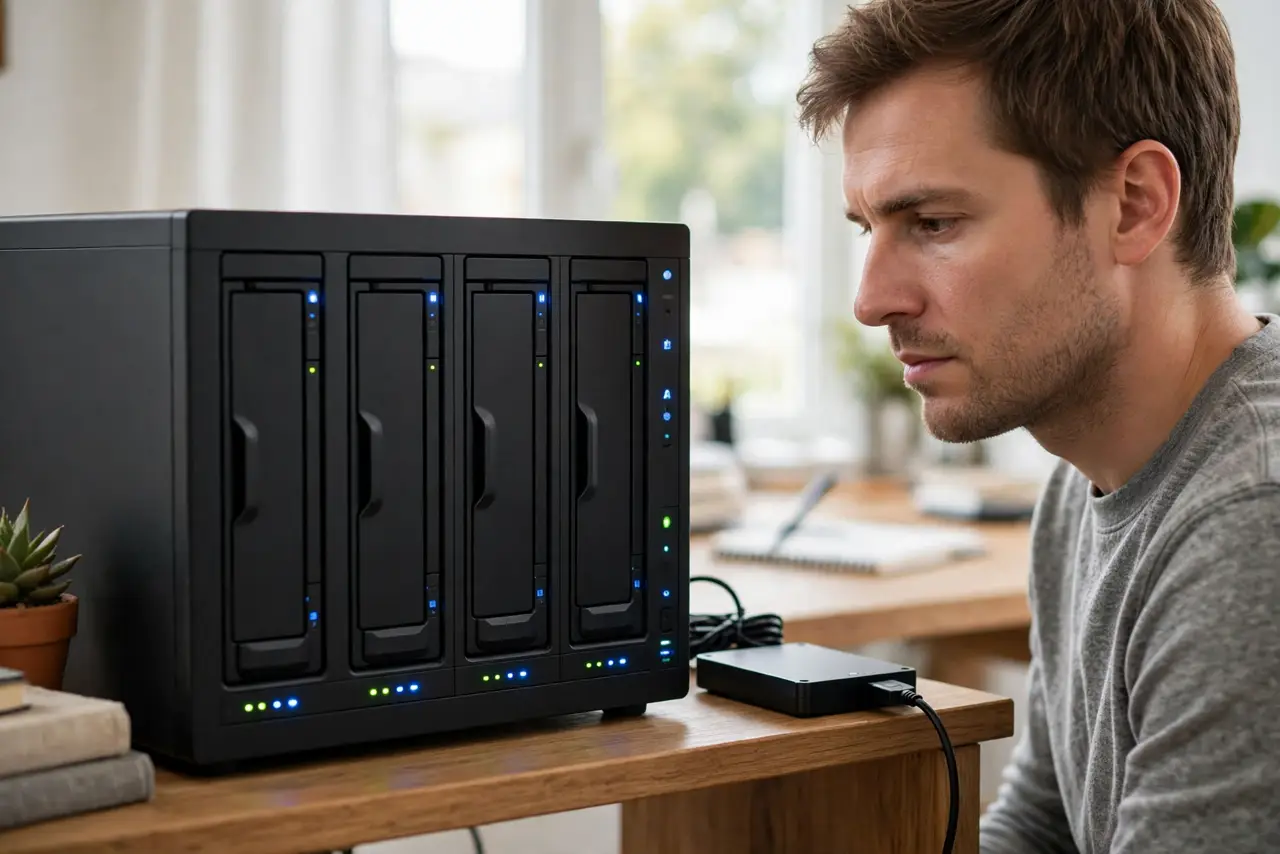
Your files are outgrowing the laptop, and the choice is a simple plug-in drive or a NAS — a little server box that lives on your network. An external drive is cheap and simple; a NAS is always-on storage for every device in the house. They solve different problems, and buying the wrong one is an expensive lesson.
TL;DR / Quick Fix
Quick fix: buy an external drive if one person needs more space or a backup target — cheap and simple. Buy a NAS if multiple people or devices need shared, always-on access. A NAS costs several times more; do not buy one for files one laptop could hold.
Follow these steps
- Define the actual need. One computer, one user, simple backups: external drive. Family photos shared by four people, media streaming to the TV, access from phones: NAS. Write the need down before shopping.
- Compare the real costs. An external drive is one purchase. A NAS is the box plus drives plus your setup time — often three to five times the price for the same raw capacity.
- Understand the always-on difference. A NAS serves files to any device, anywhere, even when your laptop is closed. An external drive works only when plugged into a running computer.
- Weigh the complexity. External drives: plug in, done. A NAS needs drive installation, network setup, user accounts, and occasional maintenance — a hobby for some, a chore for others.
- Remember neither is a backup alone. A NAS with one copy of your photos is as losable as any single drive — see why RAID is not backup. Whatever you choose, keep a second copy somewhere else.
- Consider the hybrid path. Many people run both: a NAS for shared access plus an external drive for offline backups of the NAS. Start with the external drive and add the NAS when sharing pain is real.
What NOT to do
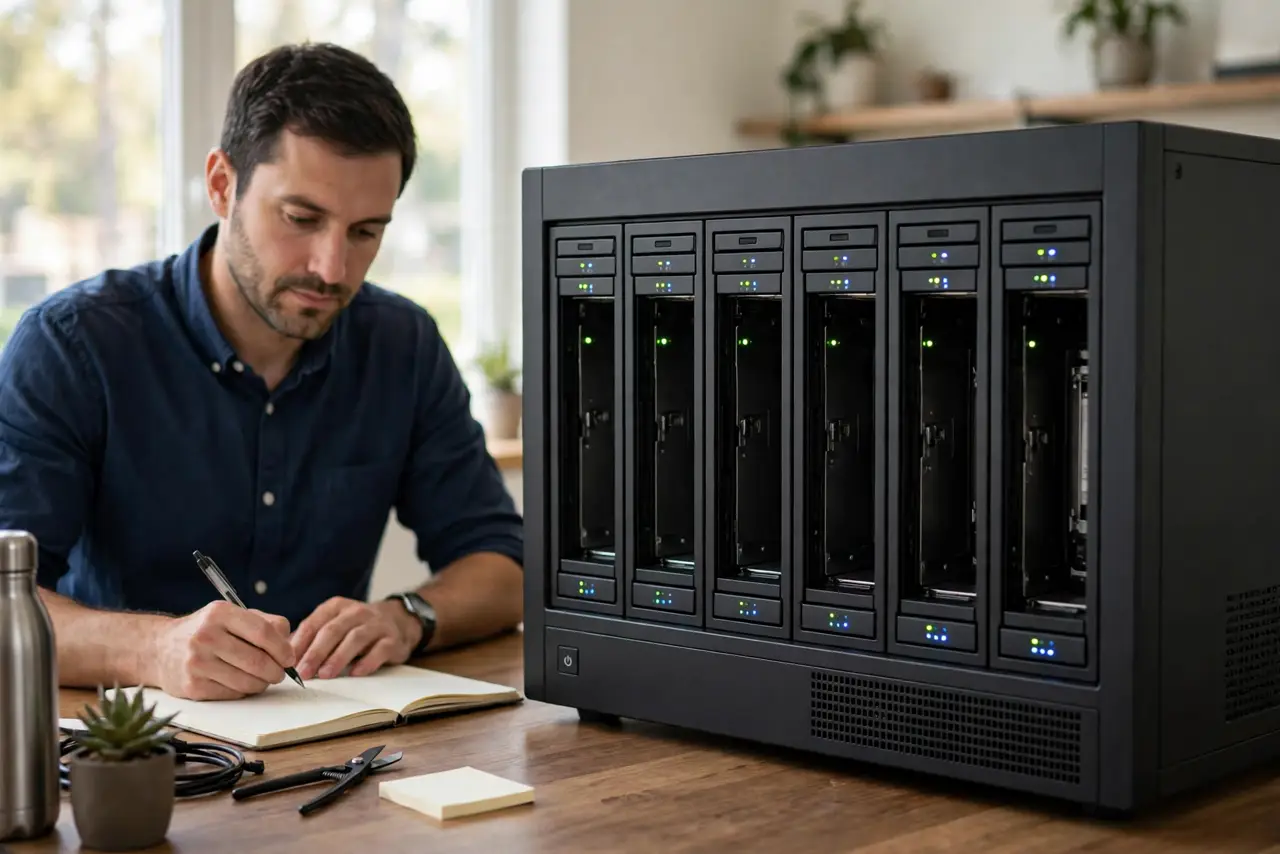
- Do not buy a NAS for a single laptop's overflow. It is like buying a bus for one commuter — impressive, wasteful, and high-maintenance.
- Do not expose a NAS to the internet without knowing what you are doing. Remote access misconfigured is how family photos end up public.
- Do not fill a NAS with one drive and call it safe. Single-drive NAS units have all the complexity with none of the redundancy — an external drive was simpler.
- Do not forget the noise and power. A NAS hums and sips electricity 24/7 — fine in a closet, annoying on a bedroom desk.
Frequently asked questions
Is a NAS faster than an external drive?
Usually slower — network speed caps it below a direct USB connection. NAS wins on access and sharing, not raw speed.
Can I start with one drive in a NAS?
Yes, and add more later — but plan the RAID or storage layout up front, since changing it later often means rebuilding.
What about cloud storage instead?
Cloud is the third option: zero hardware, monthly fees forever, needs internet. For large libraries, local NAS plus cloud backup of essentials is the common best-of-both.