NAS vs External Drive for Home Backup
A NAS and an external drive both back up your files, but they solve different problems. One is an always-on mini server for the whole household; the other is a simple disk you plug in — and the right choice depends on how you actually use your data.
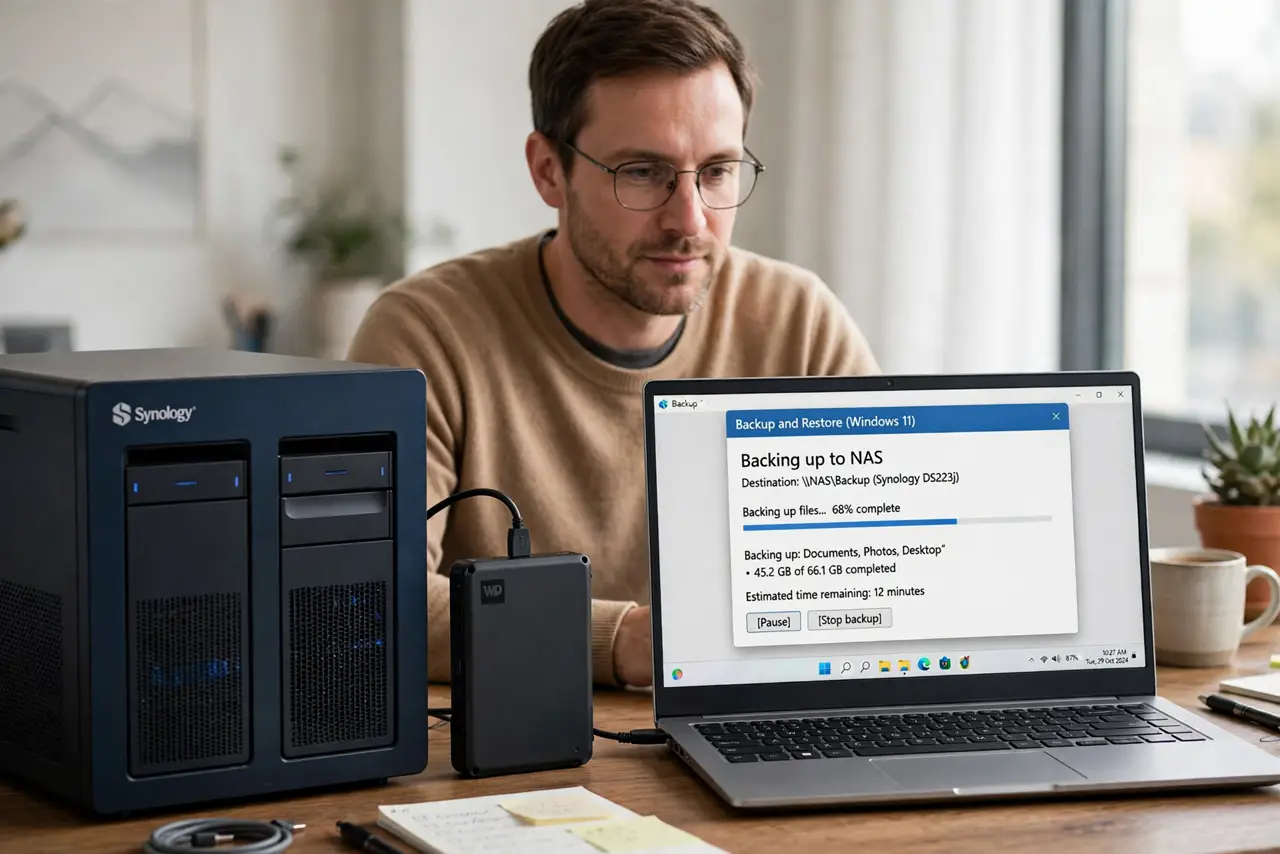
TL;DR / Quick Fix
Quick fix: choose a NAS if several people or devices need shared, automatic backups over the network. Choose an external drive if one computer needs simple, cheap backups. Either way, keep a second copy off-site, since one backup location is not enough.
Follow these steps
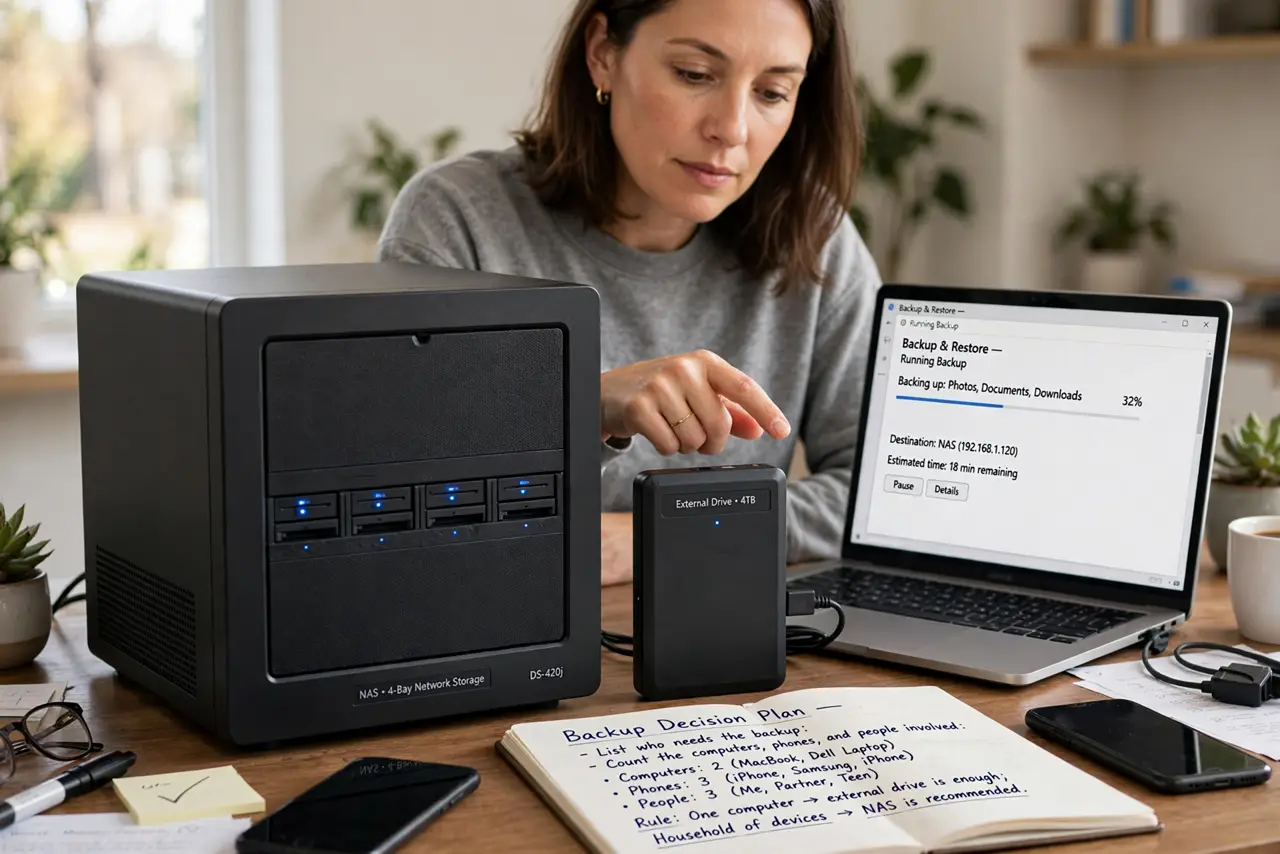
- List who needs the backup. Count the computers, phones, and people involved. One computer means an external drive is enough; a household of devices points to a NAS.
- Understand the NAS strengths. A NAS stays on, backs up automatically over the network, and serves files to every device. It costs more and needs setup, but it removes the remember-to-plug-in step.
- Understand the external drive strengths. An external drive is cheap, simple, and fast over USB. Its weakness is human: backups only happen when someone plugs it in and runs them.
- Do not confuse RAID with backup. A NAS with RAID survives a disk failure, but RAID is not a backup — deleted files and ransomware still strike. You need real backup copies, not just redundancy.
- Budget the true NAS cost. A NAS needs the box plus the drives, and good drives cost real money. Compare that total honestly against a big external drive before deciding.
- Keep an off-site copy either way. Store a second copy away from home — a drive at a relative's house or encrypted cloud storage. Fire and theft take the NAS and the external drive equally.
What NOT to do
- Do not buy a NAS and never set up its backups. An unconfigured NAS is an expensive paperweight, so schedule the backups on day one.
- Do not treat RAID as your backup plan. RAID protects against disk death, not against deletion, corruption, or ransomware.
- Do not plug the backup drive in permanently and call it done. A drive that is always connected shares the computer's fate in a ransomware attack.
- Do not skip the off-site copy because it feels like overkill. One local backup is one disaster away from zero backups.
Frequently asked questions
Is a NAS better than an external drive?
For multi-device households that want automatic network backups, yes. For one computer, an external drive is simpler and cheaper.
How much storage does a home NAS need?
At least twice your current data, so backups have room to grow and keep versions.
Can I use both?
Yes, and it is a fine setup: NAS for daily automatic backups, external drive for a periodic off-site copy.