2-in-1 Laptops? Basics
A 2-in-1 laptop is a laptop that also bends into a tablet — the screen folds all the way back or detaches entirely. For students and note-takers it can replace two devices with one; for everyone else it can be an expensive compromise. Whether it is brilliant or pointless depends entirely on how you actually work. Here is the plain breakdown.
TL;DR / Quick Fix
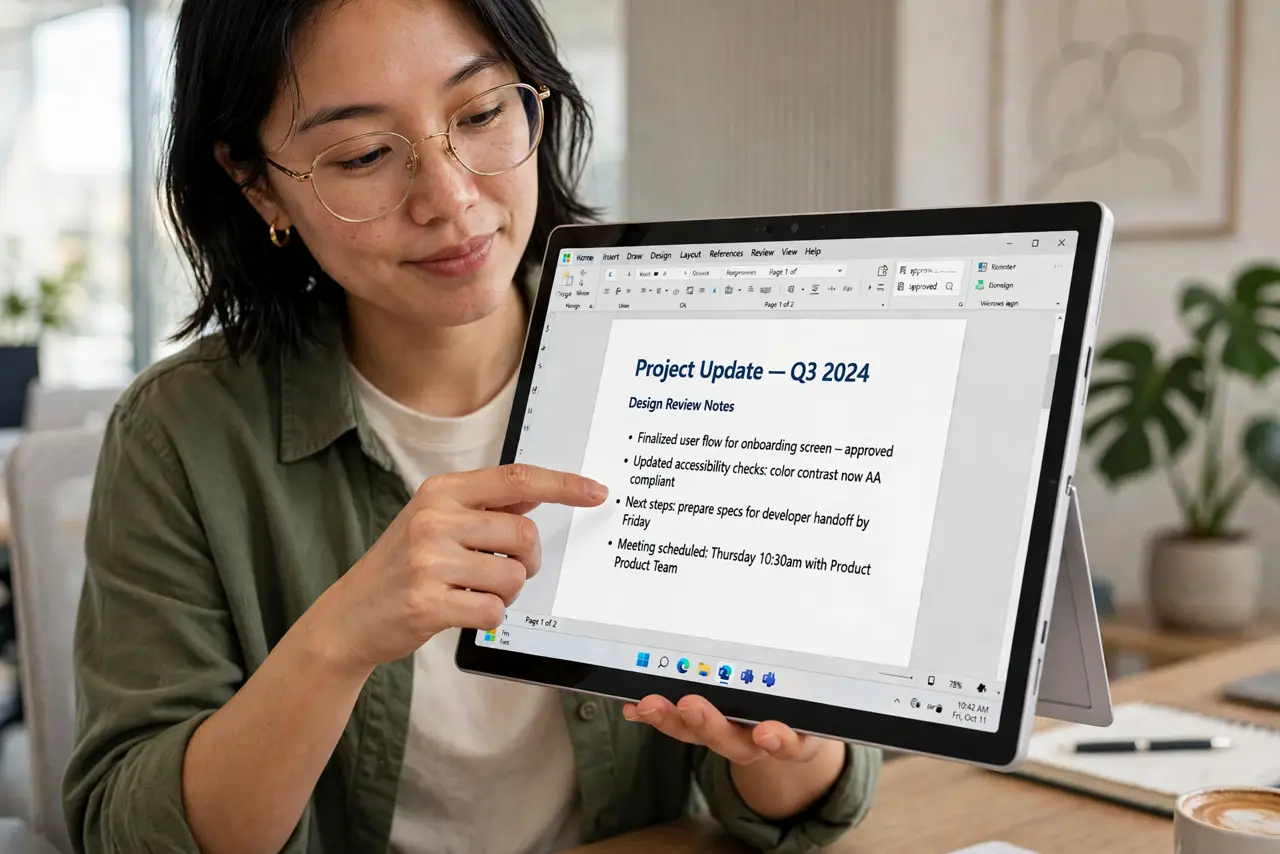
Quick fix: a 2-in-1 laptop works as both a laptop and a tablet — the screen folds back or detaches. It is worth it if you take handwritten notes, sketch, or present often. If you never touch your screen, buy a regular laptop and get better specs for the money.
Follow these steps
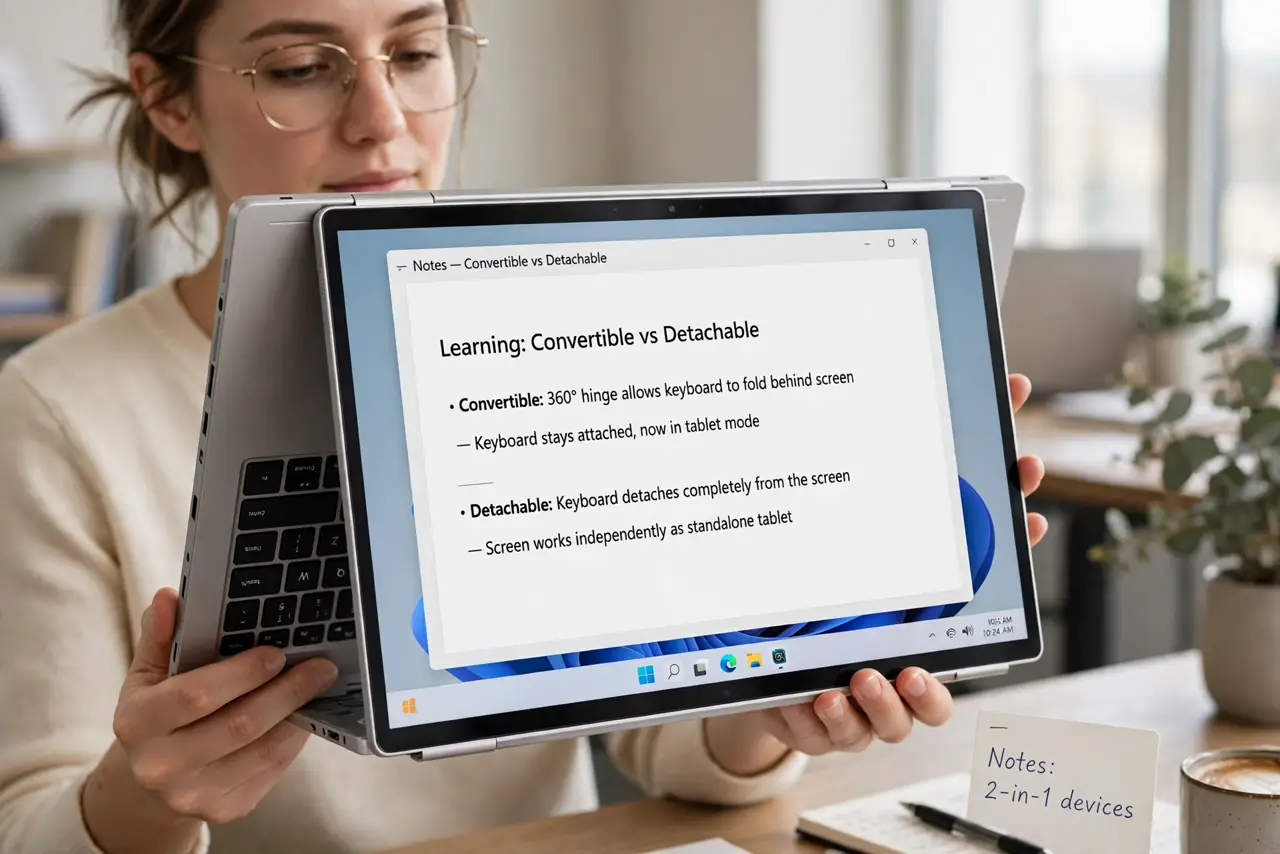
- Learn the two styles. Convertibles fold the keyboard all the way behind the screen on a 360-degree hinge. Detachables separate the screen from the keyboard entirely, like a tablet with a dock. Convertibles are sturdier; detachables are lighter as tablets.
- Be honest about touchscreen use. The premium only pays off if you actually use the tablet side — note-taking, sketching, reading, presenting. If your current laptop's screen could be a painting and you would not notice, skip the 2-in-1.
- Check the pen situation. Many 2-in-1s advertise pen support but do not include the pen, or include a cheap one. If handwriting is the point, confirm a good pen is included or budget for one separately.
- Weigh the tradeoffs. The hinge adds weight, cost, and a failure point. For the same money, a regular laptop gives you a better processor or more storage. You are paying for flexibility, not raw power.
- Test the hinge in person if you can. A 2-in-1 lives or dies by its hinge — it should feel firm at every angle, not wobbly. Tablet mode should not make the screen wobble when you tap it.
- Match the screen size to the job. A 13-inch 2-in-1 makes a comfortable tablet; a 15-inch one makes an awkward, heavy tablet. Screen size matters more here than with regular laptops.
What NOT to do
- Do not buy a 2-in-1 for touchscreen you will never touch. The hinge tax is real — same money buys a faster regular laptop.
- Do not assume the pen is included. Many makers sell it separately at an annoying price; check before you buy.
- Do not pick a 15-inch 2-in-1 as your first tablet. It is heavy to hold and awkward in portrait — 13 inches is the tablet sweet spot.
- Do not forget the ports. Thin 2-in-1s often drop ports — check the port selection against your actual dongles.
Frequently asked questions
Are 2-in-1 hinges reliable?
Modern 360-degree hinges are generally solid, but they are the most stressed part of the machine. Read long-term reviews, not launch reviews, for hinge complaints.
Can a 2-in-1 replace a tablet?
For reading and note-taking, mostly yes. For a featherweight couch tablet, no — even the lightest 2-in-1 is heavier than a dedicated tablet.
Do 2-in-1s cost more to repair?
Usually yes — the hinge and touchscreen assembly make screen repairs pricier than on a regular laptop. A good warranty matters more here.