Laptop Ports Still Matter? Yes
The laptop is thinner than ever — and somehow has fewer holes in it than your phone. Manufacturers keep deleting ports in the name of sleekness, leaving you with two USB-C ports and a dongle lifestyle. Ports still matter because every missing one becomes an adapter you buy, carry, and lose. Here is what to demand before you buy.
TL;DR / Quick Fix
Quick fix: count the ports before you buy the laptop — at least one USB-C with charging, one USB-A, and an HDMI or full-function USB-C save you from dongle hell. Two identical USB-C ports and nothing else means adapters forever. Ports are cheap at purchase and expensive afterward.
Follow these steps
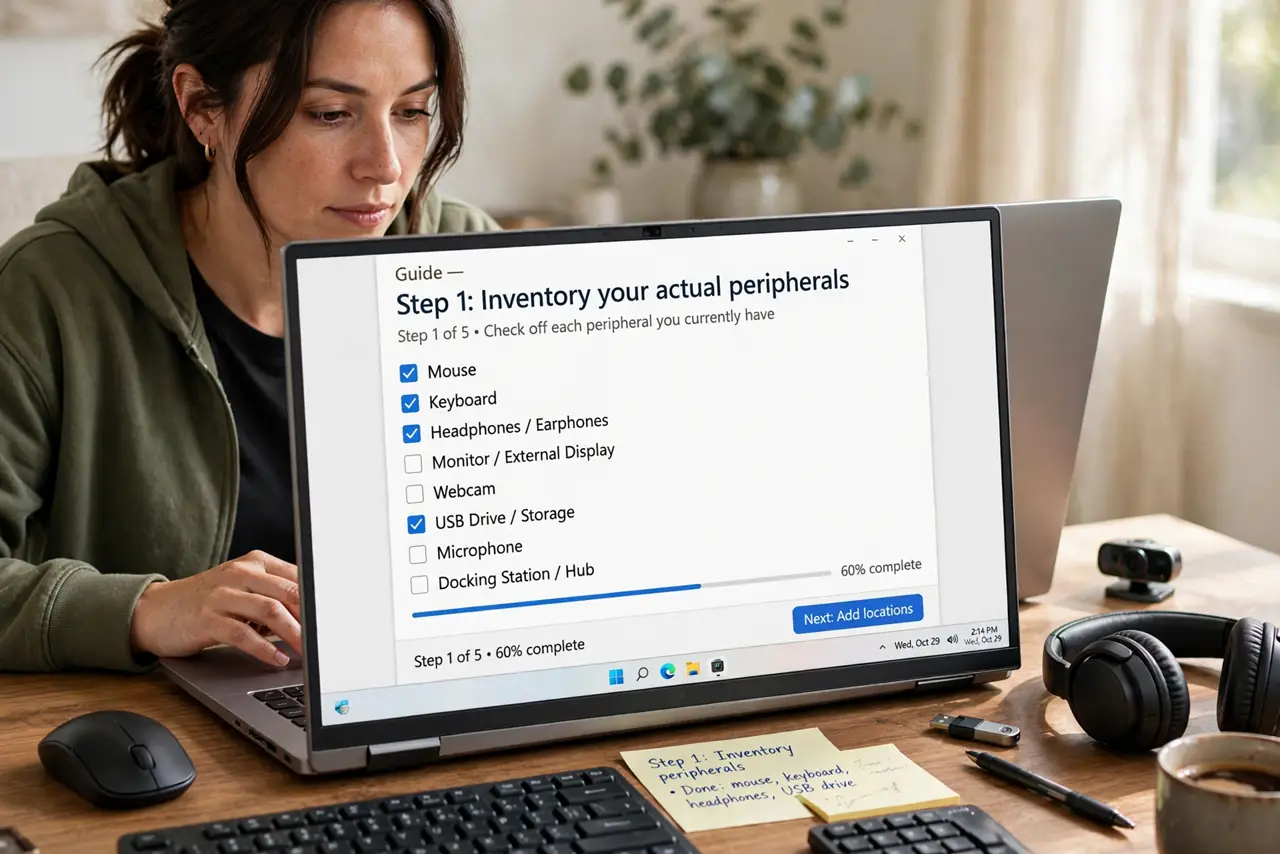
- Inventory your actual peripherals. List what you plug in weekly: monitor, mouse receiver, external drive, headphones, SD cards, ethernet. Each item needs a port or an adapter — the list decides the laptop.
- Demand charging over USB-C. A laptop that charges through USB-C frees every other port and lets one cable do power plus data. Proprietary barrel chargers waste a port and tether you to one brick.
- Value one USB-A port highly. Flash drives, receivers, and countless accessories are still USB-A. One native USB-A port eliminates the most-carried dongle in existence.
- Check what the USB-C ports actually do. Not all USB-C is equal — some carry video and high power, some are data-only. Look for the full-function markings or spec sheet; a decorative USB-C helps nobody.
- Count HDMI as a travel saver. Presenting anywhere means HDMI. A native HDMI port beats carrying an adapter you will forget exactly when the meeting starts.
- Budget the dongle tax honestly. If the perfect laptop has only two USB-C ports, price in a quality hub or docking station for the desk. The laptop is not cheaper if the accessories cost hundreds.
What NOT to do
- Do not assume you can 'just use a hub for everything.' Hubs add lag, share bandwidth, and fail at the worst moments — native ports beat hubs for daily drivers.
- Do not buy the port-less laptop planning to adapt later. You will adapt, and you will resent it every single day.
- Do not overlook the headphone jack. Bluetooth is fine until the latency, pairing, and charging annoy you — a jack costs the maker pennies and saves you daily.
- Do not trust renders and marketing photos. Check a spec sheet or review for the actual port list — the photos hide the dongle reality.
Frequently asked questions
How many ports is enough?
For most people: two USB-C (one full-function), one USB-A, HDMI, and a headphone jack. That covers desk, travel, and presenting without a dongle bag.
Are dongles really that bad?
For occasional use, fine. As a daily lifestyle — plugging five things through one hub every morning — they are a reliability and sanity tax.
Will ports keep disappearing?
Probably, on ultra-thin models. But buyer backlash has slowed the trend — many makers now advertise port selection as a feature. Vote with your wallet.