Clean a Clogged Printhead?
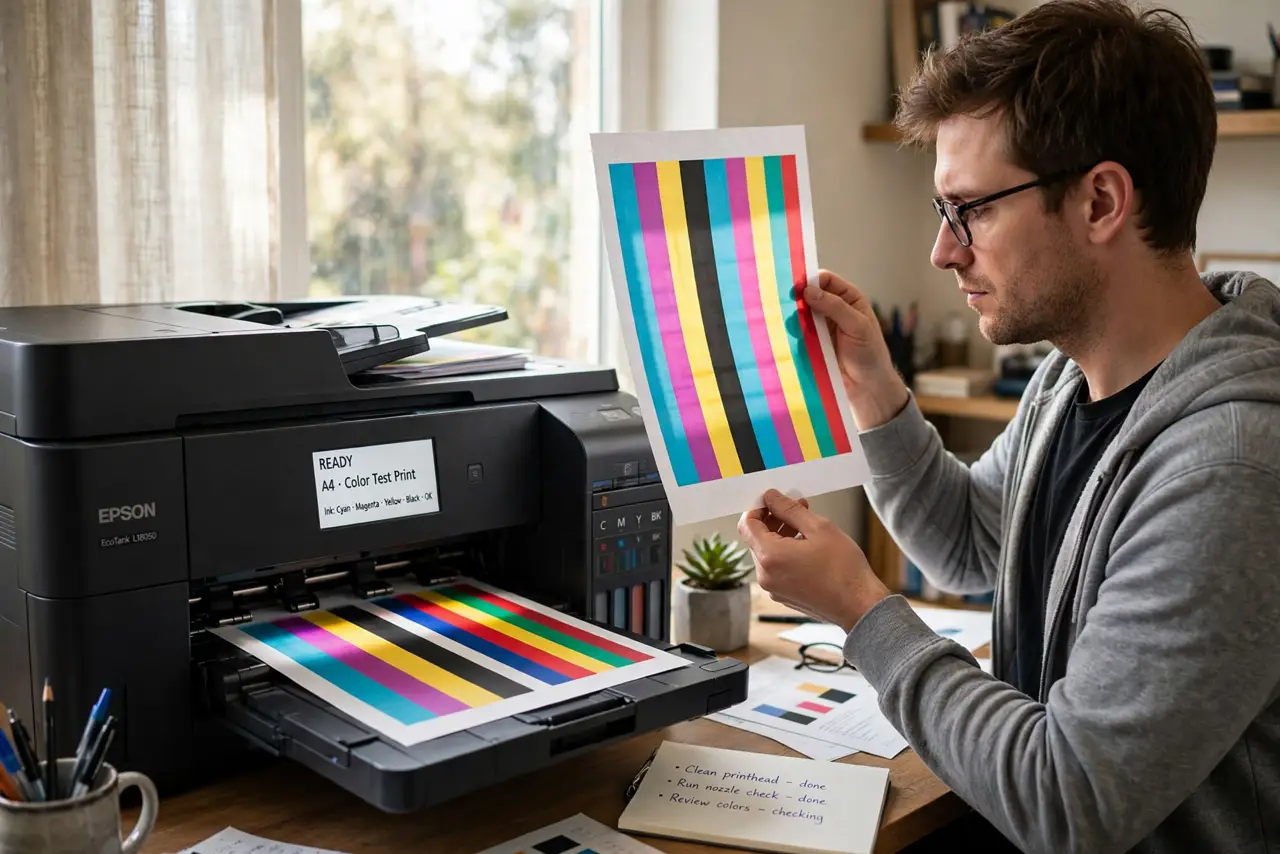
Your printer worked fine last month; now every page comes out with white stripes or missing colors. That is a clogged printhead — dried ink blocking the microscopic nozzles. It happens to every inkjet that sits unused, and it is fixable far more often than people think. Work from gentle to aggressive, and stop before you cause real damage.
TL;DR / Quick Fix
Quick fix: a clogged printhead causes striped or missing colors on prints. Run the printer's built-in cleaning cycle from its maintenance menu — once, then print a nozzle check. Repeat at most two or three times; beyond that you waste ink.
Follow these steps
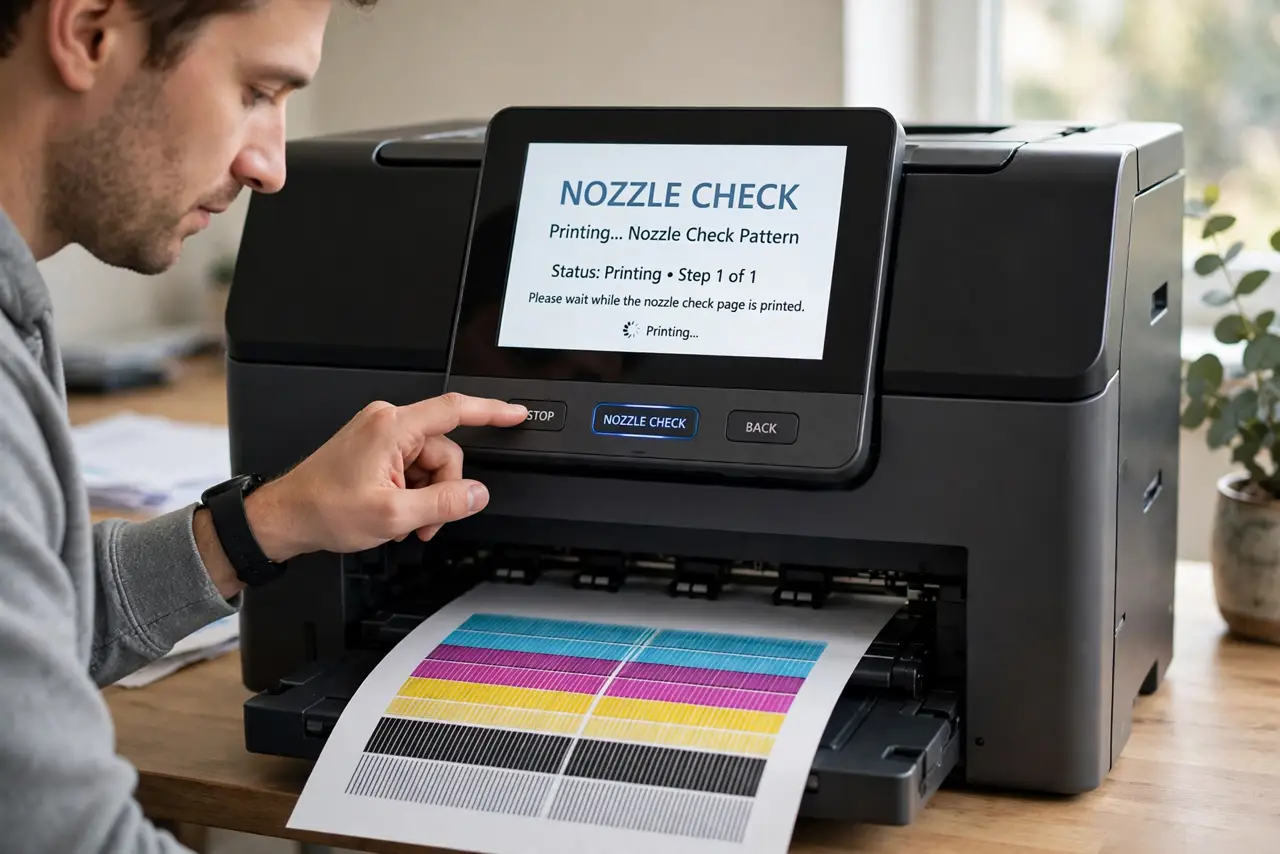
- Print a nozzle check first. Use the printer's maintenance menu to print a nozzle check pattern. It shows exactly which colors are clogged — cleaning blindly wastes ink, while the pattern tells you whether you even have a clog.
- Run one cleaning cycle. In the same maintenance menu, run the printhead cleaning cycle, then print another nozzle check. One cycle often clears mild clogs from a few weeks of disuse.
- Repeat sparingly — two or three times max. Each cycle drinks ink. If three cycles have not fixed it, more cycles will not — you are now just emptying cartridges into a waste pad.
- Try the deep clean once. Most printers offer a stronger 'deep cleaning' option. Use it exactly once after regular cycles fail; it uses a lot of ink and stresses the head.
- Let it rest overnight. Sometimes the solvent in fresh ink needs hours to soften a stubborn clog. Run a cycle in the evening, print in the morning — patience dissolves what force cannot.
- Know when it is the cartridge. If one color never returns after cleaning, the cartridge itself may be empty or dried out. A new cartridge solves 'clogs' that are really just dead ink — and laser vs inkjet is worth reading before your next printer purchase.
What NOT to do
- Do not run ten cleaning cycles in a row. Past three, you are converting expensive ink into waste-pad filler with no benefit.
- Do not poke the nozzles with needles or pins. Physical poking destroys the microscopic nozzle plate — the printer is then truly dead.
- Do not use tap water or alcohol on the head casually. Wrong solvents damage seals and coatings; the built-in cycles use the right chemistry.
- Do not ignore months of disuse. Inkjet printers need to print something every week or two — prevention beats every cleaning cycle.
Frequently asked questions
How often should I run cleaning cycles?
Only when prints show problems. Routine 'preventive' cleaning wastes ink — print a test page weekly instead, which keeps ink flowing naturally.
Will cleaning fix banding on every print?
If the banding is a clog, yes. If it persists after proper cleaning, the cause is elsewhere — alignment, paper type, or a dying head.
Is it cheaper to replace the printer?
Sometimes — if the printhead is built into the printer (not the cartridge) and truly dead, a new printer can cost less than the repair. Do the math before mourning.