PSU Fan Up or Down?
The power supply can mount with its fan facing up into the case or down through the bottom vent — and both orientations have passionate defenders online. The right answer depends on one thing: where your case lets the PSU breathe.
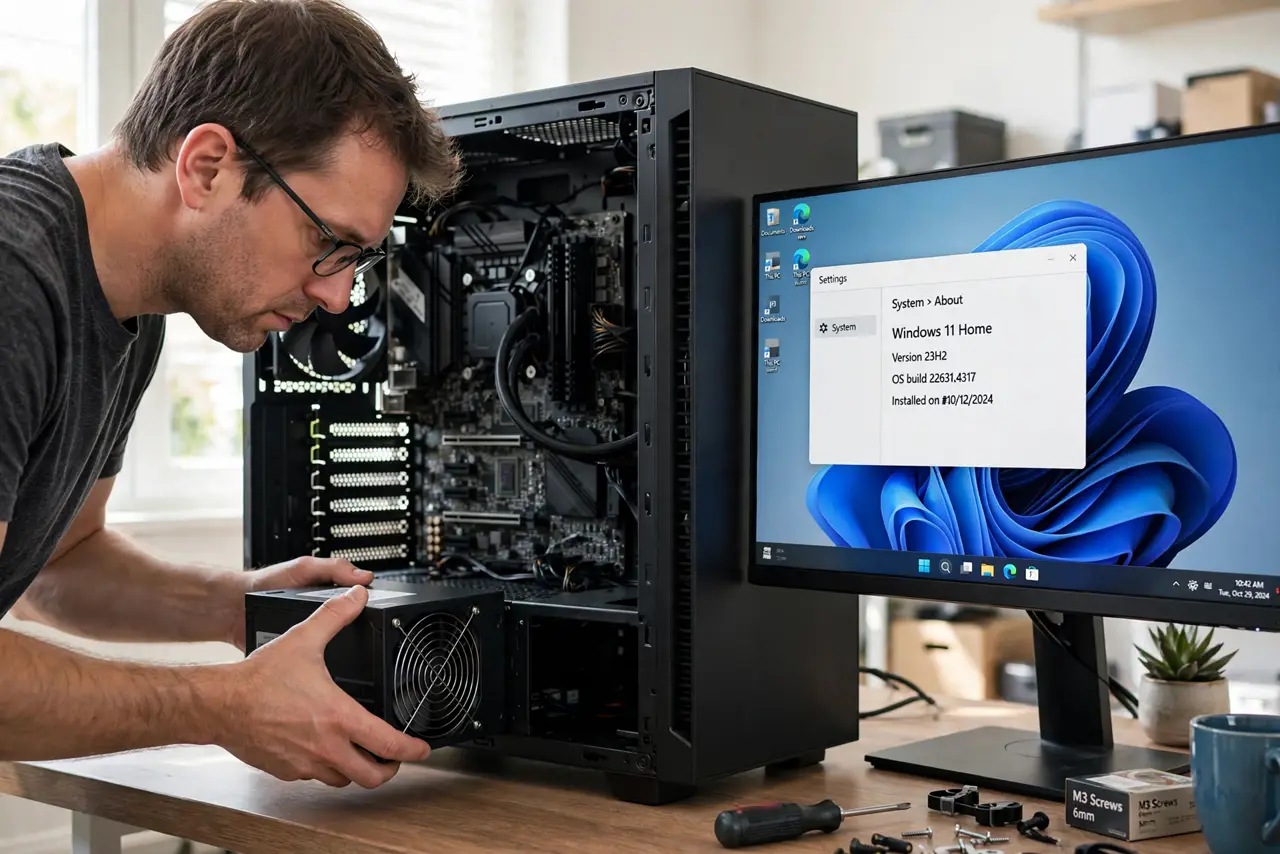
TL;DR / Quick Fix
Quick fix: if the case has a vented bottom with a dust filter, mount the PSU fan DOWN for cool outside air. On carpet or with no bottom vent, mount it fan UP. Either way the fan needs clear airflow — a starved PSU runs hot and loud.
Follow these steps
- Check for a bottom vent. Look under the PSU bay: a mesh vent with a dust filter means the case was designed for fan-down mounting.
- Mount fan-down on hard floors. Fan down pulls cool outside air straight into the PSU — the coolest, quietest option. Keep the dust filter clean.
- Mount fan-up on carpet or sealed bottoms. No vent, or carpet blocking it, means fan-down suffocates. Fan-up breathes case air instead — warmer, but flowing.
- Never block the fan side. Whichever way it faces, that side needs open space. A PSU pressed against a solid panel overheats no matter the orientation.
- Do not obsess over the choice. Both orientations work fine with airflow. This decision affects noise and longevity at the margins — not survival.
- Keep spare PSU cables matched. While you are down there: only use cables from this PSU's box. See why not to mix — mixed cables kill parts.
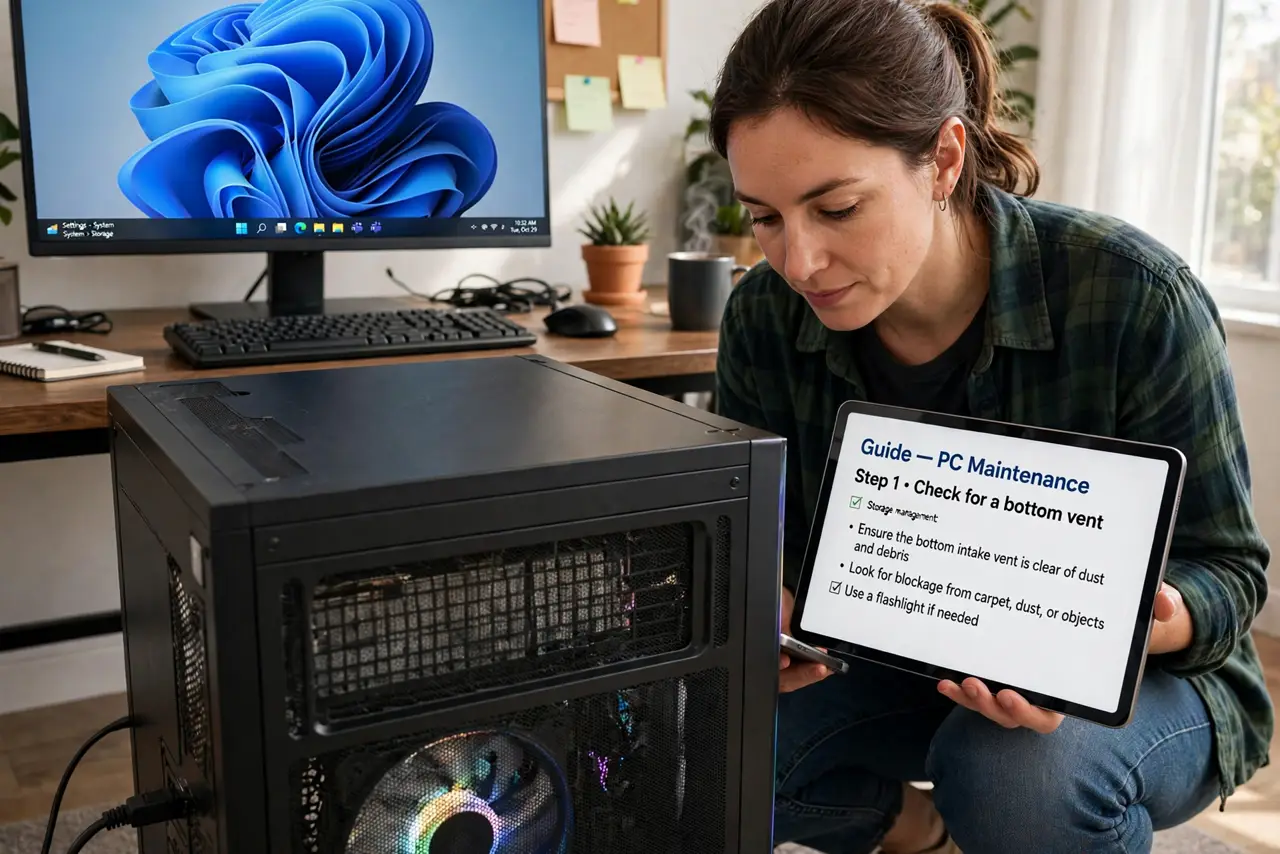
What NOT to do
- Do not mount fan-down on thick carpet. The pile seals the vent and the PSU slowly cooks.
- Do not flip the PSU 'for better cable routing' against the vent design. Airflow beats tidiness here.
- Do not ignore a screaming PSU fan. It signals heat — check the orientation and the filter before assuming the unit is dying.
- Do not mix modular cables between PSU brands while reinstalling. See why not — this mistake fries drives.
Frequently asked questions
Does orientation affect performance?
No — the PC runs identically. It affects PSU temperature and fan noise, which affect longevity.
My case has no bottom vent at all — now what?
Fan-up is your only option, and it is perfectly fine. Cases without bottom vents were designed exactly for that.
Should the fan face the GPU?
Fan-up does pull some warm GPU air, but PSUs handle it. Do not contort the build over this.