Screen Protector Types? Compared
Tempered glass, PET film, ceramic, matte, privacy — the screen protector aisle is a maze of materials promising miracles. They all do one job: sacrifice themselves so your screen does not have to. The differences that matter are feel, clarity, and how they handle a drop.
TL;DR / Quick Fix
Quick fix: tempered glass is the best all-rounder — great feel, good drop protection, easy to apply bubble-free. PET film is cheap and thin but scratches easily. Matte cuts glare but dulls the screen; privacy narrows viewing angles. For most phones, tempered glass wins.
Follow these steps
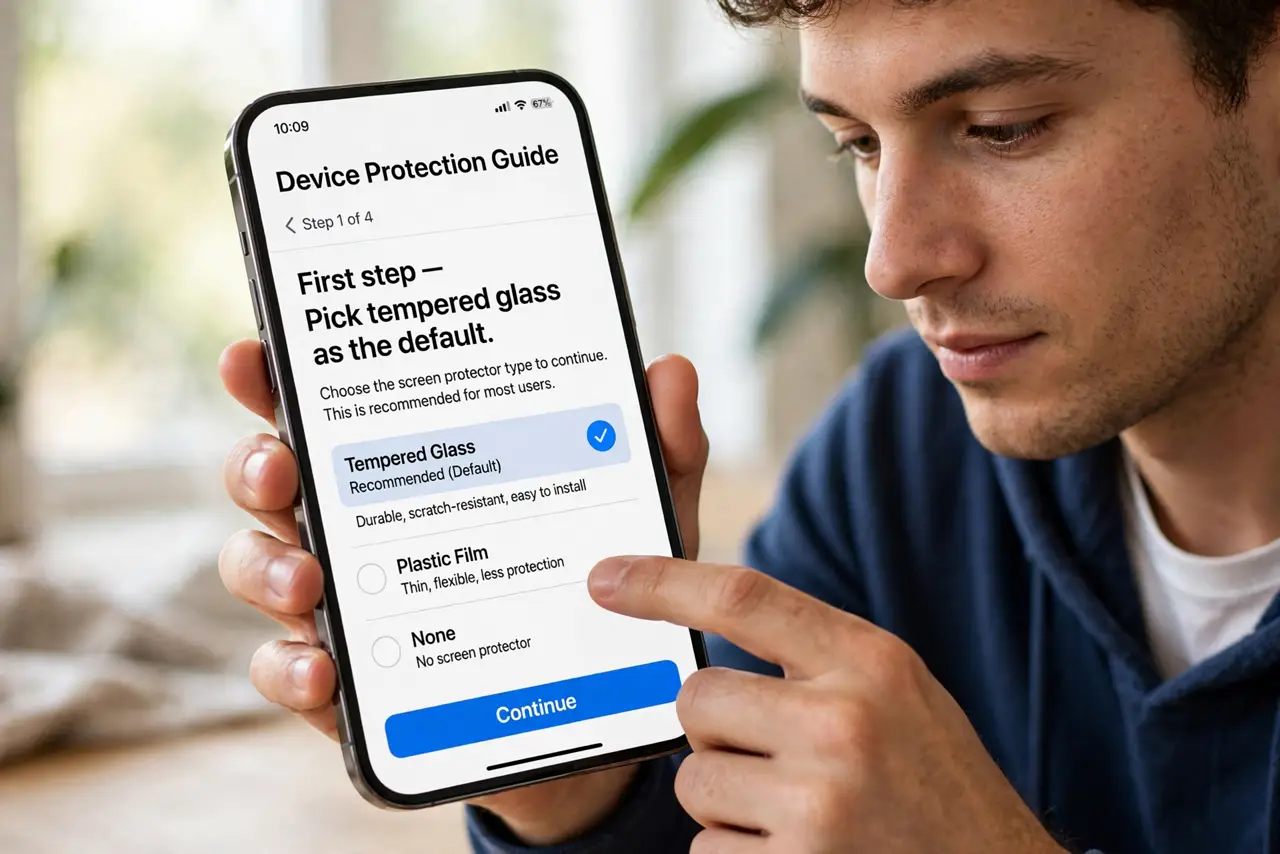
- Pick tempered glass as the default. It feels like the original screen, resists scratches well, and cracks itself to absorb drops. The easy recommendation for almost everyone.
- Consider PET film for scratch-only needs. Thin, cheap, and nearly invisible — but it does nothing for drops. Fine for a phone that lives in a good case.
- Know matte's trade. Matte kills glare and fingerprints but adds grain that dulls the display. Gamers and outdoor users love it; photo editors hate it.
- Understand privacy protectors. They black out side viewing — great for trains and offices — but dim the screen and slightly blur it even head-on.
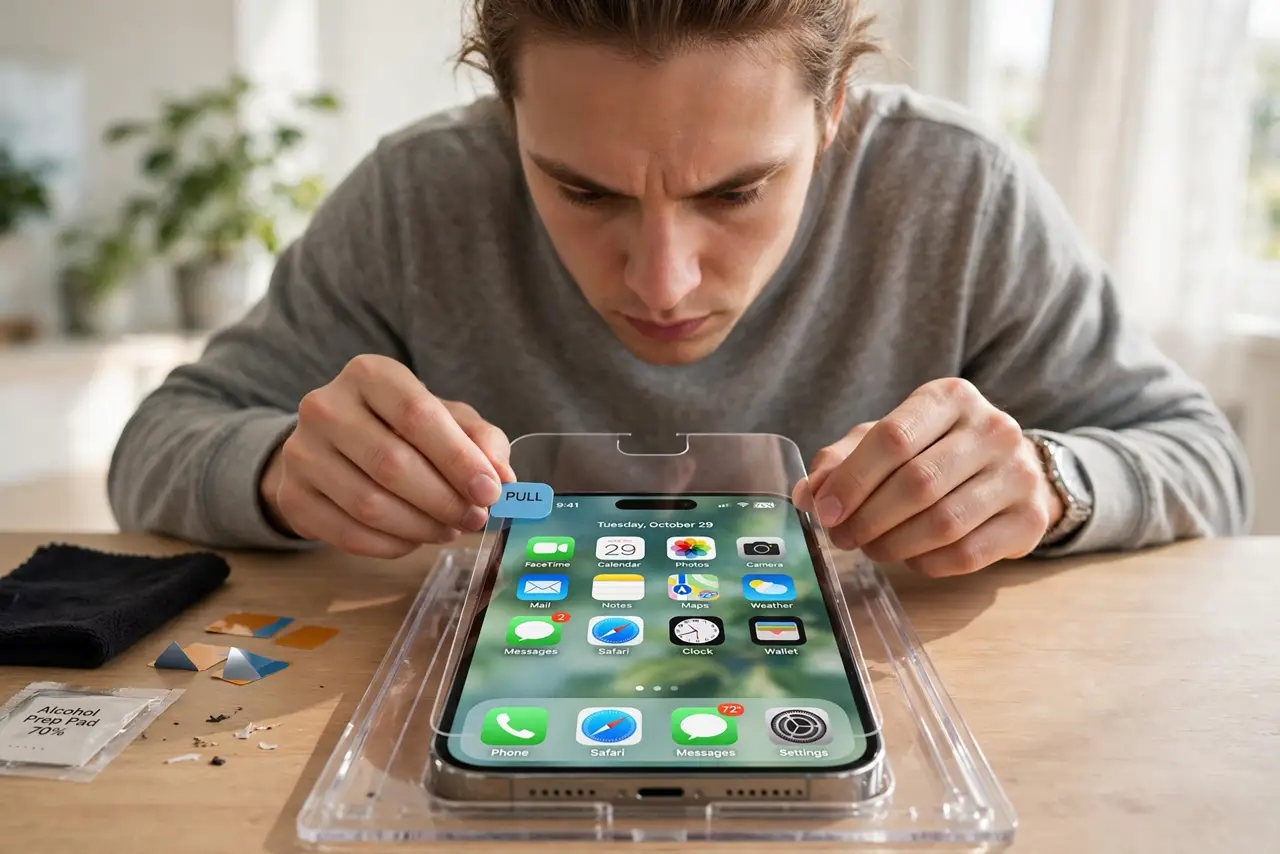
- Apply it right the first time. Clean the screen, use the alignment frame, and lay it down slowly. See bubble fixes if edges lift.
- Replace cracked protectors promptly. A cracked protector has done its job — its structure is compromised. A fresh one costs little; a scratched screen costs a lot.
What NOT to do
- Do not buy 'military-grade nano ceramic' hype at triple the price. Standard tempered glass from a reputable maker performs the same.
- Do not stack two protectors. Double layers dull touch sensitivity and trap dust between them.
- Do not expect any protector to save a screen from every drop. They reduce risk; physics still wins sometimes.
- Do not apply in a dusty room. Bathroom-after-a-shower steam settles dust — the classic installer trick.
Frequently asked questions
Do I even need a screen protector?
Modern glass is tough but not invincible — sand and keys still scratch it. A protector is cheap insurance for a device you will resell.
Glass or film for a tablet?
Glass for feel and protection; matte film if you draw with a stylus — paper-like texture helps pen control.
Why did my protector crack but the screen is fine?
That is success — the protector absorbed the impact energy. Replace it and carry on.
What to read next
- Case Drop Ratings? Decoded
- Screen Protector Bubbles at Edges? Fix It