What SSD Size Do You Need?
SSD sizes doubled while prices fell, and now the choice is paralyzing: 256 GB feels cramped, 1 TB feels indulgent, and 2 TB feels like someone else's budget. The right size is not about the biggest number — it is about your actual data plus breathing room. Here is the honest math.
TL;DR / Quick Fix
Quick fix: 512 GB is the sweet spot for most people — room for the system, apps, and photos with space to spare. Choose 256 GB only for cloud-first light users, and 1 TB if you edit video or game heavily. Never fill any SSD past about 80 percent.
Follow these steps
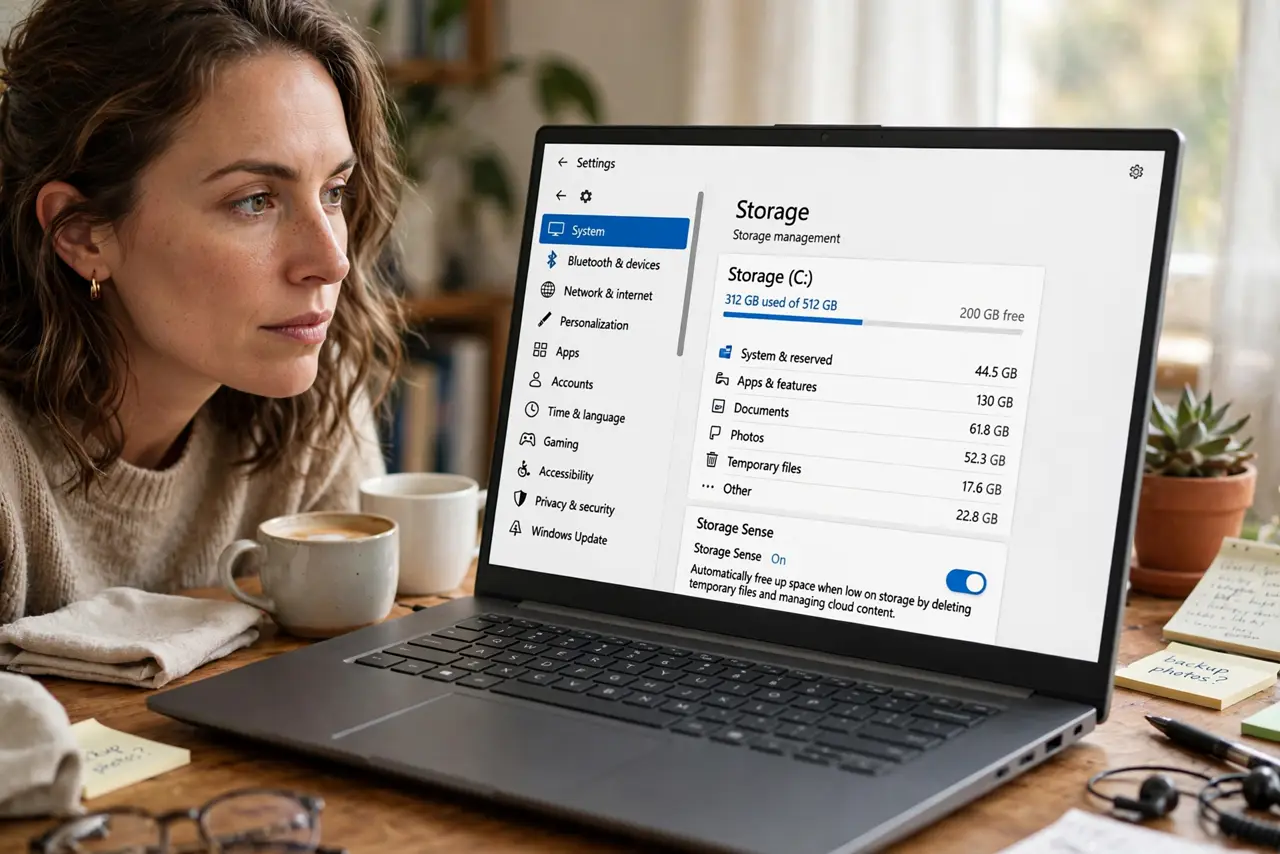
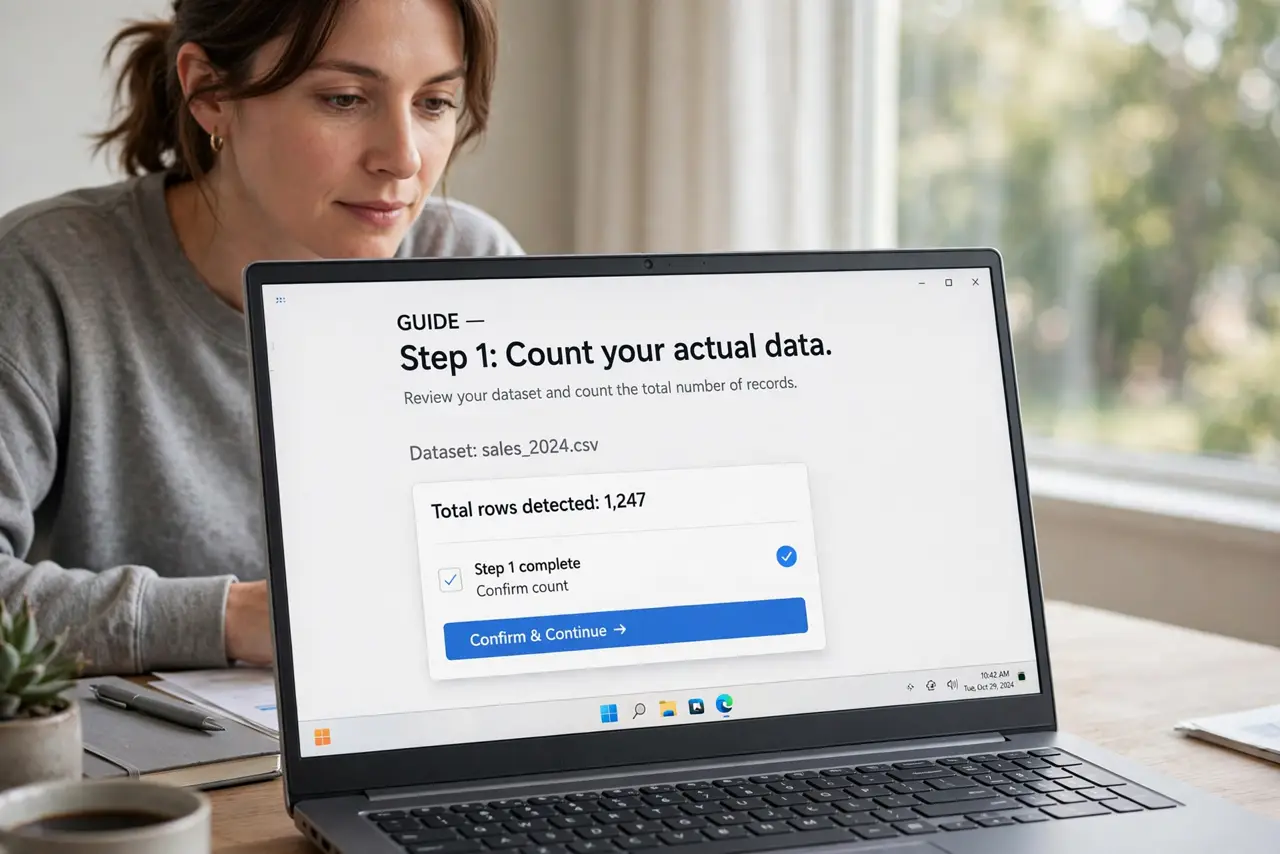
- Count your actual data. Check current usage: system plus apps is typically 60–100 GB, photos and videos vary wildly, games run 50–150 GB each. Your real number beats every rule of thumb.
- Default to 512 GB. For most buyers in 2026, 512 GB is the no-regrets size — comfortable today, adequate for years, without the 1 TB premium. It is the 16 GB of storage.
- Go 256 GB only if cloud-first. If your files live in cloud drives, you stream everything, and you install few apps, 256 GB works. Everyone else will feel the squeeze within a year.
- Choose 1 TB for creators and gamers. Video projects, RAW photo libraries, and modern game installs eat hundreds of gigabytes. If that is you, 1 TB is the floor, not the luxury.
- Leave 20 percent empty. SSDs slow down and wear faster when nearly full — the controller needs free blocks to work. Treat 80 percent full as actually full.
- Remember external storage exists. A portable SSD for archives is cheap. Buy internal size for what you use daily; exile the archives to external — see external SSD vs HDD.
What NOT to do
- Do not buy 256 GB to save a little on a machine you will keep for years. The daily friction of managing a full drive costs more than the upgrade.
- Do not confuse SSD size with RAM. A 1 TB drive does not make anything faster — it just holds more. Speed complaints are usually a RAM or health issue.
- Do not fill the drive past 80 percent and wonder why it slowed. That last fifth is the SSD's workspace — occupying it punishes performance.
- Do not pay double for a manufacturer storage upgrade without comparing. External and DIY internal upgrades are often far cheaper per gigabyte.
Frequently asked questions
Is 256 GB enough for a student?
If their work lives in cloud apps and they stream media — usually yes. If they edit video or install big games — no. Know the student, not the stereotype.
Can I add storage later?
Desktops and some laptops, yes. Many thin laptops solder the SSD too — check before buying small and hoping.
Does a bigger SSD last longer?
Slightly — larger drives spread wear across more cells. But any modern SSD outlasts its useful life for normal users regardless of size. Watch for health warnings instead of worrying.