Standing Desks? Basics
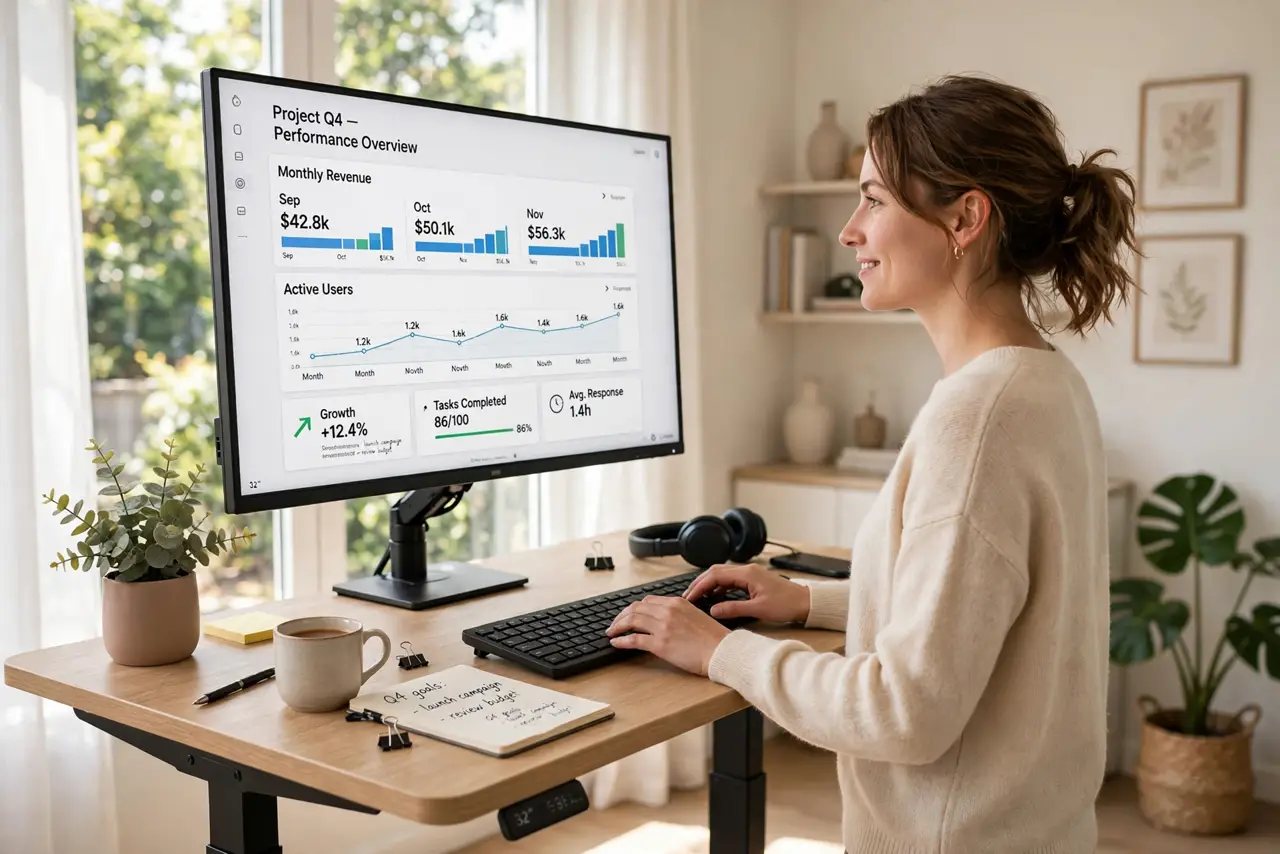
A standing desk raises and lowers so you can alternate between sitting and standing through the day -- because eight straight hours in a chair is rough on backs, necks, and energy. The idea is not to stand all day (that has its own problems) but to move between positions. Here is how to choose one and actually use it well.
TL;DR / Quick Fix
Quick fix: a standing desk is worth it if you work long hours at a desk -- alternating sitting and standing beats either alone. Get an electric height-adjustable model with memory presets; manual cranks gather dust at one height. Start with 20-30 minute standing intervals and build up slowly.
Follow these steps
- Understand the real benefit. The win is movement variety, not standing itself -- standing all day brings its own aches. Alternating positions every hour or so is what helps backs and energy.
- Choose electric with presets. Manual crank desks technically adjust, but the friction means they never do. Electric with two or three memory presets -- sit, stand, perched -- gets used daily.
- Check stability at full height. Cheap desks wobble when raised, and a wobbling monitor is nauseating. Read reviews specifically about stability at standing height with a monitor on top.
- Set both heights correctly. Standing: elbows at 90 degrees, screen top at eye level -- same rules as sitting, just taller. Most people set the standing height too high at first; measure, do not guess.
- Get an anti-fatigue mat. Standing on hard floors punishes feet and knees. A cushioned mat is the cheap accessory that makes standing actually pleasant for real intervals.
- Build up gradually. Start with 20-30 minutes of standing per hour and increase over weeks. Day-one marathon standing ends with sore feet and a desk permanently lowered.
What NOT to do
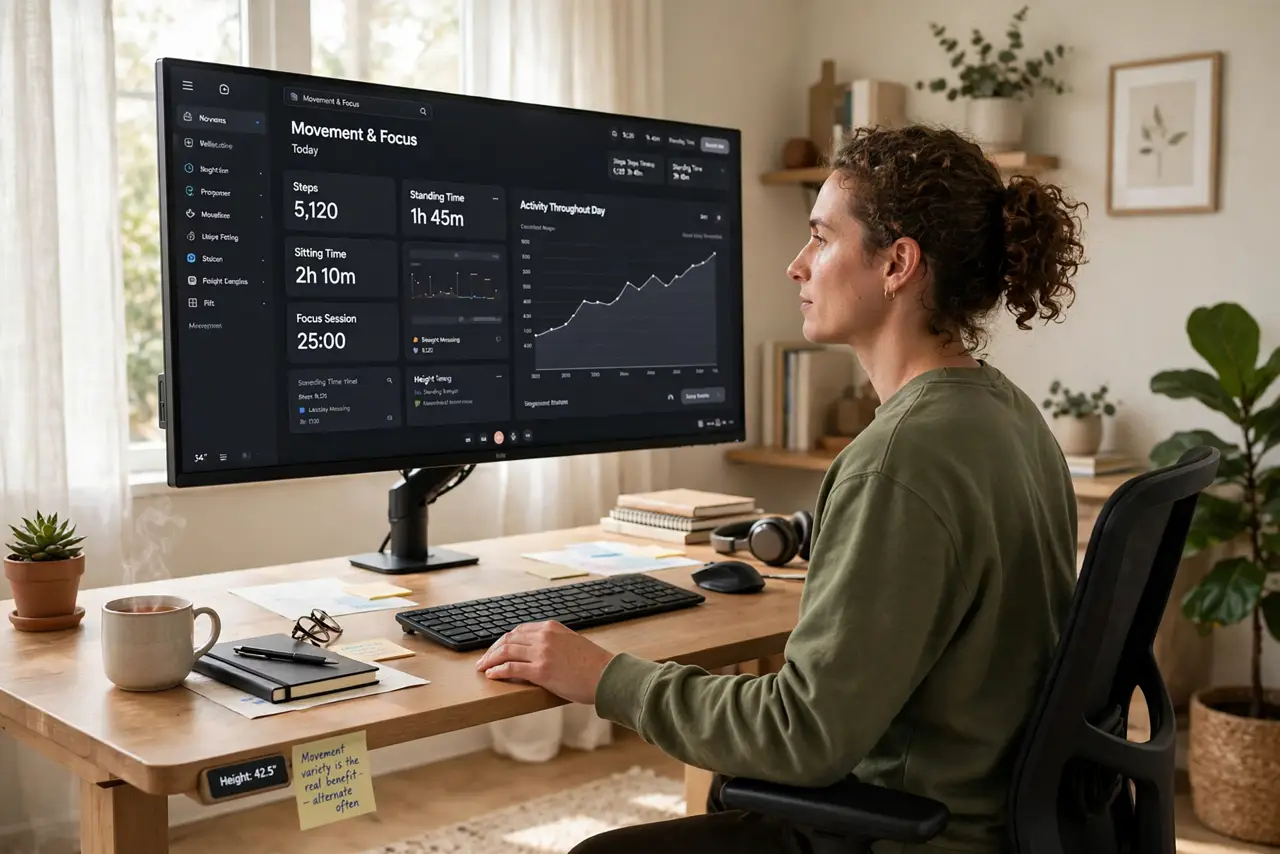
- Do not stand all day. Static standing stresses feet, knees, and back -- alternation is the goal, not a standing marathon.
- Do not buy manual to save money. A crank desk that never moves is just an expensive fixed desk -- the motor is the feature.
- Do not skip the mat. Bare floors turn standing intervals from pleasant to punishing within days.
- Do not set it and forget the ergonomics. Standing with a too-high screen just trades sitting neck pain for standing neck pain.
Frequently asked questions
Are standing desks worth it?
For long desk days, yes -- the ability to change position is the real benefit. They do not replace exercise, but they beat eight static hours.
How long should I stand each day?
Build toward 2-4 hours total, in intervals. There is no prize for more -- comfort and variety are the metrics.
Can I convert my existing desk?
Desktop risers sit on a fixed desk and lift the work surface. They work, but full replacement desks are stabler and smoother.