USB vs XLR Microphone?
You want better audio — for calls, streaming, or recording — and every recommendation splits into two camps: USB mics that plug straight in, and XLR mics that need an interface. The difference is not just the plug; it is the whole signal chain. Here is how to choose without overspending.
TL;DR / Quick Fix
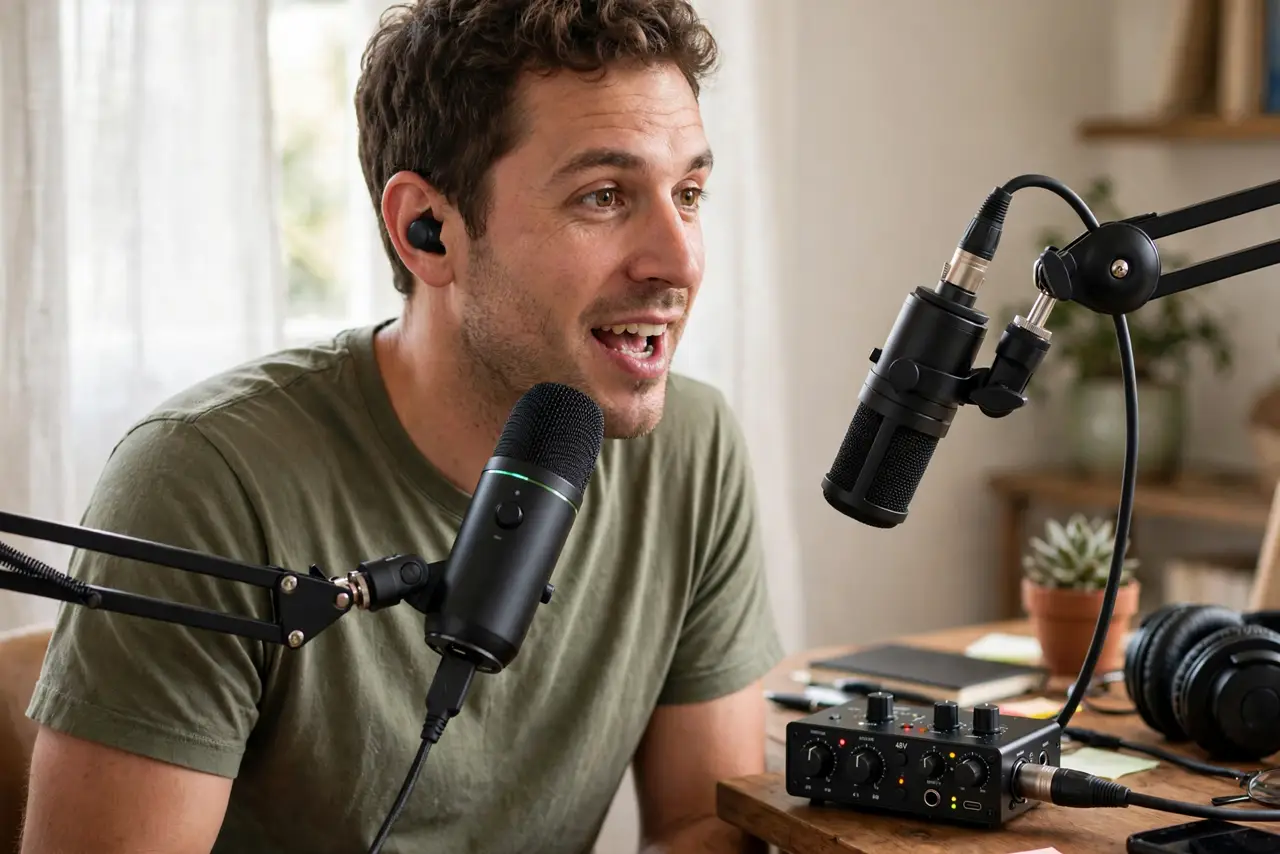
Quick fix: USB mics plug straight into the PC — simplest for calls and beginners. XLR mics need an audio interface but sound better and upgrade piece by piece. For calls and streaming, a good USB mic wins. For music or serious podcasting, XLR is the long-term path.
Follow these steps
- Understand the real difference. USB mics have the interface built in — plug and record. XLR mics are analog and need an external interface to digitize the sound. The plug is just the visible part.
- Match the mic to the job. Calls, meetings, casual streaming: USB. Music recording, serious podcasting, multi-mic setups: XLR. The job decides, not the hype.
- Budget the full XLR chain. An XLR mic is not the total cost — add the interface, a stand, and a cable. A $100 XLR mic easily becomes a $250 setup.
- Fix the room before upgrading the mic. Echo and background noise ruin expensive mics. A quiet spot and soft furnishings beat a pricier mic in a bare room — see mic setup basics for placement checks.
- Test placement first. Six inches from your mouth, slightly off-axis, beats any upgrade. Most 'bad mic' complaints are placement complaints.
- Remember USB is not 'worse.' A good USB mic beats a cheap XLR chain. The interface only wins when the whole chain is quality.
What NOT to do
- Do not buy XLR for Zoom calls. The extra chain adds complexity your meetings will never reveal in audio quality.
- Do not plug an XLR mic straight into the PC. It needs an interface — the wrong adapter gives silence or awful noise.
- Do not upgrade the mic before fixing the room. A $300 mic in an echoey room loses to a $70 mic in a treated corner.
- Do not ignore fan noise in your recordings. Mic choice cannot fix a loud PC next to the desk.
Frequently asked questions
Can I use an XLR mic without an interface?
No — not properly. The mic needs preamplification and analog-to-digital conversion that only an interface (or mixer) provides.
Which sounds better for the same money?
Around the same total budget, a USB mic usually wins — the XLR budget gets eaten by the interface. XLR pulls ahead when you spend more overall.
Do I need XLR for podcasting?
For a serious multi-person podcast, yes — XLR handles multiple mics cleanly. For a solo show, a good USB mic is plenty.