Check Breaches the Easy Way
Typing your email into a breach-check site feels sketchy — is it safe? Have I Been Pwned is the reputable one: run by a security researcher, it tells you which public breaches exposed your email, with no account needed. Check, note the breaches, change those passwords, move on. Here is how to use it without worry.
TL;DR / Quick Fix
Have I Been Pwned lets you enter your email to see which known breaches exposed it — run by a respected security researcher, no account needed. Review the listed breaches, change those passwords to unique ones, and enable two-step verification. The breach alert checklist walks through each hit.
Follow these steps
- Go to the official site directly. Type the address yourself rather than clicking email links — phishing copies of breach checkers exist. The real one asks only for an email, never a password.
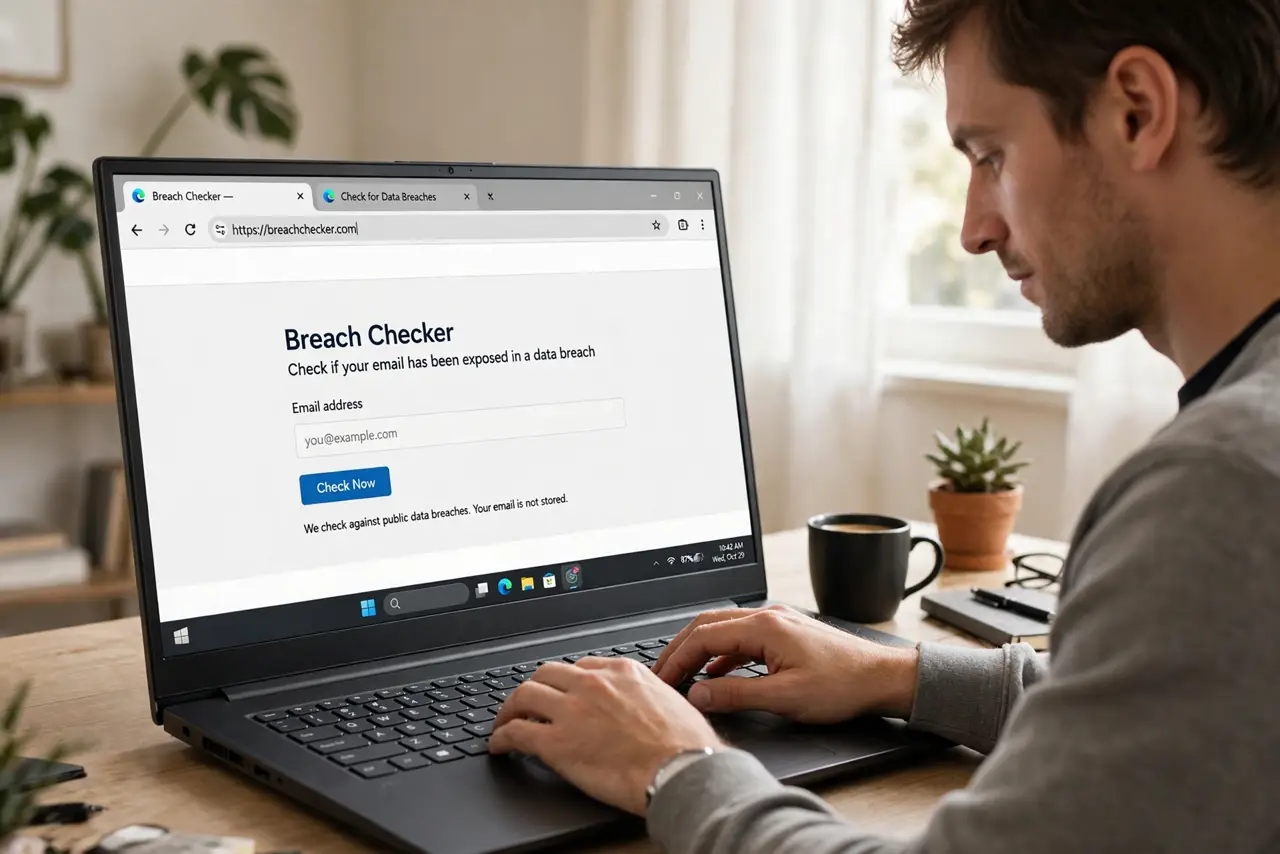
- Enter your email address. Type it in and submit. The service compares it against its database of public breach dumps — no account, no signup, no fee for the basic check.
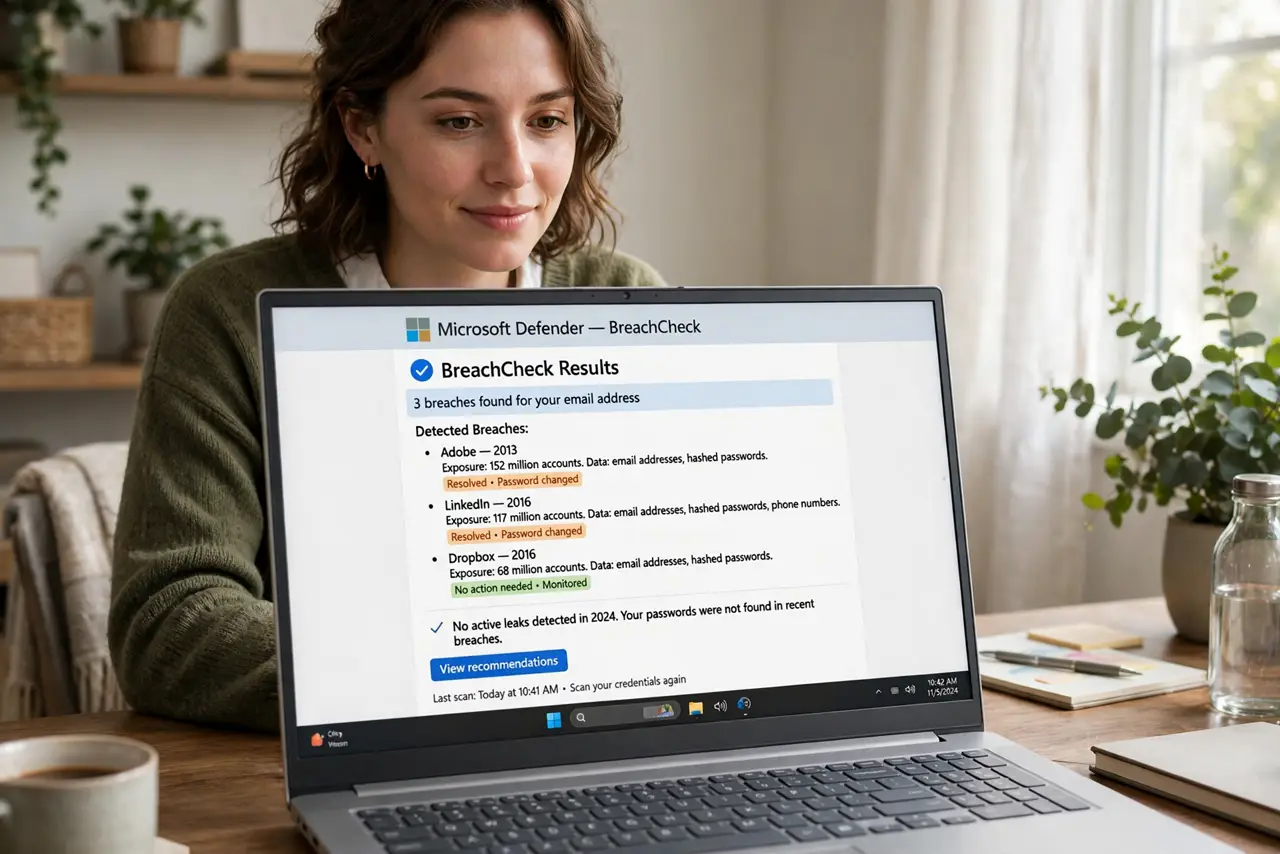
- Read the breach list calmly. Each hit names a breached service and what was exposed. Old breaches from services you barely used are common — focus on active, important accounts first.
- Change exposed passwords. For each breached service you still use, set a new unique password. Prioritize email, banking, and anything tied to payments.
- Enable two-step verification. Turn it on everywhere it matters. Breach exposure plus two-step verification is an inconvenience; without it, it is an open door.
- Consider the notification signup. The site can email you when your address appears in a new breach. It is the easiest ongoing monitoring there is — one signup, future alerts automatic.
What NOT to do
- Do not enter your password into any breach checker. Legitimate checkers need only the email — a site asking for passwords is a phishing trap.
- Do not use copycat checker sites from ads. Stick to the well-known service; clones harvest the very emails they claim to check.
- Do not panic over ancient breaches. A 2015 forum breach matters far less than last year's — prioritize recent and important accounts.
- Do not check once and forget. Breaches happen continuously; the notification signup is what makes one check become ongoing protection.
Frequently asked questions
Is it safe to enter my email?
Yes on the legitimate site — an email address alone is not sensitive, and the operator is a well-known security researcher. Never enter passwords, though.
What if my email shows many breaches?
Normal, unfortunately. Work through them by importance: email and financial accounts first, old forums last. Unique passwords everywhere going forward.
Are there alternatives?
Some password managers and browsers include breach monitoring built in. They use similar data — pick whichever you will actually check.