External HDD vs SSD?
Shopping for a backup drive means choosing between cheap terabytes and fast, rugged gigabytes. HDDs still rule bulk storage on price; SSDs win everywhere you carry the drive or wait on transfers. This guide matches the drive to the job so you never overpay — or under-buy.
TL;DR / Quick Fix
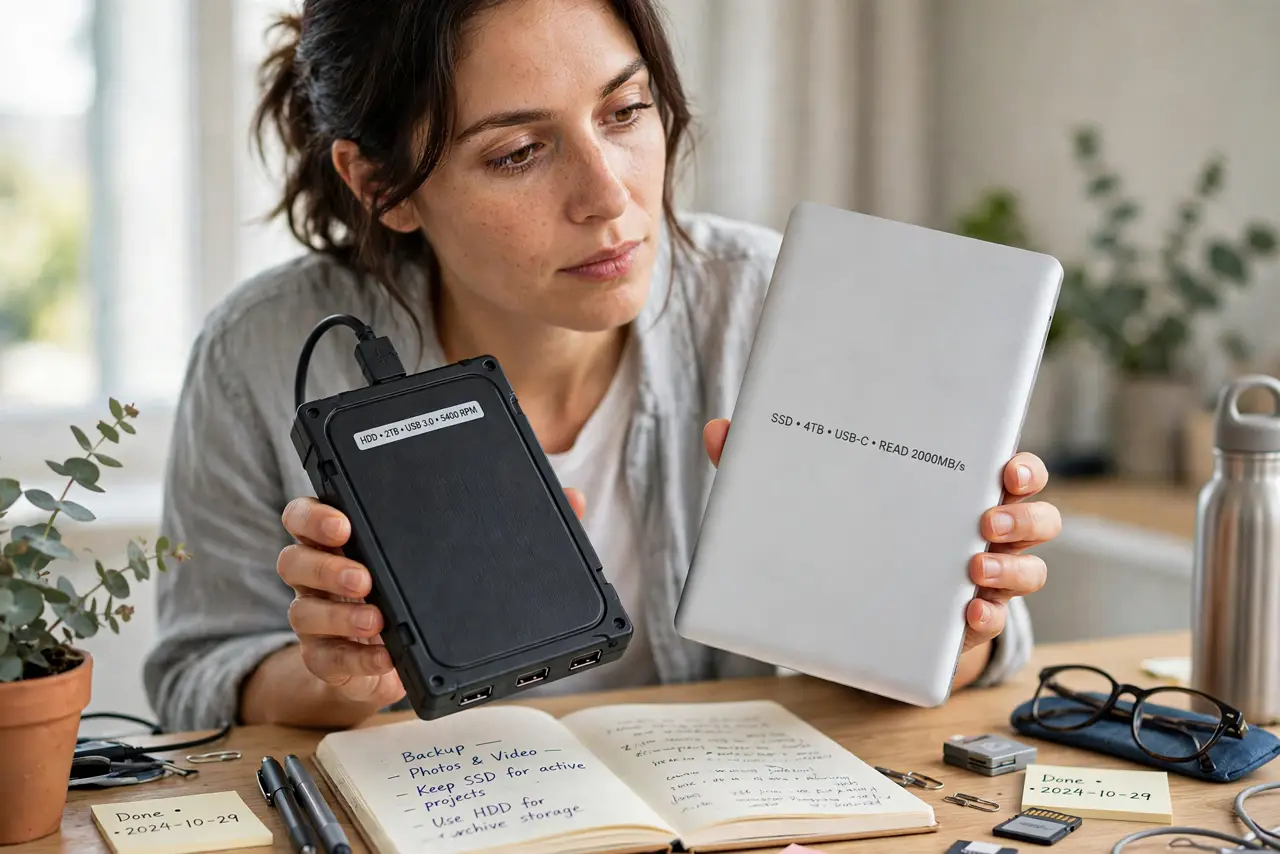
Quick fix: for external backup drives, HDDs give you terabytes cheap — great for archives you rarely touch. SSDs cost more per gigabyte but survive drops, run silent, and transfer fast. Buy HDD for bulk backup, SSD for a drive you carry daily.
Follow these steps
- Learn the price gap. Per terabyte, HDDs cost a fraction of SSDs. A 4TB HDD costs less than a 1TB SSD — for archives and full-system backups, the math favors spinning disks.
- Weigh durability. SSDs have no moving parts — drops that kill an HDD go unnoticed. If the drive travels in a bag daily, SSD is the only sane choice.
- Compare real transfer speeds. HDDs move ~120 MB/s; SATA SSDs ~500; NVMe externals far more. Backing up 1TB takes hours on HDD, under an hour on SSD — time has value too.
- Match to the workload. Bulk archives, media libraries, Time Machine: HDD. Active projects, daily carry, quick restores: SSD. Most people end up with one of each.
- Check the fine print: SMR vs CMR. Cheap big HDDs may use SMR recording, which slows sustained writes — see SMR vs CMR before buying a NAS-bound drive.
- Buy from the reliability lists. Brand and model matter more than HDD-vs-SSD tribalism — check real-world failure stats, and read endurance ratings for SSD lifespan context.

What NOT to do
- Do not buy the cheapest no-name drive. Off-brand externals fail more and lie about specs — stick to known makers.
- Do not use an SMR drive for NAS without knowing. Sustained NAS writes punish SMR — CMR for always-on storage.
- Do not carry an HDD loose in a bag. One good drop while spinning can kill it — SSD or a padded case only.
- Do not skip the backup of the backup. Any single drive can die; 3-2-1 (three copies, two media, one offsite) is the real safety.
Frequently asked questions
How long do external HDDs last?
Typically 3-5 years of regular use. They warn with clicks and slowdowns — heed the warnings.
Are SSDs good for long-term archiving?
SSDs can lose charge over many unpowered years; HDDs hold offline data longer. For cold archives, HDD wins.
USB-C or Thunderbolt for externals?
USB-C suffices for SATA SSDs and HDDs. NVMe externals benefit from Thunderbolt/USB4 speeds — match the port to the drive.