HDMI Port Has No Signal but Cable Works? Fix It
When the same cable works on another port or screen, the cable is innocent and the port, input, or settings are suspects. That is actually good news, because it narrows the fault fast. Work through input, port, and settings, and test on a second screen before you blame the computer. A port that fails only after sleep needs the DisplayPort after sleep pattern checked too, since sleep faults behave differently.
TL;DR / Quick Fix
Quick fix: Confirm the cable works elsewhere. Select the correct monitor input. Then work through the remaining steps in order, checking one change at a time, and stop for a technician if you see damage, swelling, or a burning smell.
Follow these steps
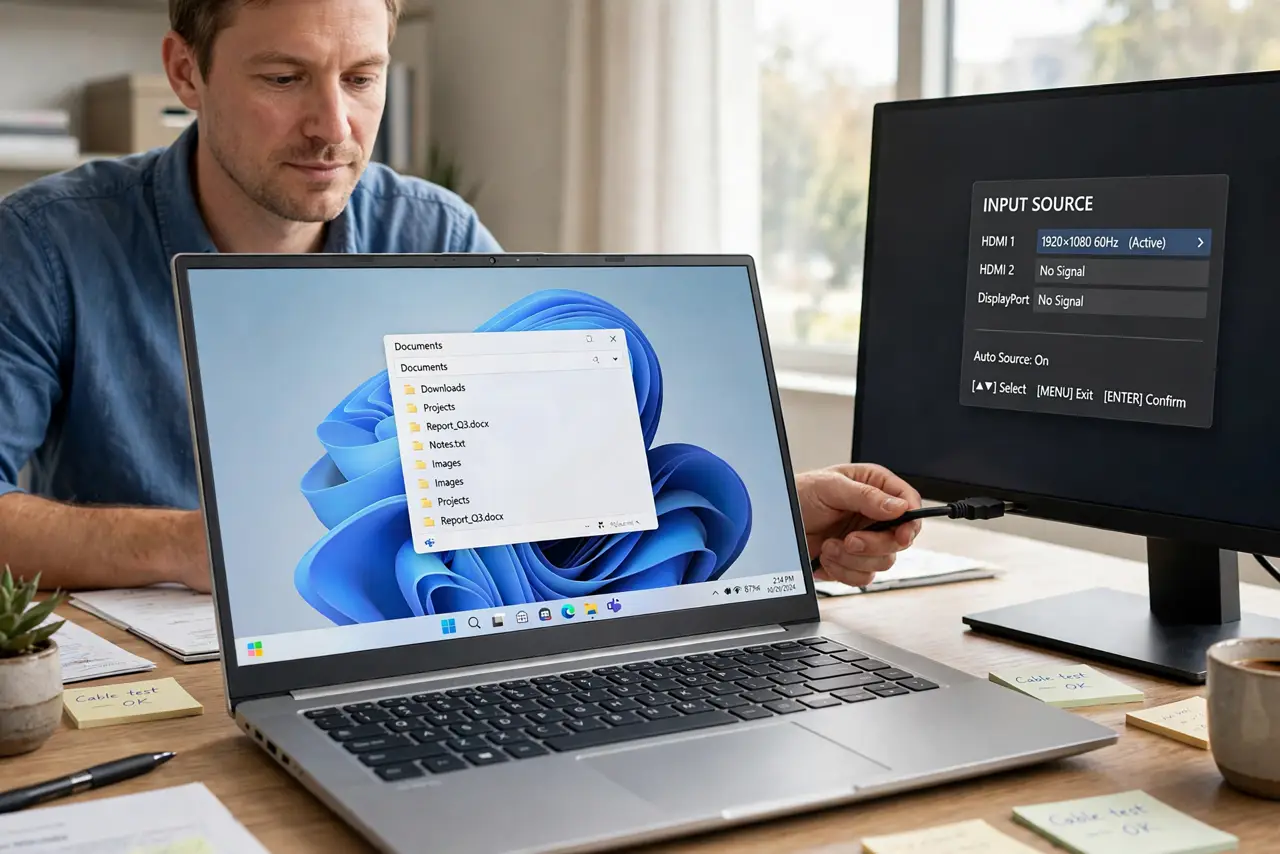
- Confirm the cable works elsewhere. Test the same cable on another port or another screen. If it works there, the cable is ruled out, and the original port, input, or settings are the fault.
- Select the correct monitor input. Press the monitor input button and choose the HDMI input your cable uses. A monitor on the wrong input shows no signal even with a perfect cable and port.
- Try the other HDMI port on the monitor. If the monitor has two HDMI ports, move the cable to the other one. A single dead port is common, and the second port proves the monitor itself is fine.
- Restart with the cable already plugged in. Shut down, plug the cable in firmly, then boot. Some graphics setups only detect a display at boot, so a cable plugged in after boot can stay invisible.
- Check display settings for a disabled screen. Open display settings and look for a second screen shown as disconnected or disabled. Enable it and set it to extend or duplicate, rather than assuming the port is dead.
- Test the PC port on a TV. Connect the PC to a TV with the same cable. If the TV shows a picture, the PC port works and the monitor port or settings are at fault; if no screen works, the PC port needs a technician.
What NOT to do
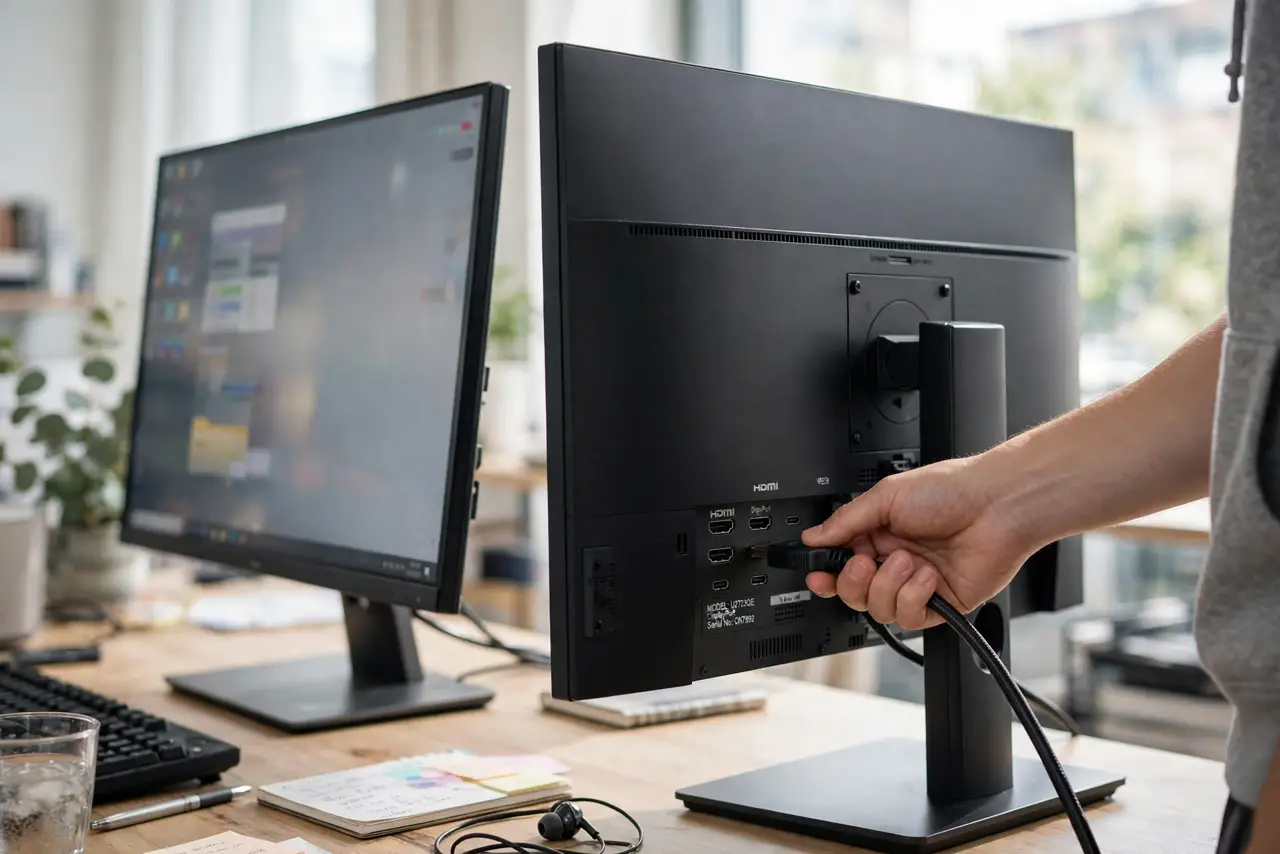
- Do not force an HDMI plug into a port. A plug that will not fit is in the wrong port or upside down, and forcing it bends pins.
- Do not buy a new cable before testing the one you have elsewhere. A cable proven working on another screen is not the fault, and a new cable will not fix a dead port.
- Do not change graphics settings you do not understand to chase a signal. One wrong setting can blank a working screen, so change one setting and test.
- Do not assume a dead port means a dead computer. A second port, a TV test, or a technician port check separates a port fault from a computer fault.
Frequently asked questions
Why does a cable work on one port but not another?
Ports fail individually from wear, bent pins, or a loose internal connection. The cable and the computer can be fine while one port is dead.
Can a setting hide a working HDMI port?
Yes. A screen disabled in display settings, or a display set to show only one screen, can leave a good port looking dead.
What if no screen works from that port?
The port or the graphics output may be faulty. Test with a TV to be sure, then ask a technician to check the port and graphics.