Headset Sidetone: Hearing Your Own Voice
Sidetone is the feature that pipes a little of your own voice back into your headset. It feels strange at first, but it stops you from shouting on calls — because you can finally hear yourself the way everyone else does.
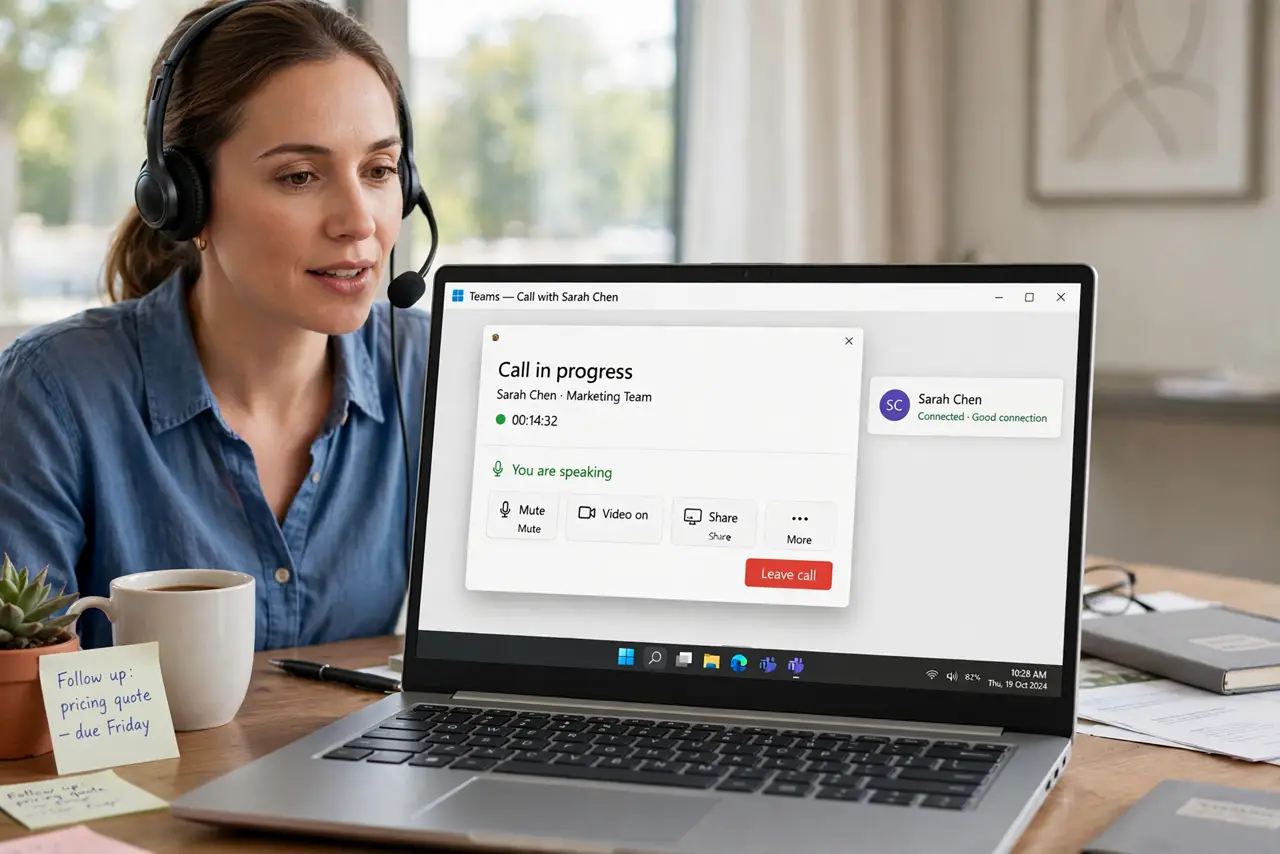
TL;DR / Quick Fix
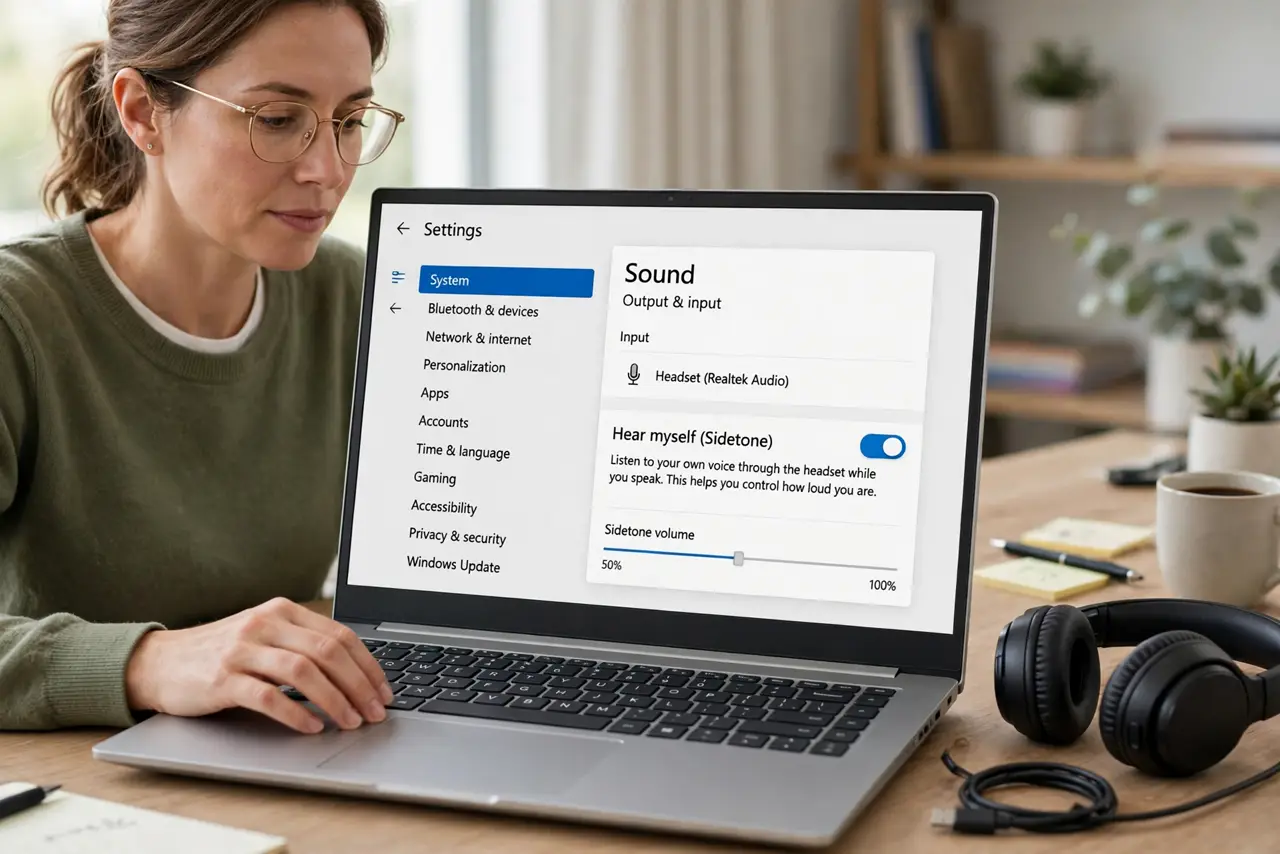
Quick fix: open your headset app or sound settings and turn sidetone on at a low level. Speak a few normal sentences and raise it until your voice sounds natural — too much sidetone echoes distractingly, while too little leaves you shouting on calls.
Follow these steps
- Find the sidetone setting. Open your headset's companion app, or your computer's sound settings, and look for Sidetone or Hear Myself. Many headsets hide it one menu deep.
- Start low and speak normally. Set sidetone to a low level and say a few normal sentences. You want your voice present but quiet, like hearing yourself in a room.
- Raise it until shouting stops. If you catch yourself raising your voice on calls, nudge sidetone up a notch. The right level is the one where your speaking volume stays conversational.
- Avoid the echo trap. If your own voice echoes or doubles, the level is too high or the mic is too sensitive. Lower sidetone before lowering the mic, since the mic affects how others hear you.
- Check it on real calls, not just tests. Sidetone feels different mid-conversation than in a quiet test. Join one real call and adjust once more based on how loudly you actually speak.
- Note headsets without the feature. Some basic headsets have no sidetone setting at all. If yours lacks it, speak a little quieter than feels natural — and rule out Bluetooth audio glitches if the sound itself is the problem.
What NOT to do
- Do not max out sidetone on the first try. A loud self-voice is distracting and can make you speak even more oddly than silence does.
- Do not confuse sidetone with mic monitoring for recording. Sidetone is for calls; recording monitoring is a separate, usually louder, path.
- Do not blame the headset if your voice sounds odd. Sidetone takes a day or two to feel normal, so give it a full day before switching it off.
- Do not raise your voice to test sidetone. Test at your normal speaking volume, since shouting tells you nothing about everyday calls.
Frequently asked questions
What is headset sidetone?
A little of your own voice played back into your headset, so you hear yourself naturally and stop shouting on calls.
Why do I shout on headset calls?
Because sealed earcups block your own voice, so your brain raises your volume to compensate. Sidetone restores the missing feedback.
Can sidetone cause echo for others?
No. Sidetone plays only in your earcups, so callers hear no echo from it.