Home Camera View Shared by Mistake? Undo It
Sharing a camera view is easy to do by accident: one tap on share, a link copied to the wrong chat, or a guest account left active. Act quickly to remove viewers, revoke links, and check who else has access.
TL;DR / Quick Fix
Quick fix: open camera sharing settings, remove every viewer you did not intend, and revoke any shared link. Change the camera account password, turn on two-factor authentication, and check guest access and recent viewing activity. Revoke first, and check settings afterwards today.
Follow these steps
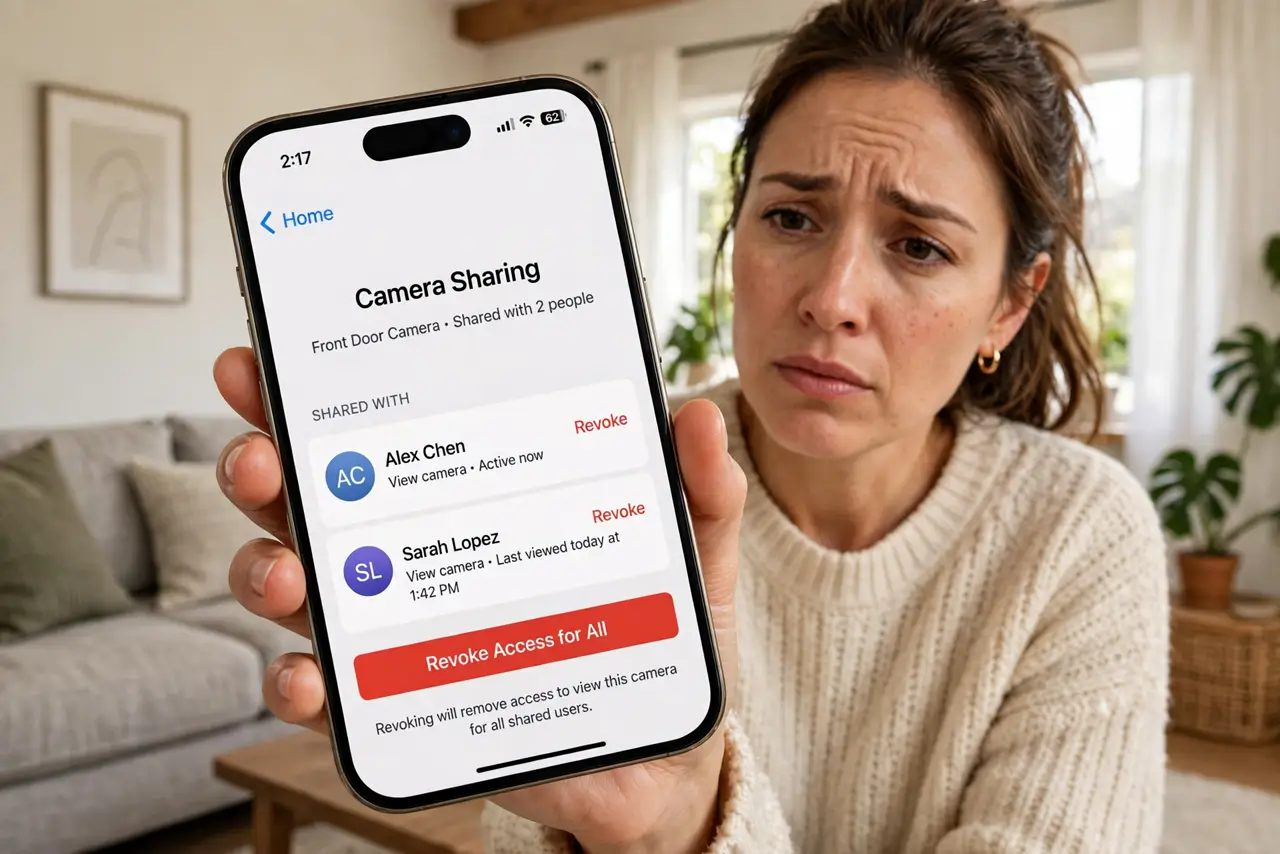
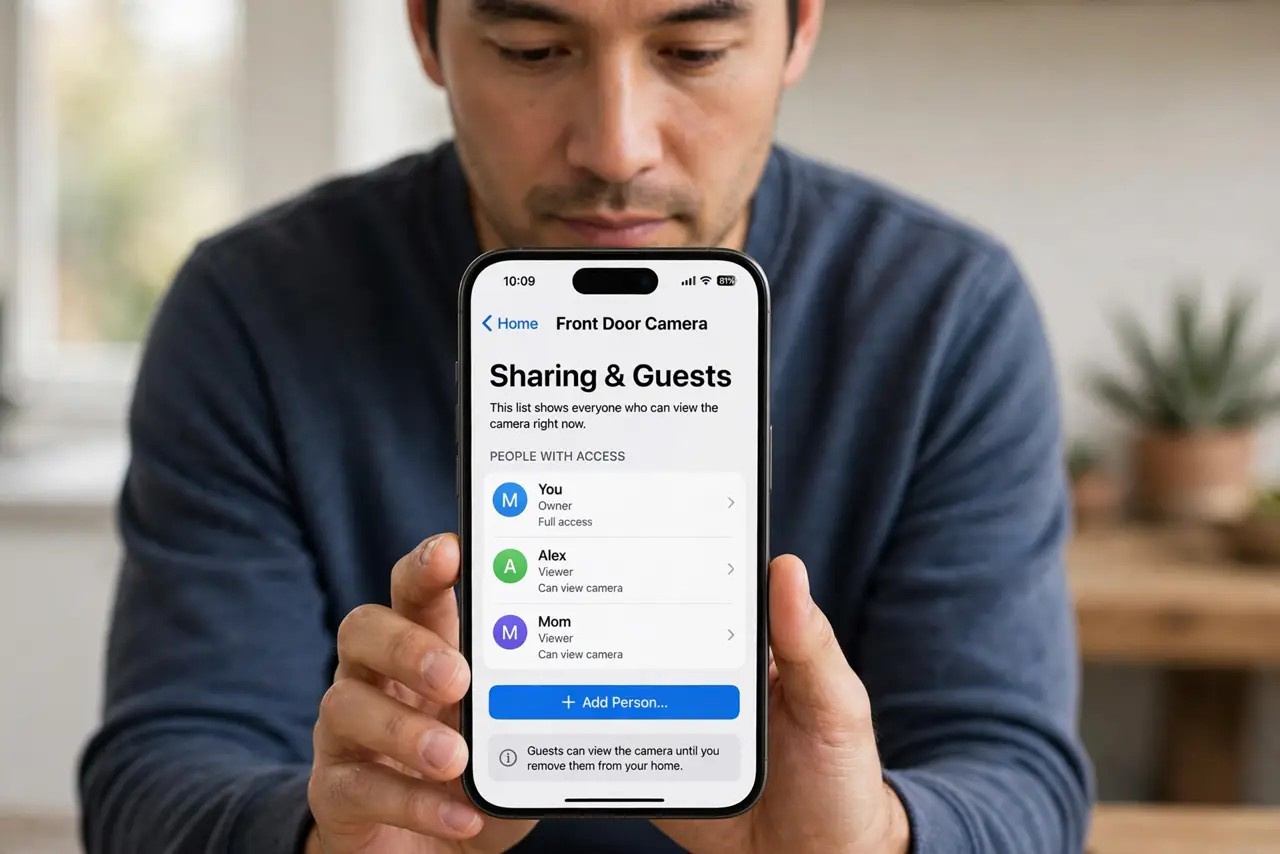
- Open camera sharing settings. Open the camera app, then sharing, guests, or household settings. This list shows everyone who can view the camera right now.
- Remove unintended viewers. Remove each viewer you did not intend to share with. Removing a viewer stops their access at once, even if they saved the app link.
- Revoke shared links. If you shared a link, revoke or expire it in sharing settings, and generate a fresh link only if you still need to share with someone specific.
- Change the camera account password. Change the password for the camera account to a fresh, unique one. This stops anyone who guessed or reused the old password from signing back in.
- Turn on two-factor authentication. Turn on two-factor authentication for the camera account. A second factor stops a stolen password from being enough to view the feed.
- Check guest access and activity. Check guest accounts, linked devices, and recent viewing activity for anything unfamiliar. Remove guest accounts you no longer need.
What NOT to do
- Do not leave a shared link active while you decide. Revoke it first, then decide who, if anyone, should get a fresh one.
- Do not share a camera link in a group chat to test it. A group link can be forwarded far beyond the group.
- Do not reuse the camera account password on other sites. A leak elsewhere should not open your home cameras.
- Do not ignore a viewer you do not recognize because the camera looks idle. Access itself is the problem, whether or not they watch often.
Frequently asked questions
What if I shared the link publicly?
Revoke it at once, change the password, and turn on two-factor authentication. Assume anyone who saw the link could have viewed the feed while it was active.
Can I see who viewed the camera?
Some apps show recent viewers or activity. Check that section, but do not rely on it alone: removing access matters more than viewing history.
Should I unplug the camera meanwhile?
If you are unsure whether access is fully revoked, unplugging or covering the camera until settings are confirmed is a sensible temporary step.