Stereo Pair HomePod Minis
Two HomePod minis can team up as a left-right stereo pair — real stereo separation instead of two speakers playing the same mono mix. The option hides in the Home app, and it refuses to appear when the speakers sit in different rooms or on different networks. Here is how to pair them and what to do when the button will not show up.
TL;DR / Quick Fix
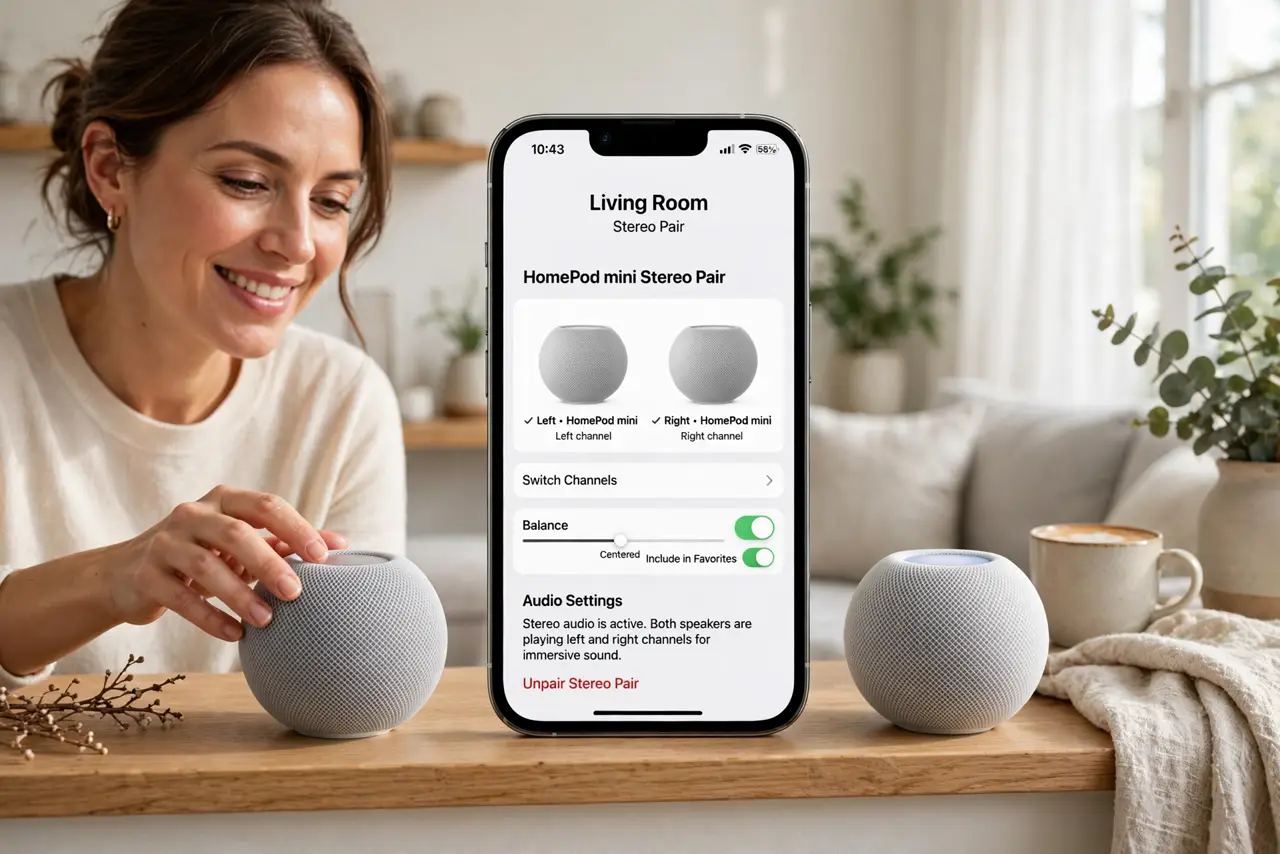
Quick fix: in the Home app, press and hold one HomePod mini, open its settings, and choose Create Stereo Pair. Both minis must share the same room and Wi-Fi network. Assign left and right channels, then test with a familiar song to confirm the stereo split.
Follow these steps
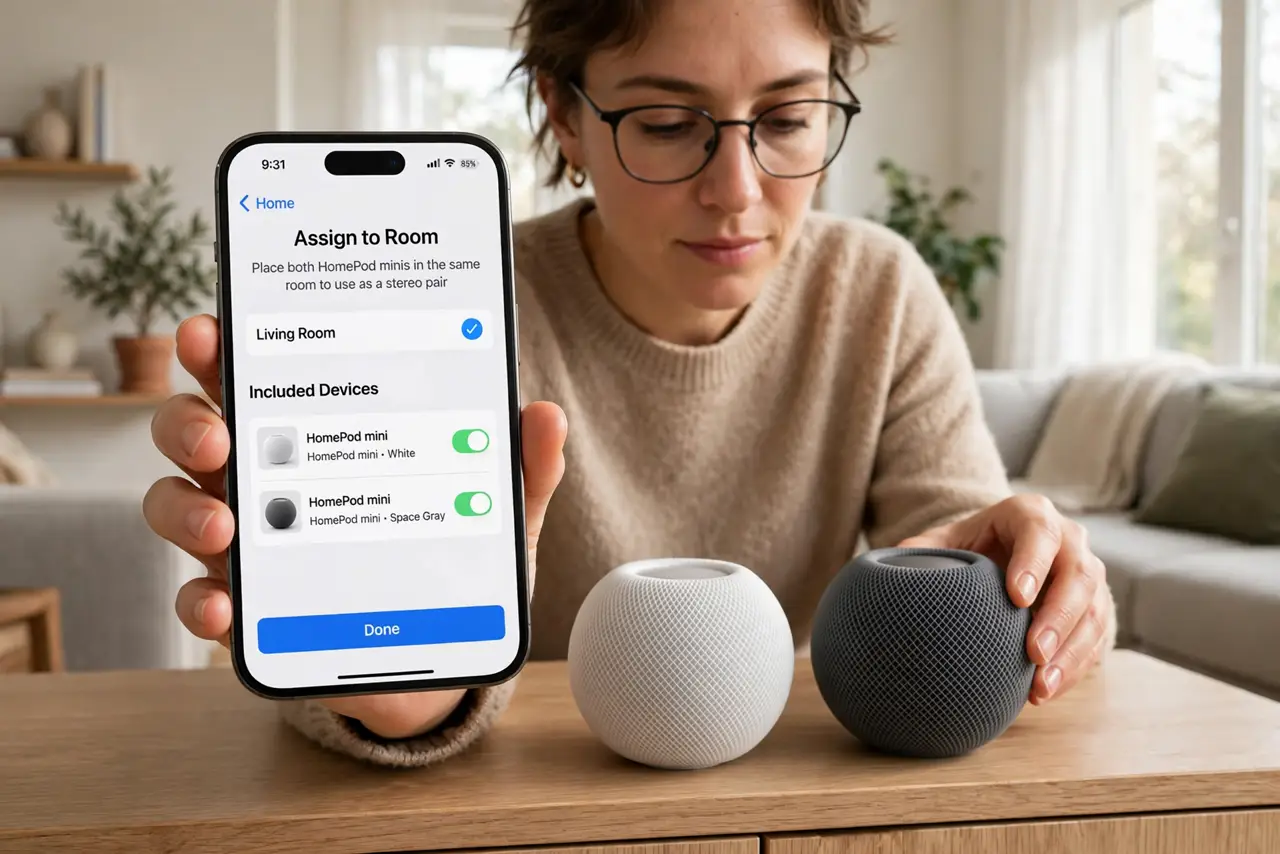
- Put both minis in the same room. In the Home app, both speakers must be assigned to the same room. Different rooms means no stereo option — this is the number-one reason the button never appears.
- Confirm the same Wi-Fi network. Both minis need the same network. If one joined a guest network or a different band during setup, move it over before trying to pair.
- Open the first speaker's settings. Press and hold one HomePod mini in the Home app, tap the settings gear, and look for Create Stereo Pair. If it is missing, recheck the room assignment from step one.
- Select the second speaker. Tap Create Stereo Pair and choose the other mini from the list. The app pairs them and asks you to assign left and right channels.
- Assign left and right correctly. Stand facing the speakers and assign left to the left one. Getting this backwards is surprisingly common — test with a song you know has clear left-right separation.
- Test and adjust placement. Play music and walk the room. For real stereo effect the speakers want several feet of separation at ear height — if they sit side by side on one shelf, the effect is subtle. Unlike a solo setup, placement now matters twice as much.
What NOT to do
- Do not try to pair a HomePod with a HomePod mini. Stereo pairs only work between two identical models — full-size with full-size, mini with mini.
- Do not leave them in different Home app rooms. The pair option is room-gated; fix the rooms first.
- Do not expect surround sound. A stereo pair is two-channel music bliss, not a home theater replacement.
- Do not unpair by resetting one speaker. Unpair from the Home app settings — a hard reset orphans the pairing state.
Frequently asked questions
Can I stereo pair three HomePod minis?
No — stereo pairs are exactly two speakers. A third mini plays independently in the same or another room.
Why is Create Stereo Pair greyed out?
Usually a room mismatch, a network mismatch, or mismatched models. Fix those three and the option activates.
Does stereo pairing work for TV audio?
Only if the minis are set as the default audio output of an Apple TV. They cannot pair directly with a non-Apple TV as a stereo set.