Hotel Wi-Fi Asks You to Install a Profile
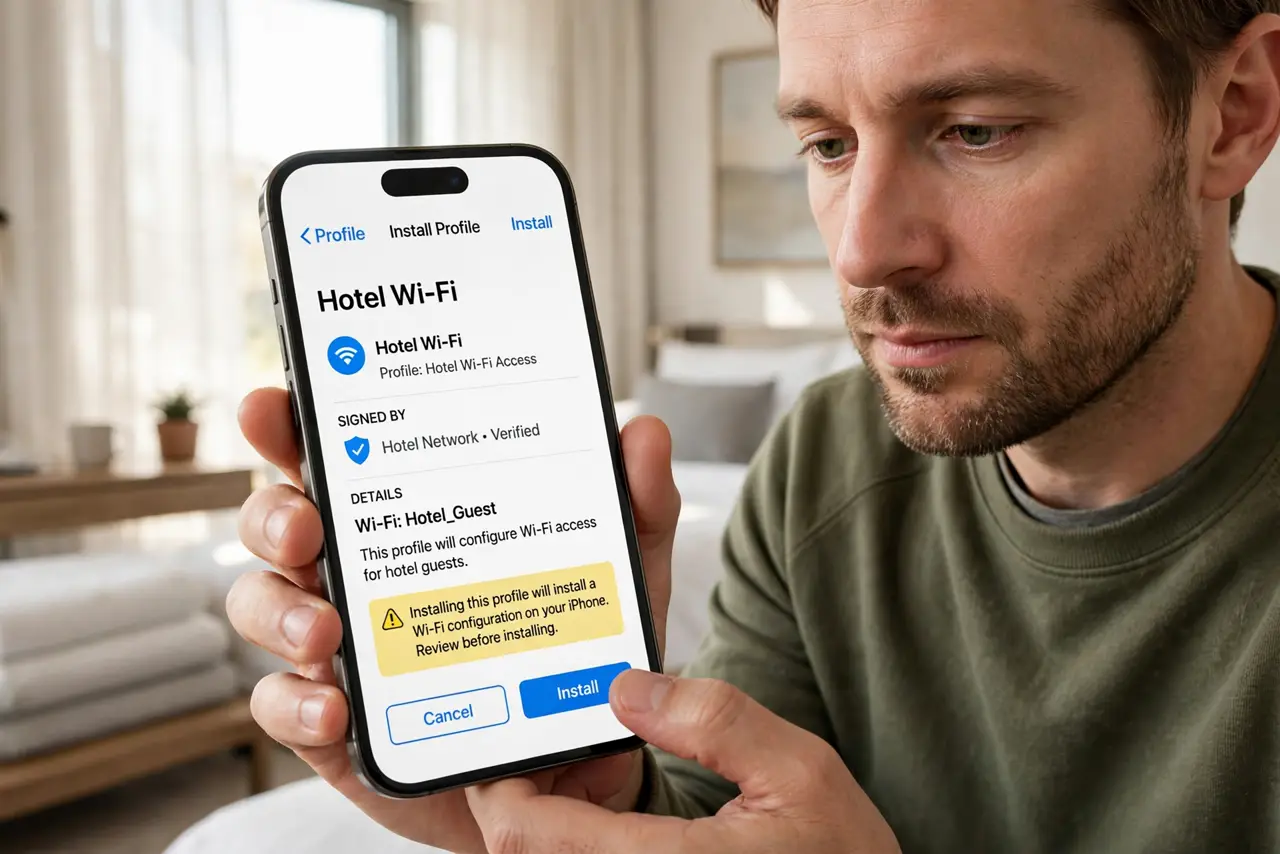
Hotel Wi-Fi sometimes asks you to install a configuration profile before it connects. A profile can change deep network settings on your device — so it deserves far more caution than a normal Wi-Fi password.
TL;DR / Quick Fix
Quick fix: avoid installing the profile if you can connect without it, and ask the front desk whether it is really required. If you must install it, remove it when you check out, and use a VPN while on the hotel network.
Follow these steps
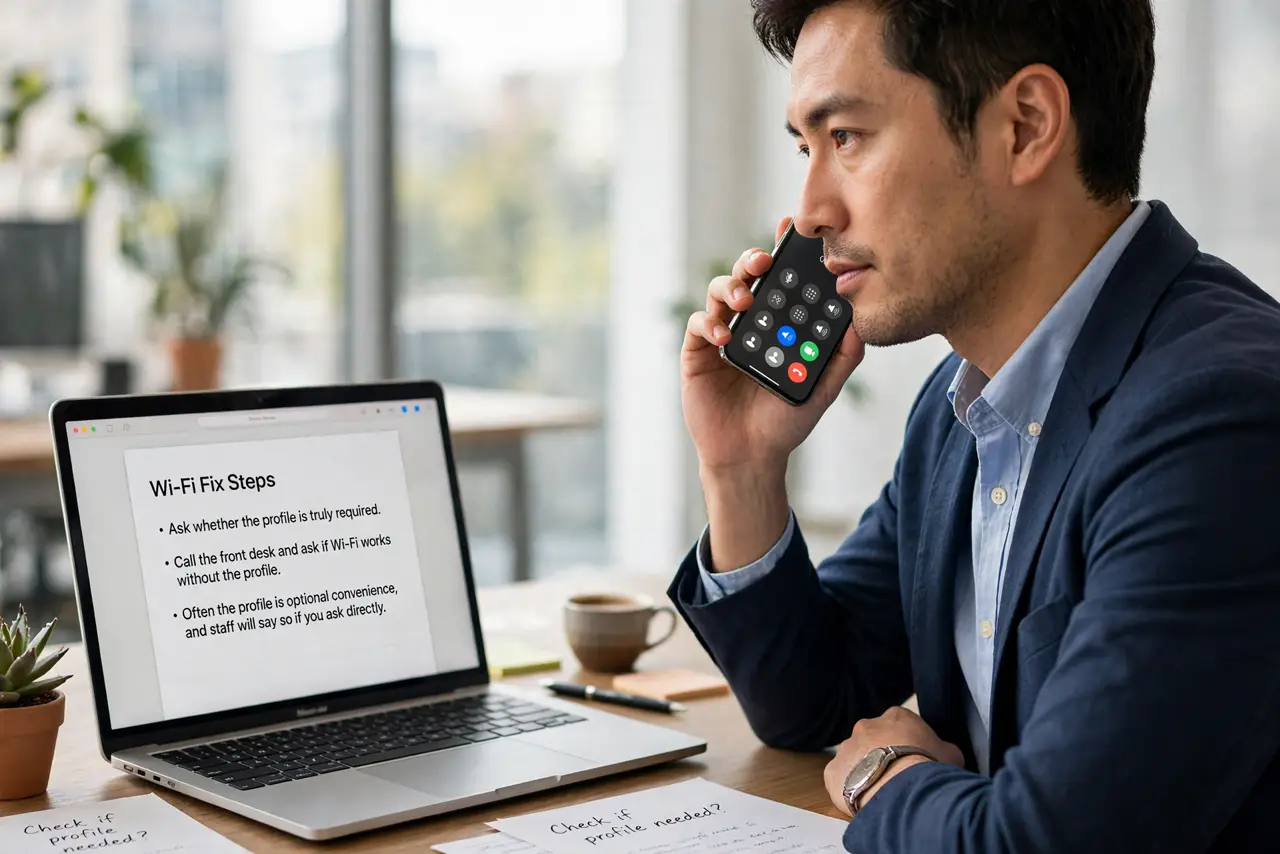
- Ask whether the profile is truly required. Call the front desk and ask if Wi-Fi works without the profile. Often the profile is optional convenience, and staff will say so if you ask directly.
- Try connecting without installing anything. Join the network and complete the normal captive-portal login first. Many hotel networks work fine with just the password, and the profile prompt is just one optional path.
- Read what the profile changes before installing. Open the profile details and read which settings it touches. A profile that only adds Wi-Fi settings is very different from one that installs certificates or VPN routes.
- Remove the profile at checkout. Open your device's profile management and delete the hotel profile when you leave. A leftover profile keeps its network changes active long after the trip.
- Use a VPN on the hotel network. Run a trustworthy VPN while connected to hotel Wi-Fi. It encrypts your traffic regardless of what the network or the profile does.
- Compare with the known hotel profile guidance. If anything about the prompt looks off — wrong hotel name, urgent wording — compare it with the hotel Wi-Fi profile guidance and verify with staff before tapping install.
What NOT to do
- Do not install a profile just to get online faster. A minute of caution beats months of a stranger's network settings on your device.
- Do not leave the profile installed after checkout. It can reroute traffic or weaken security settings indefinitely if you forget it.
- Do not install profiles from a link in a text message. Get the profile only through the hotel's official portal or front desk, never a random link.
- Do not enter banking passwords on hotel Wi-Fi without a VPN. Hotel networks are shared and sometimes monitored, so encrypt sensitive traffic.
Frequently asked questions
What can a configuration profile change?
Wi-Fi settings, certificates, VPN routes, and restrictions, depending on what the profile contains, which is why reading it matters.
Is the hotel's own profile safe?
Usually, but verify with the front desk that it is really theirs, and remove it at checkout regardless.
What if Wi-Fi will not work without it?
Install it, use a VPN the whole stay, and delete the profile the moment you check out.