How Do Passkeys Sync?
Passkeys sound great until you wonder: what happens on my new phone? Do they sync? Where do they live? The answer depends on which ecosystem saved them — Apple's, Google's, or a password manager's — and each syncs differently. This guide explains where passkeys live and how they follow you across devices.
TL;DR / Quick Fix
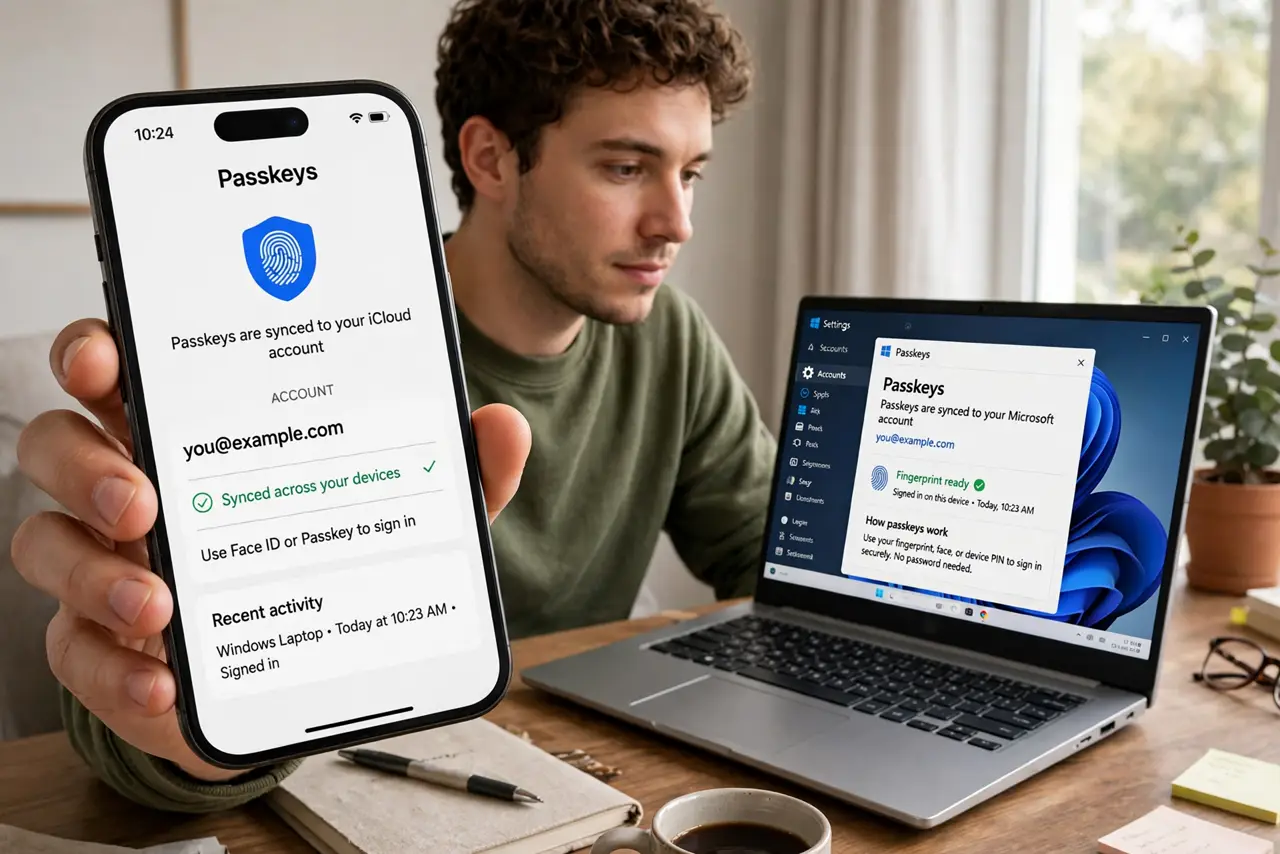
Quick fix: passkeys sync through your platform's cloud — iCloud Keychain for Apple, Google Password Manager for Android and Chrome. Sign into the same account on a new device and your passkeys arrive. The catch: Apple passkeys do not sync to Android and vice versa, so know where yours live.
Follow these steps
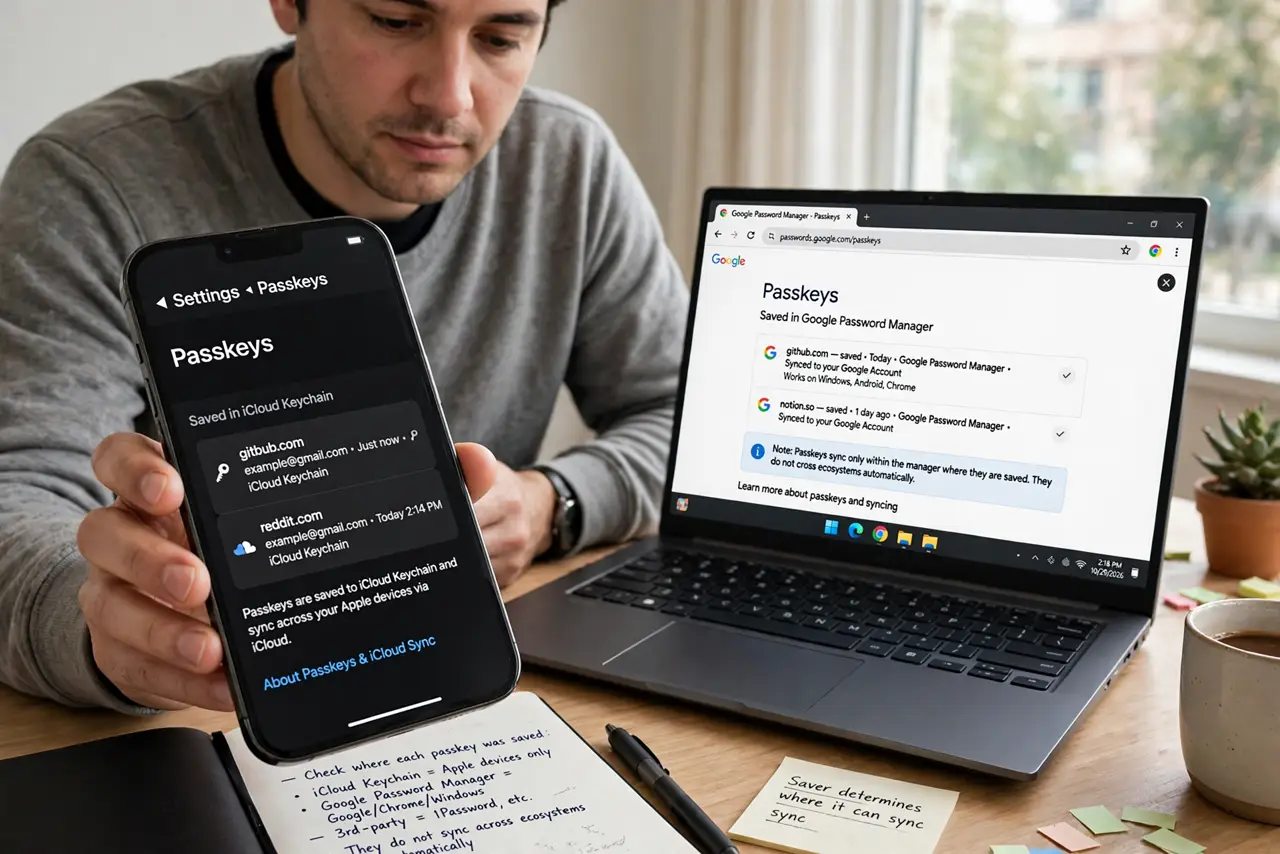
- Learn where your passkeys live. Check where each passkey was saved: iCloud Keychain, Google Password Manager, or a third-party manager. The saver determines where it can sync — they do not cross ecosystems automatically.
- Understand Apple's syncing. Passkeys saved to iCloud Keychain sync across your iPhone, iPad, and Mac signed into the same Apple account, protected by your device passcode and biometrics.
- Understand Google's syncing. Passkeys saved to Google Password Manager sync across Android devices and Chrome browsers signed into the same Google account.
- Know the ecosystem boundary. An iCloud-saved passkey will not appear on your Android phone, and a Google-saved one will not appear on your iPhone. Cross-platform users should save passkeys in a third-party manager that runs everywhere.
- Set up recovery before you need it. If you lose every device, recovery runs through your cloud account's recovery process — which is slow by design. Set up account recovery options now, as the lost-device guidance explains.
- Test on a second device. Sign into the same cloud account on another device and confirm a passkey sign-in works there. A sync you have tested is a sync you can trust.
What NOT to do
- Do not assume passkeys sync everywhere automatically. They sync within their ecosystem — crossing from Apple to Google needs a deliberate move.
- Do not save passkeys only on one device with no cloud. A single-device passkey dies with the device — enable the cloud sync.
- Do not forget your cloud account recovery. Lose the Apple or Google account and the synced passkeys go with it — recovery options are mandatory.
- Do not mix savers randomly. Pick one home per passkey — scattering them across iCloud, Google, and a manager creates confusion.
Frequently asked questions
Can I move a passkey from iPhone to Android?
Yes, through export or by creating it fresh on the new platform. There is no automatic cross-ecosystem sync — it takes a deliberate step.
Are synced passkeys safe in the cloud?
They are end-to-end encrypted — the cloud provider cannot read them. Your device lock and account security are the real perimeter.
What if I stop using Apple or Google?
Export or recreate your passkeys in a platform-independent password manager before closing the account, or you lose them.