What Happens If You Stop Using an Account
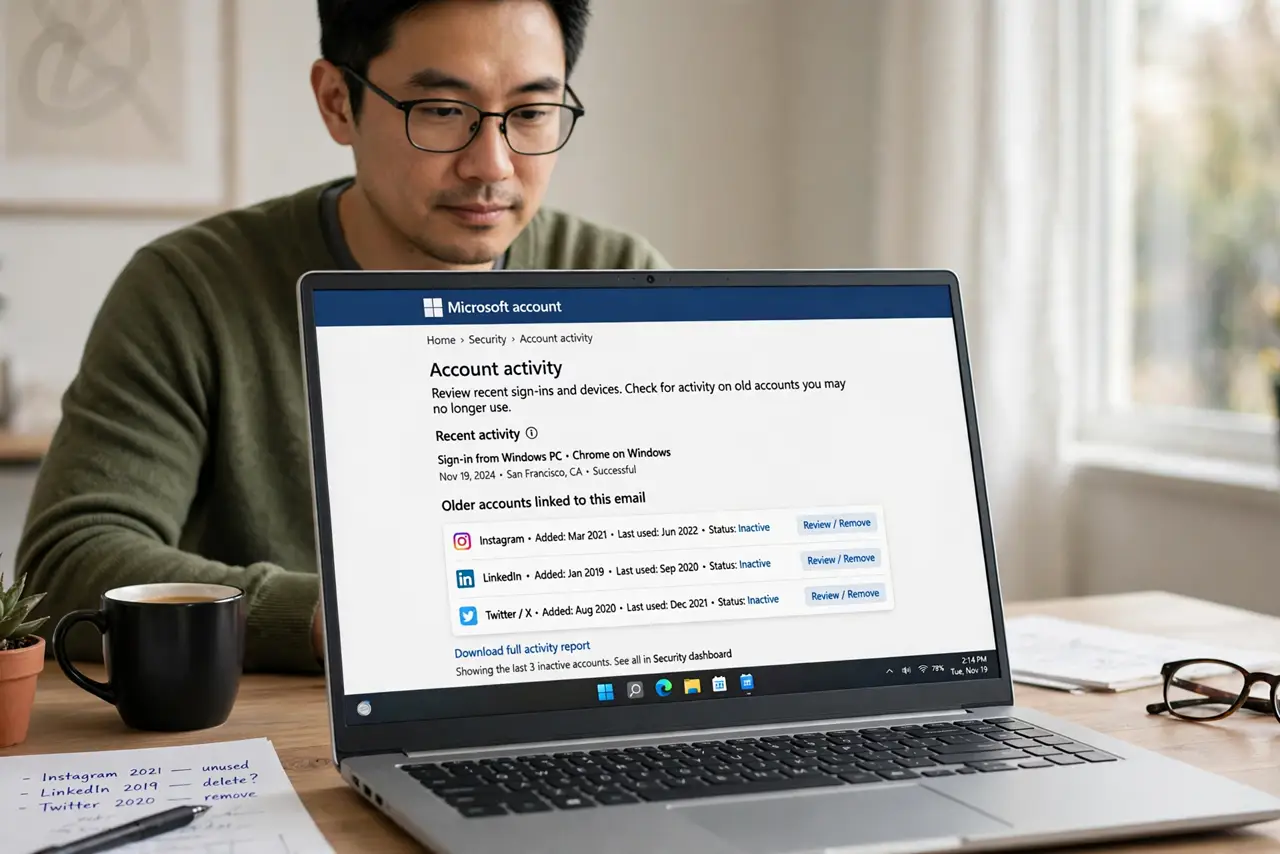
Accounts you stop using do not just sit quietly — they can be breached, repurposed for spam, or deleted with your data inside. A few settings decide what happens to a dormant account before it becomes someone else's problem.
TL;DR / Quick Fix
Quick fix: list the accounts you no longer use, turn on each one's inactive or legacy setting where it exists, and delete the accounts you will never need. Then remove saved payment methods from the rest, and check the list once a year.
Follow these steps
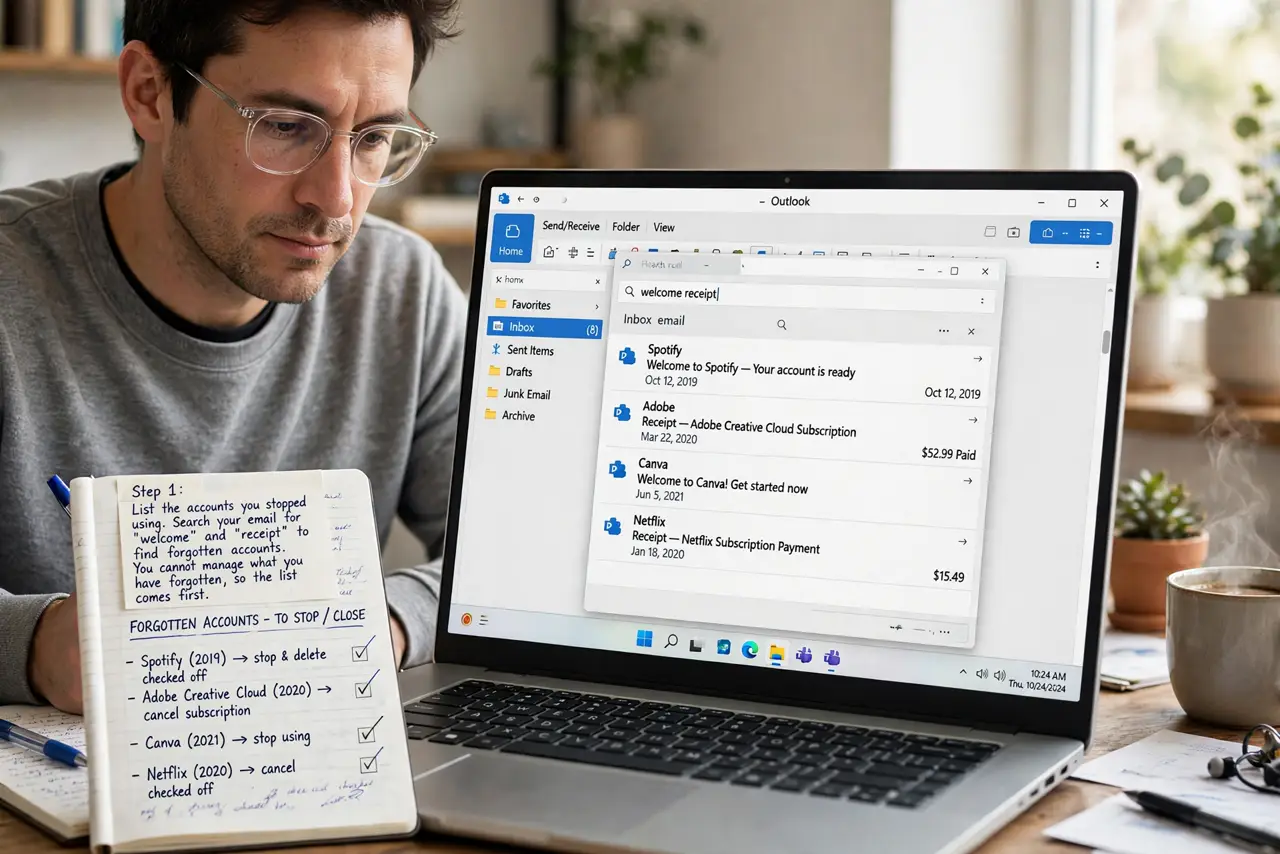
- List the accounts you stopped using. Search your email for welcome and receipt messages to find forgotten accounts. You cannot manage what you have forgotten, so the list comes first.
- Use inactive-account settings where offered. Some services let you choose what happens after months of inactivity, like notifying a legacy contact or deleting data. Set the option before the account goes dormant.
- Delete accounts you will never need again. If a service has nothing you want back, delete the account instead of abandoning it. A deleted account cannot be breached, while an abandoned one sits waiting.
- Remove saved payment methods first. Before deleting or abandoning, remove saved cards from the account. An old card on a breached account is a fraud risk you can eliminate in a minute.
- Change the email to a spare one if you keep it. For accounts you keep but rarely use, point them at a secondary email you actually read. Breach notices sent to a dead inbox help nobody.
- Recheck the list once a year. Repeat the review yearly. New accounts go dormant every year, and a yearly pass keeps the pile from growing.
What NOT to do
- Do not abandon accounts with saved cards inside. Delete the payment method first, since a dormant account with a live card is an easy fraud target.
- Do not reuse the password of a dormant account elsewhere. If that old service gets breached, the stolen password unlocks your active accounts too.
- Do not assume an unused account is harmless. Old accounts hold personal data and can send spam in your name once compromised.
- Do not delete an account that holds purchases or photos you want. Download what matters first, since deletion is usually permanent.
Frequently asked questions
Why do dormant accounts get hacked?
Because nobody watches them, so a breach goes unnoticed and the attacker can use the account for spam or fraud for months.
Should I delete or just abandon old accounts?
Delete when you will never need them. Abandoning leaves your data on someone else's server with no one watching it.
What about accounts tied to my main email?
Keep those under your control with a unique password, since a breach there can lead attackers straight to your inbox.