A Realistic Inbox Zero
Thousands of unread emails feel like a debt you will never repay, so most people just... stop looking. Realistic inbox zero is not about reading everything — it is about a system that keeps new mail from piling up again. This guide gives you a one-time cleanup plus a daily habit that keeps the count near zero without living in your inbox.

TL;DR / Quick Fix
Quick fix: archive everything older than a month in one move — if nobody followed up, it was not urgent. Then process new mail twice daily: reply, file, or delete, never leaving an email unhandled. A clean slate plus a daily habit beats reading ten thousand old messages.
Follow these steps
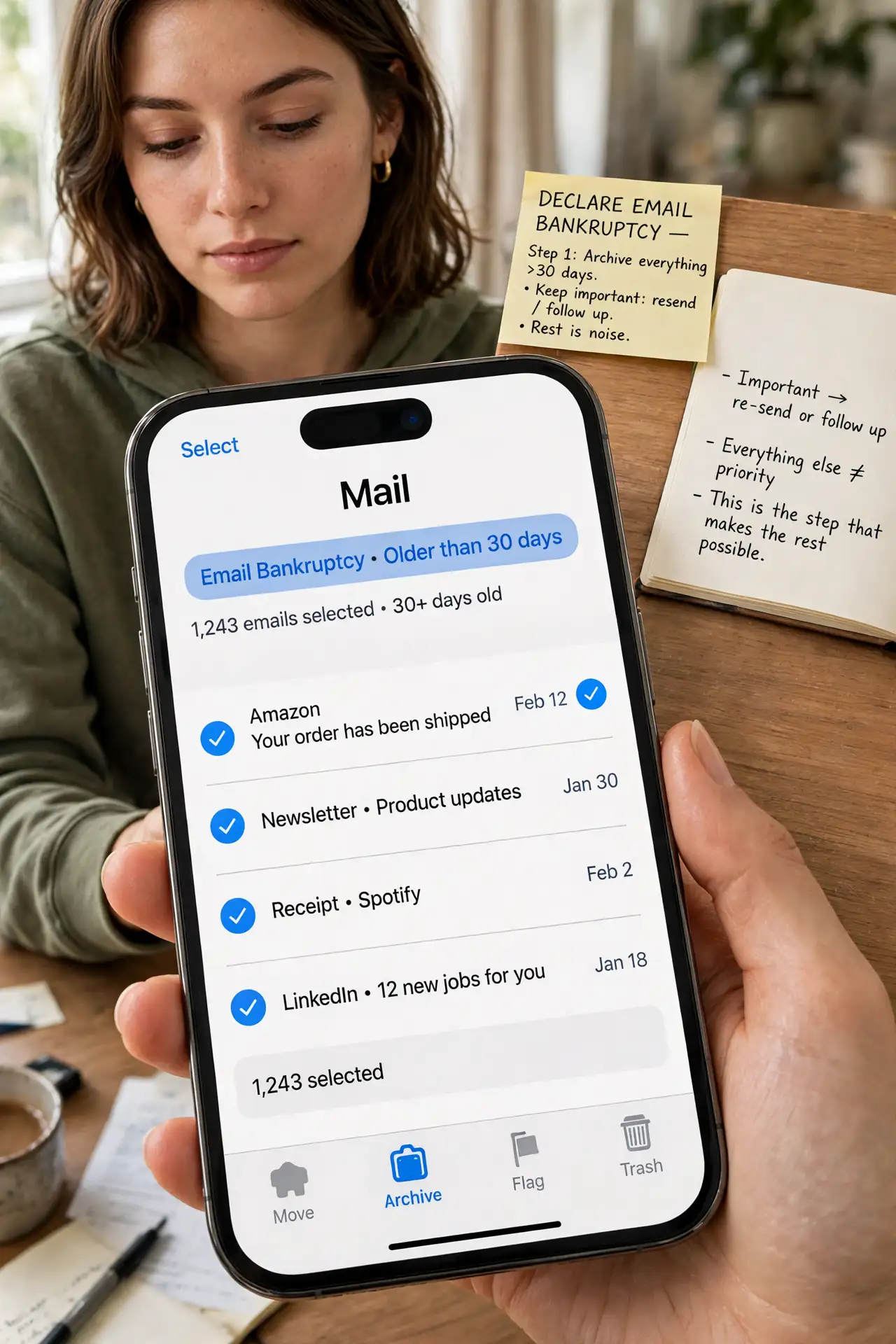
- Declare email bankruptcy on the old pile. Select everything older than 30 days and archive it in bulk. Important mail gets re-sent or followed up on; the rest was noise. This is the step that makes the rest possible.
- Unsubscribe ruthlessly for ten minutes. Open the newest newsletters and promo mail and unsubscribe from each. Every subscription you kill is dozens of future emails that never arrive — see the unsubscribe habit for the routine.
- Set up two processing times per day. Check email at, say, 10am and 4pm instead of all day. Batching cuts the constant interruption without anything going stale.
- Apply the reply-file-delete rule. For each new email: if it takes under two minutes, reply now; if it is reference, file it; otherwise delete or archive. Never close an email still needing a decision.
- Use search, not folders, for old mail. Archived mail is fully searchable. Elaborate folder systems waste the time they claim to save — archive everything and search when you need it.
- Keep the daily habit tiny. Five focused minutes twice a day maintains the system. The goal is a habit so small you cannot skip it, not a heroic weekly cleanup.
What NOT to do
- Do not try to read every old email. That is the trap that keeps the pile growing — archive the backlog and start fresh.
- Do not leave your inbox open all day. Constant checking fragments attention; batching is the whole trick.
- Do not build a complex folder taxonomy. Dozens of folders feel organized but cost more time than they save.
- Do not unsubscribe one by one forever. Kill the biggest senders first, then let filters catch the rest.
Frequently asked questions
Is inbox zero really about zero emails?
Practically, it means a trusted system with nothing unprocessed — a handful of filed or waiting emails is fine. Perfection is not the point.
What about emails I might need later?
Archive keeps everything searchable. Deleting is for obvious junk; archiving is for everything else.
How do I stop new mail from piling up?
Unsubscribe aggressively and batch-process twice daily. The inflow shrinks and the habit handles the rest.