What Incognito Really Does
Private mode feels like an invisibility cloak — but the myths outnumber the facts. Incognito stops the browser from saving history on your device; it does not hide you from your ISP, your employer, or the websites you visit. Knowing the actual boundary turns it from false confidence into a genuinely useful tool.
TL;DR / Quick Fix
Quick fix: use incognito for what it does — no local history, no saved logins, clean sessions on shared devices. Do not use it for what it does not — hiding from networks, employers, or websites. For real privacy from snoopers, you need different tools entirely.
Follow these steps
- Learn the real boundary. Incognito forgets locally: history, cookies, form data — gone on close. The what it hides list is short and specific; everything else is myth.
- Use it on shared devices. Library PCs, borrowed laptops — incognito is the right default there. The public PC routine pairs it with full sign-outs for the complete safe pattern.
- Do not expect network invisibility. Your ISP, employer, and the sites themselves still see you. The incognito myth debunk is blunt: private mode is local privacy, not network privacy.
- Use it for clean sessions. Log into two accounts at once, test a site logged-out, dodge paywall cookie counts — separate sessions are the legitimate superpower.
- Close the window when done. The forgetting happens on close. Leaving the window open all day is just a dark-themed browser — close it to collect the benefit.
- For real privacy, layer up. VPNs, tracker blockers, private search — incognito is one thin layer. The VPN reality notes keep expectations honest about the next layer too.

What NOT to do
- Do not do anything in incognito you would not do in normal mode. The network sees the same you — the cloak is local only.
- Do not assume work browsing is private. Employers see network traffic regardless of your browsers mode.
- Do not trust it for sensitive logins on public PCs alone. Pair with full sign-outs — incognito is half the routine.
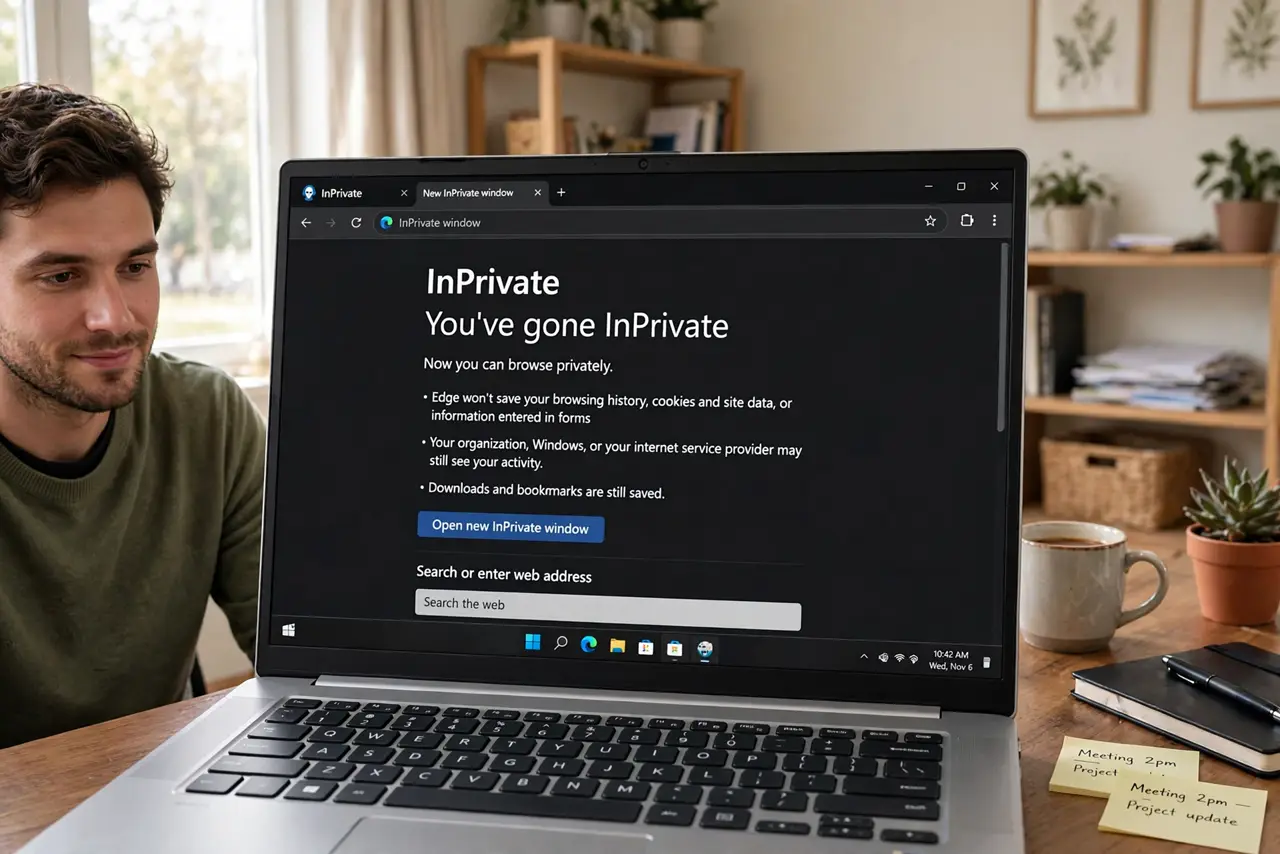
- Do not believe the marketing. Private, incognito, InPrivate — different names, same local-only forgetting.
Frequently asked questions
Does incognito hide me from my ISP?
No — your ISP sees every connection. Incognito only stops your own browser from remembering.
Can my employer see incognito browsing?
Yes — network monitoring is unaffected by your browsers private mode.
Is incognito enough for banking on public Wi-Fi?
No. Use your own device and a secure connection — incognito adds nothing against network snoopers.