Instagram Login Attempt You Don't Recognize?
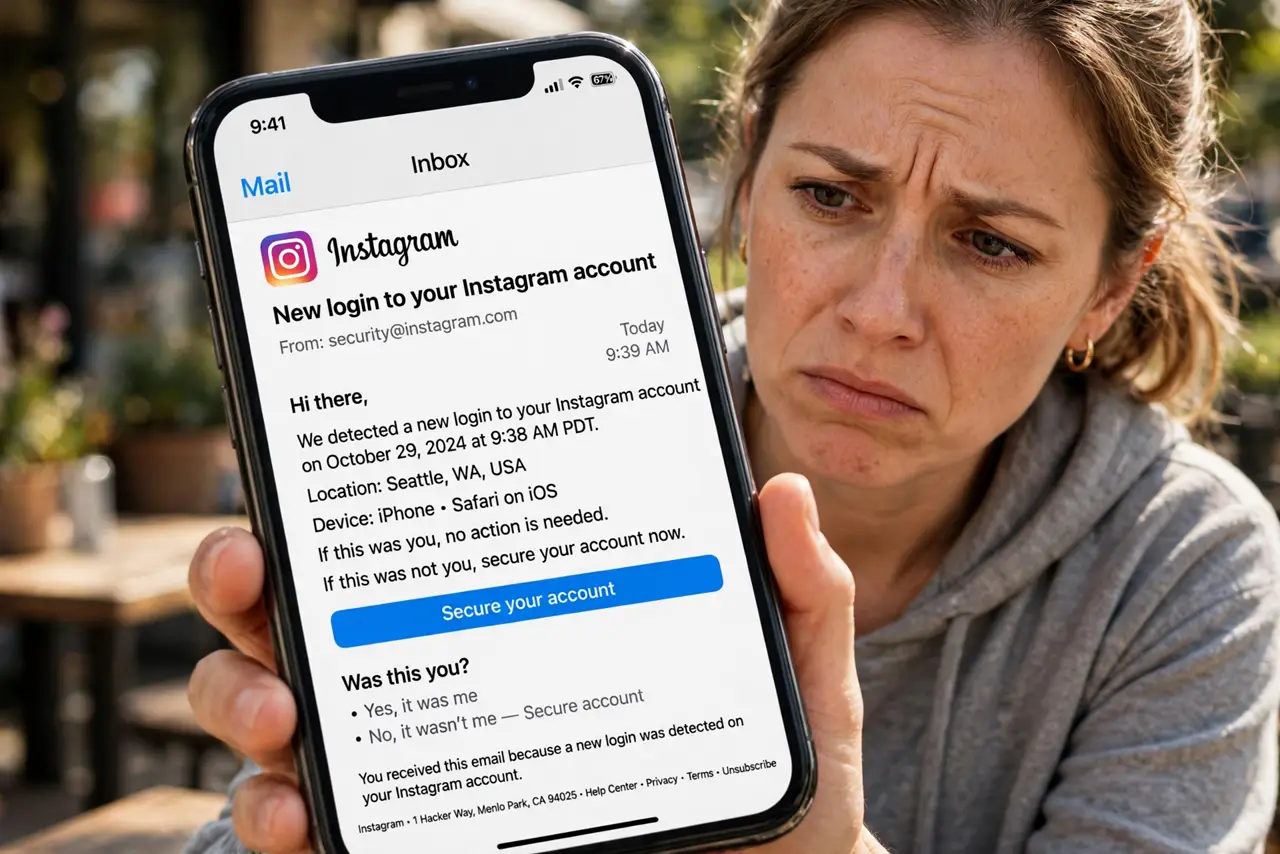
Instagram emails you about a login attempt you do not recognize. Like the Facebook alert, it could be your own new device or someone testing your password. This guide shows how to check and lock things down.
TL;DR / Quick Fix
Quick fix: check Instagram's login activity for sessions you don't recognize and end them, then change your password if the attempt wasn't yours. Turn on two-factor authentication right away. If it was you on a new phone, just confirm it and ignore the scare.
Follow these steps
- Open the email carefully. Read where and when the attempt happened. Do not click the email's links yet — open Instagram yourself to stay safe from phishing.
- Check login activity. Go to Settings, Security, Login activity. You will see your current and recent sessions with device types and rough locations.
- End anything unfamiliar. Tap any session that is not yours and log it out. If nothing looks wrong, the attempt probably failed and your password held.
- Change the password if needed. If a session was not yours, set a new unique password. Also change it anywhere else you reused it.
- Turn on two-factor. In Security settings, enable two-factor with an authenticator app. Instagram accounts are prime targets, so do not skip this.
- Review connected apps. Check Apps and Websites in settings and remove anything you do not recognize. Old third-party apps are a common back door.
What NOT to do
- Do not log in through the email's link. Phishing emails imitate these alerts perfectly — open the Instagram app yourself.
- Do not assume a failed attempt means you are safe forever. It means someone has your username and is guessing; a strong unique password plus two-factor ends the game.
- Do not reuse your Instagram password elsewhere. A breach on some other site is how most 'unknown logins' start.
- Do not ignore repeated attempts. Several in a week means someone is persistent — tighten everything now.
Frequently asked questions
What if the login was from my own new phone?
Then just confirm it was you. New devices always trigger the alert the first time.
Can I see failed login attempts?
Instagram shows successful and recent sessions in Login activity. Repeated password-reset emails are another sign someone is trying.
Should I make my account private after this?
Private helps against strangers browsing, but it does not stop login attempts. Password plus two-factor is the real fix.