Why Reusing Passwords Is Risky? Plain Facts
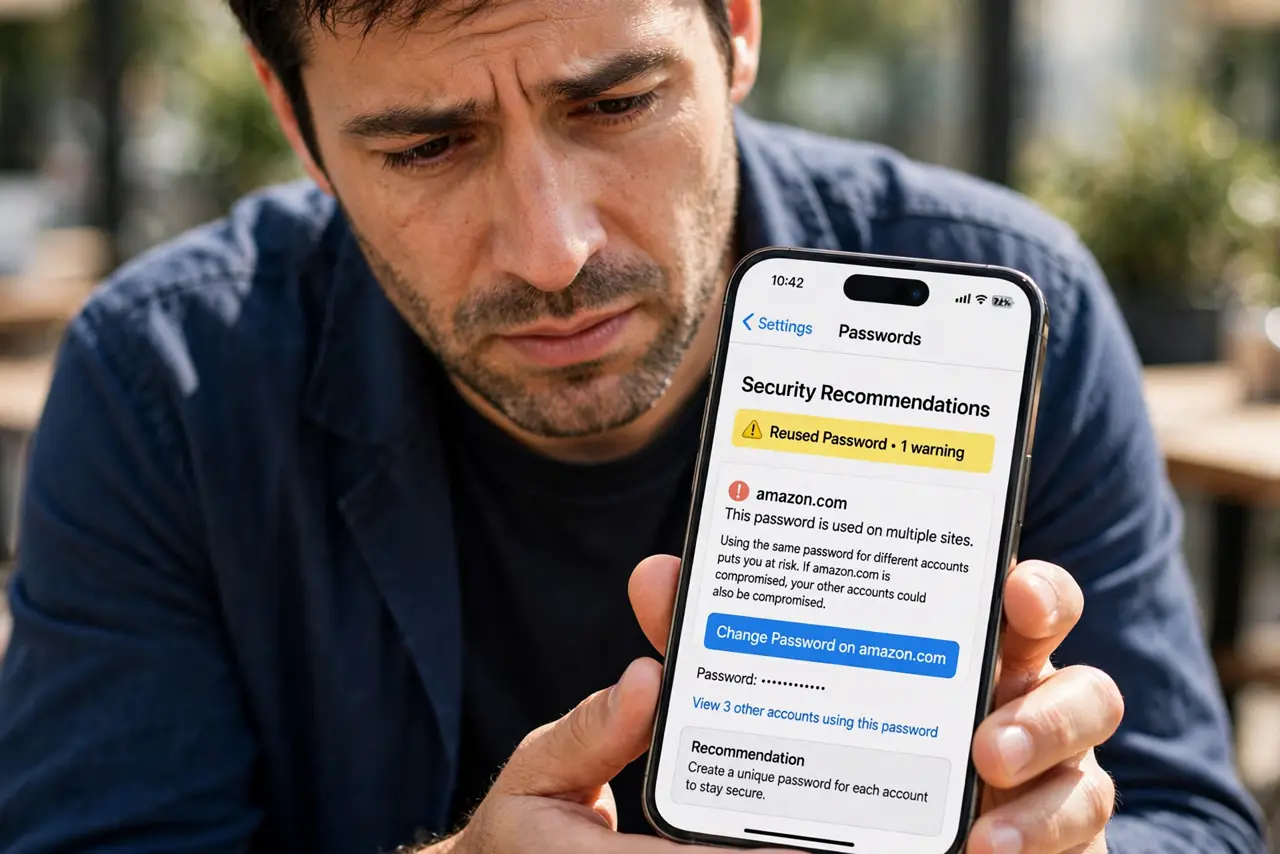
Using the same password on many sites feels efficient, but it turns one leak into many break-ins. When any single site gets breached, attackers try that password everywhere else. This guide explains the risk plainly and what to do instead.
TL;DR / Quick Fix
Quick fix: stop reusing passwords — give every important account its own unique password, starting with email and banking. A password manager makes this painless by remembering them all. If you have reused one password widely, change it everywhere now, beginning with the accounts that matter most.
Follow these steps
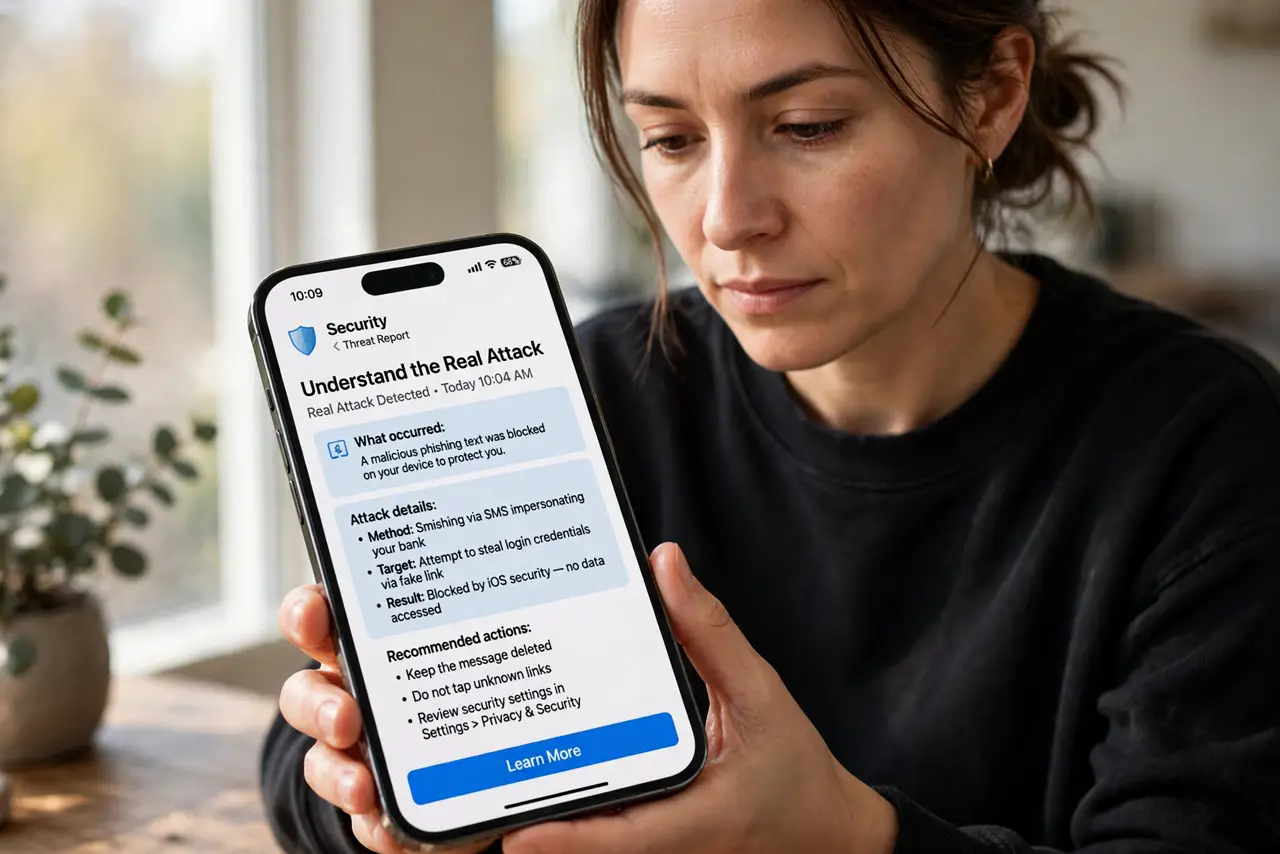
- Understand the real attack. Attackers do not guess your password — they steal it from one breached site and try it on hundreds of others automatically. This is called credential stuffing, and reused passwords are its fuel.
- Rank your accounts by importance. List your email, banking, and main social accounts first. These are the ones to fix today; a reused password on a forum you never visit matters far less.
- Change the important ones to unique passwords. Give each important account a password used nowhere else. A password manager generates and remembers them so you do not have to.
- Check whether your password already leaked. Run your email through a breach checker to see if your reused password is already in criminals' lists. If it is, treat every account sharing it as compromised.
- Turn on two-factor for the big accounts. Even a unique password can leak, so add a second factor to email and banking. Then a stolen password alone is not enough to get in.
- Work through the rest over time. Change the remaining reused passwords a few each week. You do not need to fix fifty accounts tonight — momentum beats perfection. If a leak alert names one of your passwords, move that account to the front of the line.
What NOT to do
- Do not just add a number to the same password. Password1, Password2, and Password3 fall to the same automated guessing within seconds.
- Do not think a small site does not matter. Attackers breach small forums precisely to harvest passwords people reuse on banks and email.
- Do not wait for a breach notice to act. By the time a company tells you, your password may have been circulating for months.
- Do not write the new passwords on sticky notes. A manager remembers them securely; paper on your monitor does not.
Frequently asked questions
Is reusing a strong password okay?
No. Strength does not help when the password is stolen from a site's database — the thief does not need to guess it, they just replay it elsewhere.
How do I know if my password was in a leak?
Enter your email on a breach-checking site to see which breaches exposed it. If any account you care about shares that password, change it now.
What if I cannot remember unique passwords for everything?
That is exactly what password managers solve. You remember one master password; the manager remembers the other hundred.