Teen Accounts on Instagram
Instagram now puts under-18 accounts into Teen Account mode automatically — private by default, with limits on who can message them and what content they see. Parents can supervise through linked accounts, but the built-in protections do a lot on their own. Here is what is on, what you can tighten, and what still needs a conversation.
TL;DR / Quick Fix
Quick fix: Teen Accounts are private by default with messaging limited to people they follow, plus content filters and sleep-mode reminders. Link a parent account for supervision to adjust screen-time limits and see who they message (not the content). Review the settings together monthly — updates can reset things.
Follow these steps
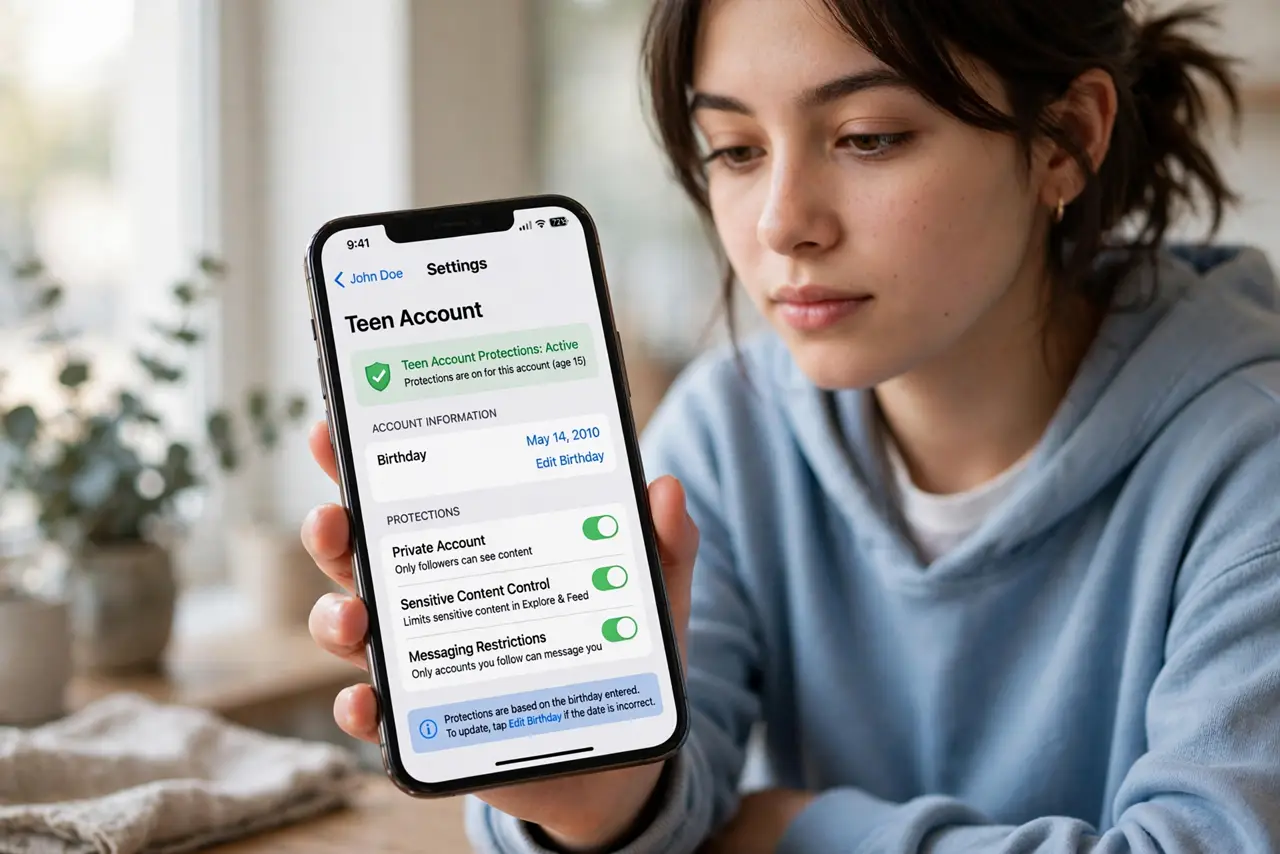
- Confirm the account is in Teen mode. Check the profile settings — under-18 accounts should show Teen Account protections active. If the birthday was entered wrong at signup, fix it first; the protections key off the stated age.
- Review the messaging limits. Teens can only receive DMs from people they follow or are already connected to. Tighten this further in the supervision dashboard if your family prefers messages from friends only — and talk about why stranger DMs are off-limits.
- Check the content controls. Teen Accounts get the strictest content filter, reducing sensitive posts in Explore and Reels. It is a strong filter, not a perfect one — pair it with TikTok’s family tools if they use both apps.
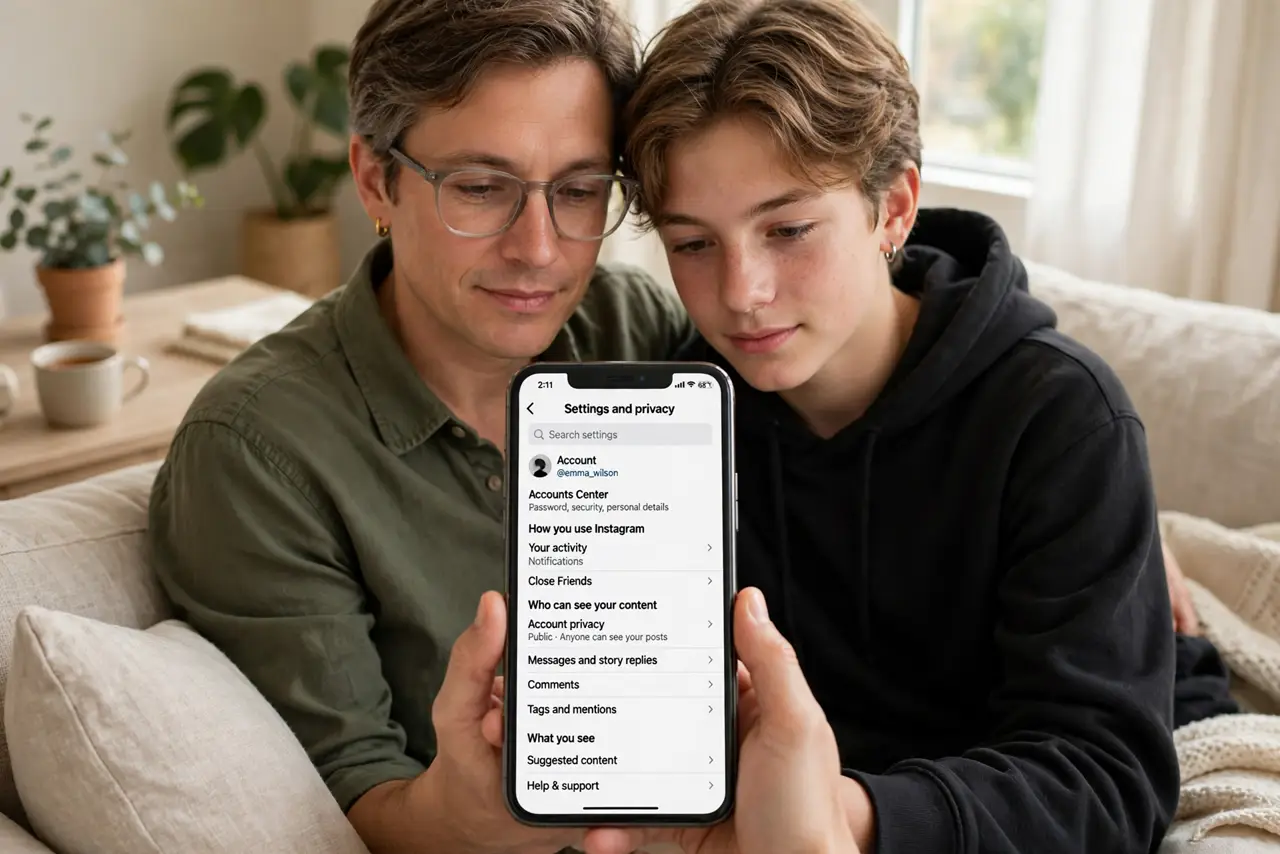
- Set up parental supervision. Link your Instagram account through Settings > Supervision to set daily time limits, schedule breaks, and see their follower and following lists. You cannot read message content — and telling your teen that upfront builds trust.
- Turn on quiet hours together. Sleep mode mutes notifications overnight automatically. Agree on the hours together rather than imposing them — teens who helped set the rule actually keep it.
- Talk about the stuff settings cannot fix. No filter stops peer pressure, comparison spirals, or a friend sharing something hurtful. The monthly settings review is also the monthly conversation — the settings are the excuse, the talk is the point.
What NOT to do
- Do not assume Teen mode equals safe. It is a strong baseline, not a guarantee — determined teens and determined strangers both find workarounds.
- Do not read their DMs by demanding the password. It breaks trust and teaches secrecy; supervision tools show contacts and time, which is the right level.
- Do not set controls and never revisit. App updates change menus and reset toggles — the monthly check keeps protections real.
- Do not forget the rest of their digital life. Instagram controls mean little if overall privacy and other apps are wide open.
Frequently asked questions
Can my teen turn off Teen Account protections?
Under-16s need a parent’s permission to loosen the key protections; 16-17s have more control. Either way, supervision notifies you of changes.
What can parents actually see with supervision?
Time spent, follower/following lists, and who they message — not message content. It is oversight, not surveillance.
Does this apply to existing accounts?
Yes — Instagram migrated existing under-18 accounts into Teen mode. Check the settings to confirm the migration applied correctly.