Security Camera Wi-Fi Range? Extend
The backyard camera shows two bars and drops every night, while the indoor ones are flawless. Outdoor security cameras fight distance, walls, and weather for their Wi-Fi — and when the signal wavers, you lose the footage that matters most. Here is how to extend reliable coverage to your cameras without rewiring the house.
TL;DR / Quick Fix
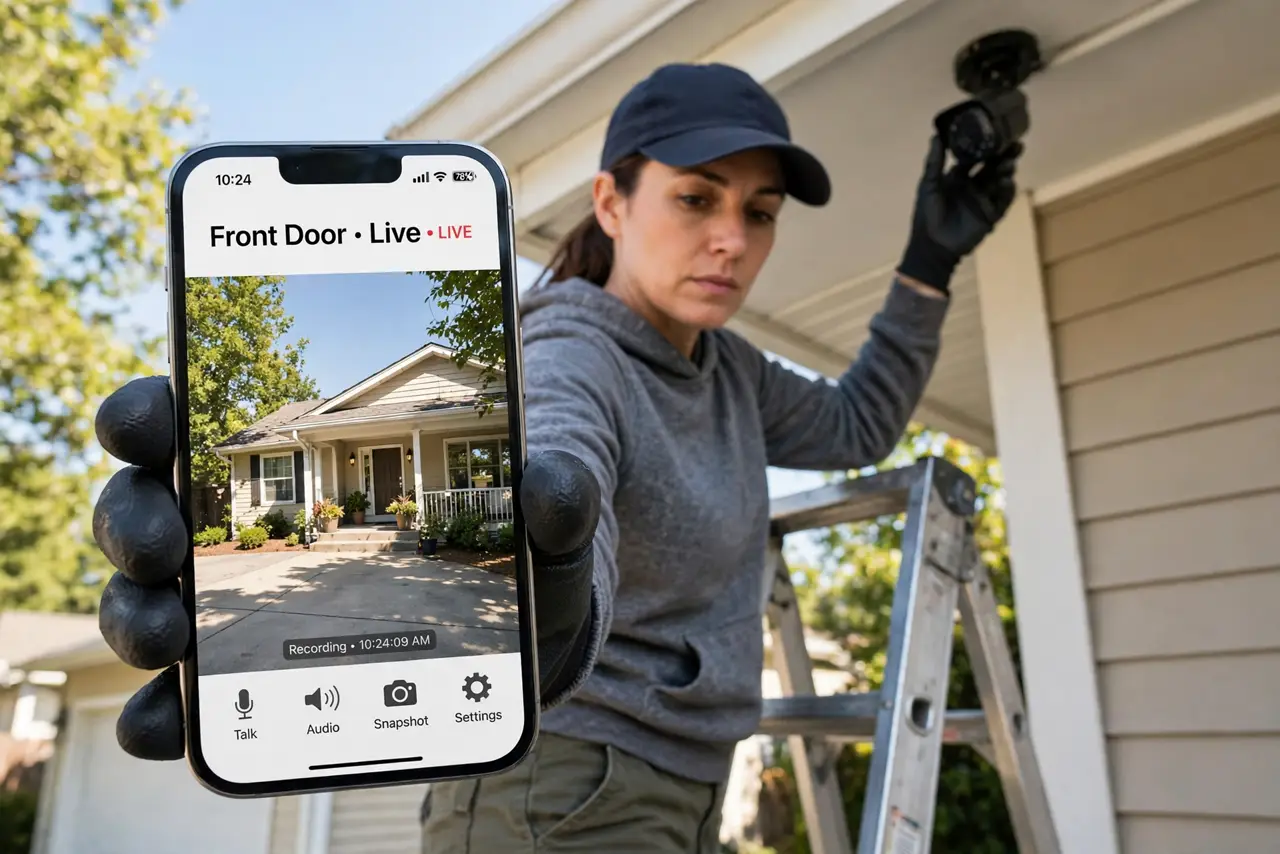
Quick fix: outdoor cameras drop because Wi-Fi fades with distance and walls. Check each camera's signal in its app, then extend coverage with an outdoor-rated access point or a well-placed extender. Keep cameras on 2.4 GHz for range, and power them reliably — weak power mimics Wi-Fi trouble.
Follow these steps
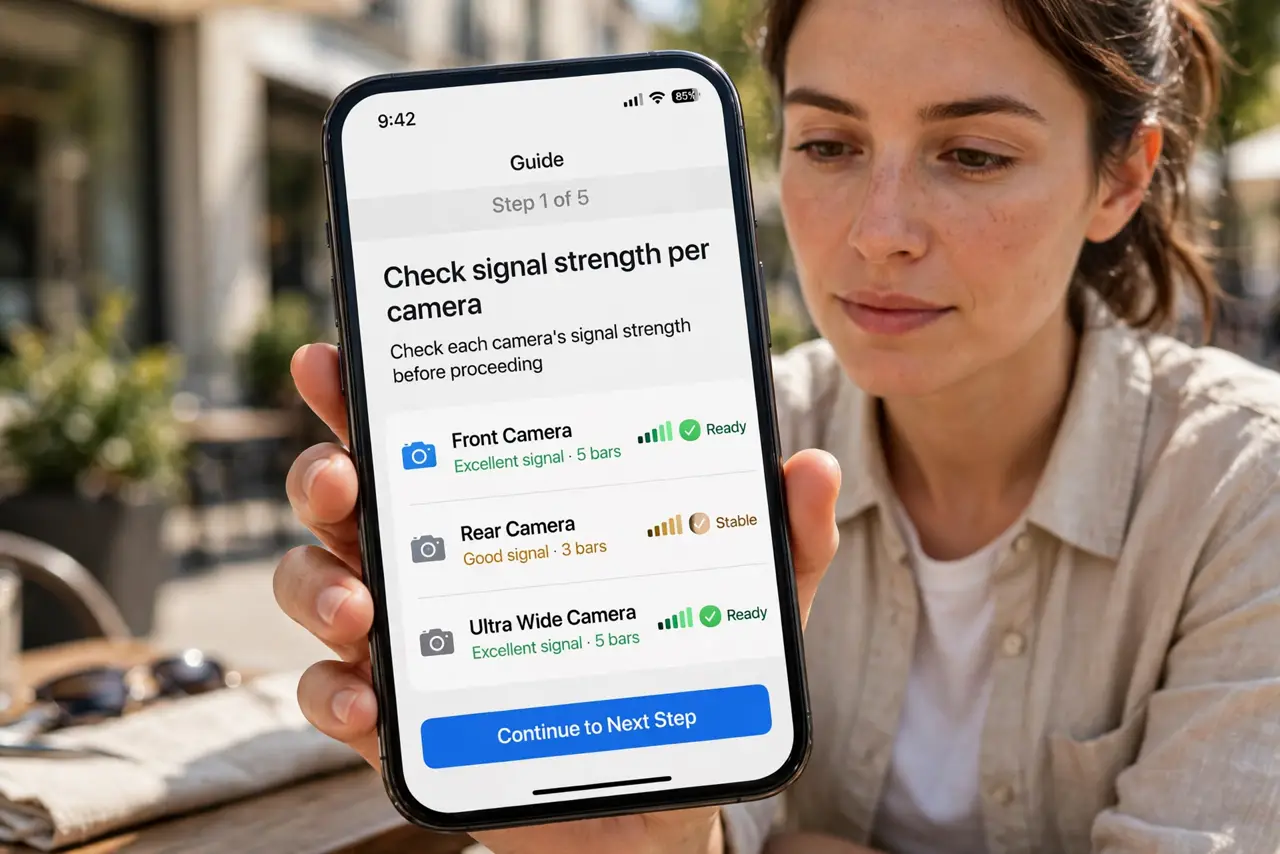
- Check signal strength per camera. Camera apps usually report Wi-Fi strength. Map which cameras are weak — the pattern shows where coverage dies, so you extend the right spot.
- Use an outdoor-rated access point. For yards and driveways, a weatherproof access point mounted under the eaves beats any indoor extender. One good outdoor unit can cover every camera on that side of the house.
- Place extenders halfway, not at the camera. An extender next to a struggling camera just repeats a bad signal. Park it midway between router and camera, where it still gets a strong link — see extender placement.
- Keep cameras on 2.4 GHz. The longer range of 2.4 GHz is exactly what outdoor cameras need. 5 GHz dies at the exterior wall — lock cameras to 2.4 in their settings if you can.
- Verify power, not just signal. Solar panels in shade and dying batteries cause dropouts that look like Wi-Fi issues. Rule out power before buying network gear.
- Consider wiring the farthest camera. One ethernet cable to the most distant camera removes it from the Wi-Fi equation entirely — often cheaper than the extender you were about to buy.
What NOT to do
- Do not buy a bigger antenna hoping for miracles. Placement and a proper access point beat antenna upgrades nearly every time.
- Do not mount cameras at the absolute edge of your Wi-Fi. 'Barely connected' means missed motion alerts exactly when they matter.
- Do not ignore the upload side. Cameras stream video UP to the cloud — a weak upload lane causes choppy footage even with decent download.
- Do not daisy-chain extenders to reach the yard. Each hop halves the speed; one good access point beats two chained extenders.
Frequently asked questions
Why do cameras drop more at night?
Night vision switches on and the camera works harder, but the real cause is usually temperature affecting batteries — plus everyone home streaming, crowding the Wi-Fi.
Can I use a mesh system for cameras?
Yes — a mesh node placed to cover the yard works well. Just make sure the node itself has a strong link back to the router.
How much bandwidth does a camera need?
Only a few megabits each for HD. Range and stability matter far more than speed — this is a coverage problem, not a plan problem.