CGNAT Breaks Port Forwarding? Why
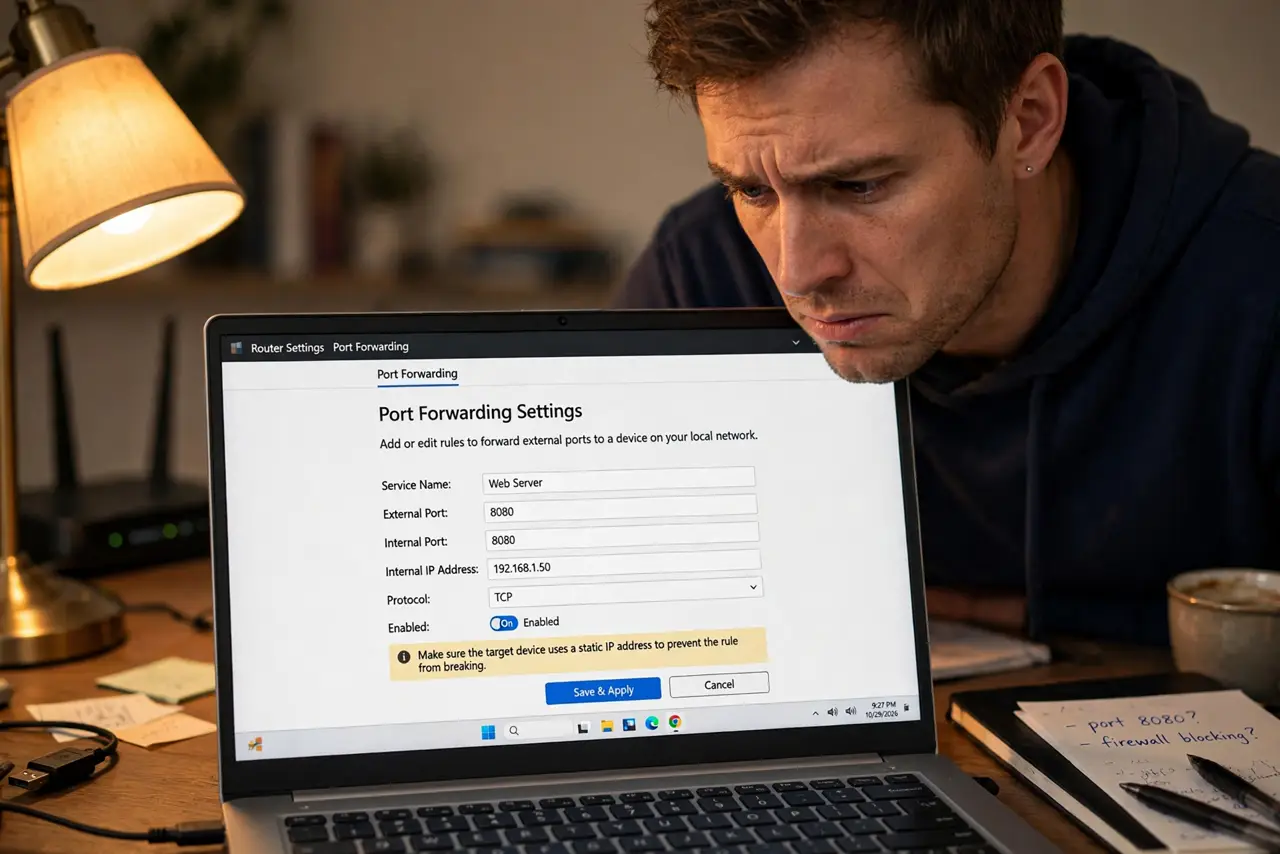
You set up port forwarding on your router exactly as the guide said — and nothing reaches your server from outside. The ports are open on your router, yet the internet cannot see them. The likely culprit is CGNAT: your internet provider shares one public address among many customers, so inbound connections never find your house. Here is how to confirm it and what to do instead.
TL;DR / Quick Fix
Quick fix: CGNAT means your ISP shares one public IP among many homes, so port forwarding on your router never works. Compare router's WAN IP to a what-is-my-IP site — if they differ, you're behind CGNAT. Ask the ISP for a public IP, or use a relay or VPN service.
Follow these steps
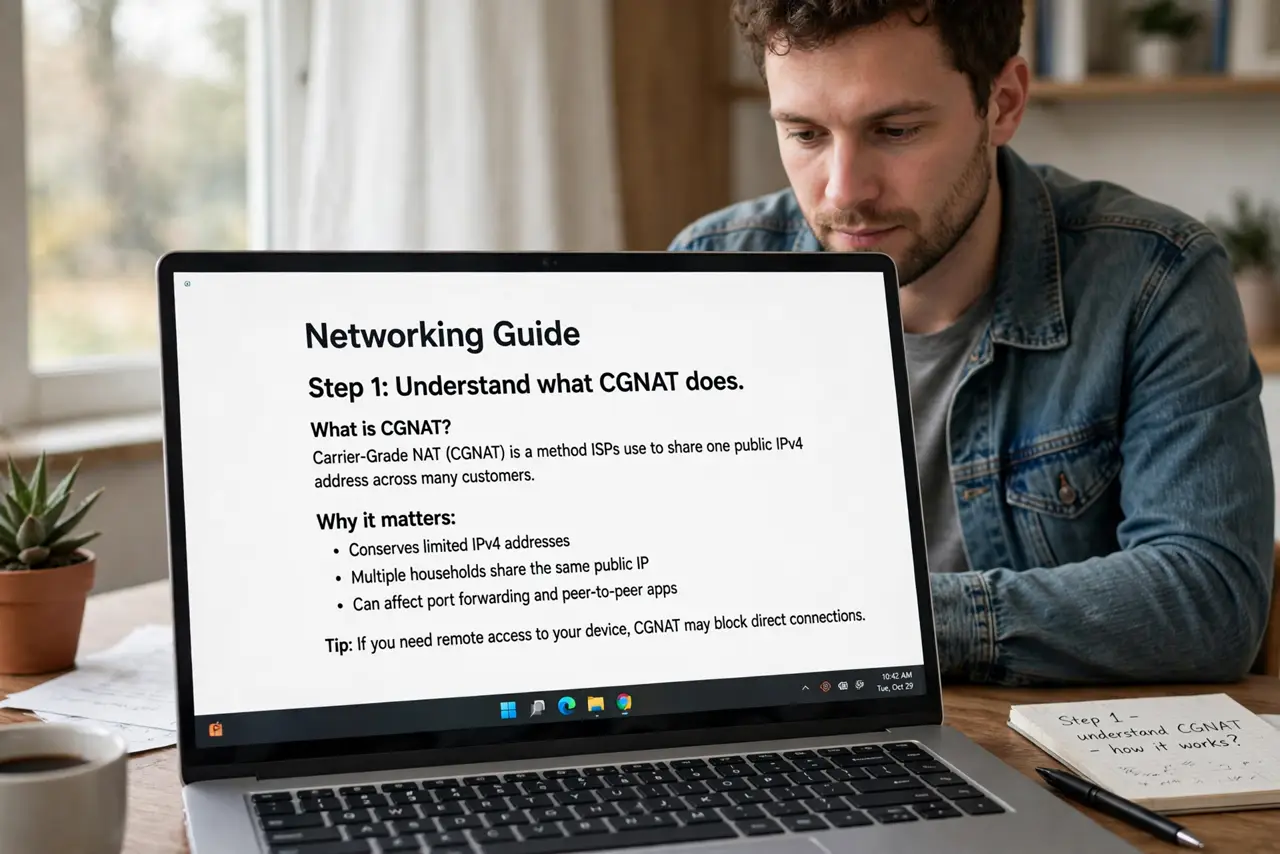
- Understand what CGNAT does. ISPs ran short of IPv4 addresses, so many now put customers behind Carrier-Grade NAT — one public address shared by a whole neighborhood. Your router's 'public' address is actually private, shared with strangers.
- Confirm you are behind CGNAT. Open your router's status page and note the WAN IP. Then visit any 'what is my IP' site. If the two addresses differ, your ISP is translating you behind CGNAT — and no router setting can fix that.
- Check whether the addresses match. If the WAN IP and the site agree, you are NOT behind CGNAT — your port forwarding problem is elsewhere, like a firewall or the wrong internal IP.
- Ask your ISP for a public IP. Many providers will give you a real public address on request, sometimes free, sometimes for a small monthly fee. This is the cleanest fix for self-hosting.
- Use a relay or tunnel service instead. When the ISP will not budge, services that relay traffic to your home work around CGNAT entirely — no open ports needed. Many are free for light use.
- Consider a VPN with port forwarding. Some VPN providers offer forwarded ports through their servers. Your traffic exits through their public IP, sidestepping CGNAT — weigh the cost against the ISP's public-IP fee.
What NOT to do
- Do not keep re-adding port forwarding rules hoping one sticks. Behind CGNAT, every rule is dead on arrival — diagnose first.
- Do not pay for a static IP without asking. Many ISPs hand out dynamic public IPs free; 'static' is a different, pricier product.
- Do not expose services directly to the internet without securing them. An open port with a weak password is an invitation.
- Do not confuse CGNAT with double NAT from two routers. Both block inbound traffic, but the fixes differ.
Frequently asked questions
Can I still host a game server behind CGNAT?
Yes, via relay or tunnel services, or a VPN with port forwarding. Direct port forwarding will not work, but these workarounds do.
Why did port forwarding work at my old address?
Your old ISP likely gave you a real public IP. CGNAT deployment varies by provider and region — moving can silently change this.
Does CGNAT slow down my internet?
For normal browsing, streaming, and gaming out, no. It only blocks inbound connections — things trying to reach you first.